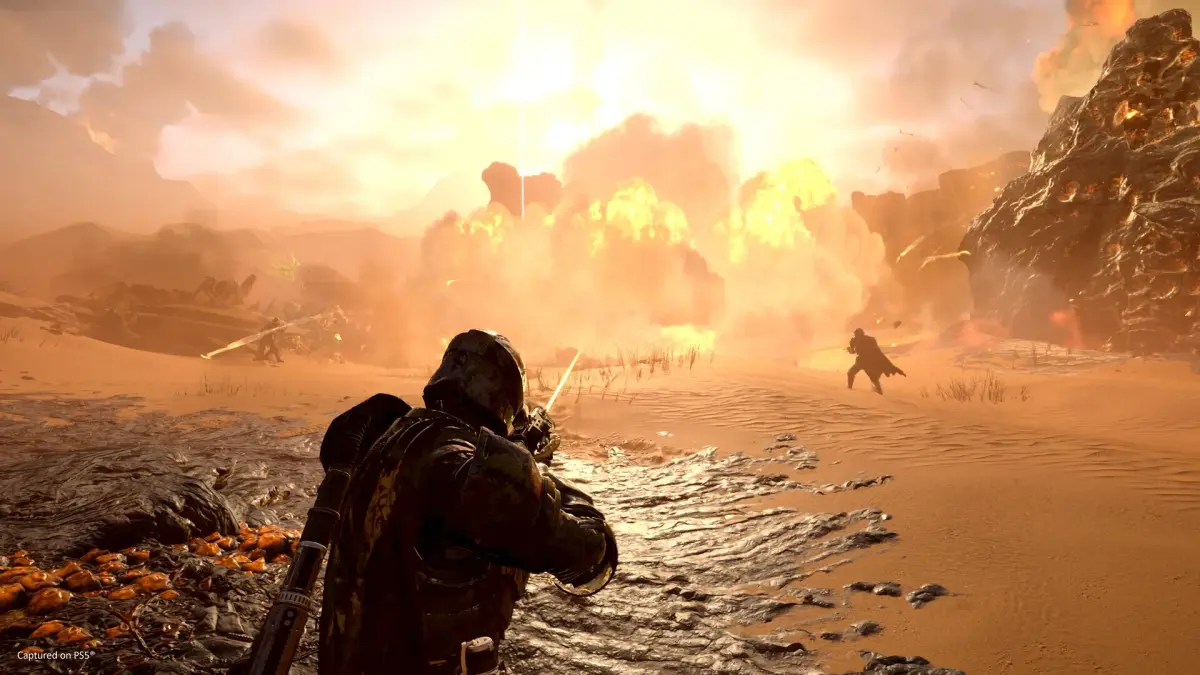
Boost your Helldivers 2 performance with our guide to optimizing game settings. Learn how to adjust graphics and other options for smoother gameplay and higher frame rates.
This guide focuses on optimizing your game settings in Helldivers 2 to achieve the best possible performance. We will cover key settings that impact frame rates and overall gameplay smoothness.
Optimizing Game Settings for Performance
To ensure the smoothest gameplay experience in Helldivers 2, adjusting your in-game settings is crucial. While the game offers a visually engaging experience, certain settings can significantly impact performance, especially on less powerful hardware. Here’s how to fine-tune your options:
Graphics Settings
- Resolution: Lowering your resolution can provide a significant performance boost. Experiment with resolutions like 1080p or even 720p if necessary.
- Texture Quality: While high textures look great, they consume a lot of VRAM. Try setting this to Medium or Low if you’re experiencing stuttering.
- Shadow Quality: Shadows are notoriously performance-intensive. Setting this to Low or Medium can free up considerable resources.
- Anti-Aliasing: This smooths out jagged edges but can be taxing. Consider turning it off or using a less demanding option like FXAA if performance is a priority.
- Effects Quality: High effects quality can cause frame drops during intense combat. Lowering this can help maintain a stable frame rate.
- Draw Distance: Reducing draw distance can improve performance by rendering fewer objects in the distance.
Other Performance Tweaks
- V-Sync: While V-Sync prevents screen tearing, it can introduce input lag and cap your frame rate. Try turning it off to see if your performance improves. If screen tearing becomes an issue, consider using Adaptive V-Sync if your graphics driver supports it.
- Motion Blur: This is largely a matter of preference, but turning off motion blur can sometimes make the game feel more responsive and might offer a slight performance gain.
- Background Applications: Ensure that no unnecessary applications are running in the background while you play Helldivers 2, as they can consume valuable CPU and RAM resources.
By carefully adjusting these settings, you can significantly improve your performance in Helldivers 2, leading to a more enjoyable and responsive gaming experience, especially during chaotic battles.
100% Human-Written. AI Fact-Checked. Community Verified. Learn how AntMag verifies content