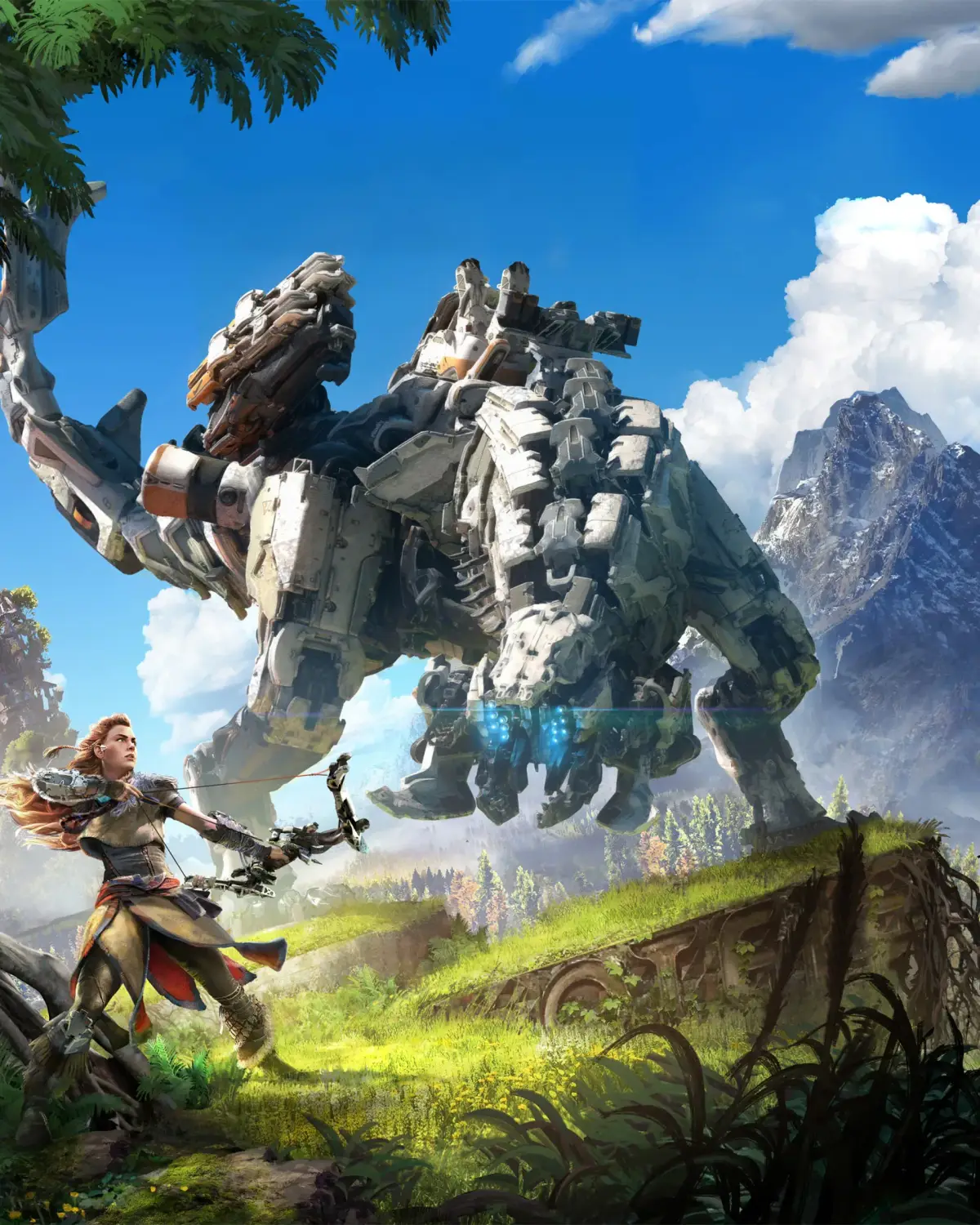
Welcome to the world of Horizon Zero Dawn, an open-world RPG where you'll explore a lush, post-apocalyptic Earth overrun by robotic creatures. As Aloy, an outcast seeking answers about her past, you'll master intense combat, craft essential gear, and uncover the secrets of a lost civilization. It's a journey filled with stunning visuals, a rich narrative, and challenging encounters against formidable machines.
This guide is your ultimate companion to becoming the ultimate machine hunter. We'll walk you through all 22 main story missions, including critical points like 'A Gift from the Past' and 'The Face of Extinction.' Beyond the campaign, we cover every side-quest, errand, and major open-world activity like Cauldrons, Hunting Grounds, and Tallnecks. Plus, find detailed locations for all collectibles – Metal Flowers, Banuk Figures, Ancient Vessels, and Vantages – and tips for earning every achievement and trophy.
Version History: The Basics
Explore the version history of the Horizon Zero Dawn guide, detailing updates from initial release (v1.0) through DLC additions and content expansions.
Version History: The Basics
Explore the version history of the Horizon Zero Dawn guide, detailing updates from initial release (v1.0) through DLC additions and content expansions.
Controls: Gameplay 2
Master the Gameplay 2 controls in Horizon Zero Dawn. Learn how to move, fight, and interact with the world using the analog sticks, D-pad, and face buttons.
Controls: Gameplay 2
Master the Gameplay 2 controls in Horizon Zero Dawn. Learn how to move, fight, and interact with the world using the analog sticks, D-pad, and face buttons.

Controls: Gameplay
Learn the essential controls for Horizon Zero Dawn, including movement, combat, and menu navigation. Master the analog sticks, D-pad, and face buttons to dominate the wilds.
- 1Use the Left Analog Stick to control Aloy's movement.
- 2Use the Right Analog Stick to control the camera.
- 3Press L3 to make Aloy sprint.
- 4Press R3 to toggle Focus Mode, which highlights enemies and interactive elements.
- 5Press X to make Aloy jump or accelerate your mount.
- 6While sprinting, press Square to make Aloy slide. Press Square again to toggle crouch.
- 7Press Triangle to interact with objects and characters.
- 8Press Circle to perform a dodge roll or slow your mount.
- 9Press the Options button to open the Options Menu.
- 10Press the Touchpad to open the main Menu. Touch the Touchpad to show the HUD and Objectives.
- 11Use the Left and Right D-Pad to cycle through your equipped Tools and Traps.
- 12Press the Down D-Pad to use the currently selected Tool or Trap.
- 13Press the Up D-Pad to use the Medicine Pouch.
- 14Hold the L1 button to open the Weapon Wheel.
- 15Hold the L2 button to aim your equipped weapon.
- 16While aiming, press R1 to perform a light melee attack or reload your weapon.
- 17While aiming, press R2 to perform a heavy melee attack or fire your weapon.
- Combining the dodge roll (Circle) with movement can help you evade enemy attacks effectively.
- Using Focus Mode (R3) is crucial for identifying weak points on machines and planning your approach.
- Quickly switching between traps (D-Pad) and weapons (L1) is key to adapting to different combat situations.
Exploration
Master survival in Horizon Zero Dawn by managing health with medicine and potions. Discover optional content like sidequests, errands, collectibles, and side activities. Learn to use the Focus tool for exploration and combat.
You won’t get very far into the game just by running around and killing machines, as you need to learn how to survive. One of the main points of survival is keeping yourself alive. Thankfully, there’s nothing like having to drink water or eat food, but your health is not something that gradually restores itself. At the beginning of the game, you are taught about the medicine pouch and harvesting specific plants to fill this pouch. These plants, when you get close enough, are red, so it’s fairly easy to distinguish them from other plants you can pick.
Whenever you get injured, you will notice that there’s a plus sign in the bottom left that might start flashing. Pressing up on the directional pad will apply the healing from the medicine pouch to your HP. You can also use potions to heal Aloy, which are designated to your down button on the directional pad, although there’s more than just health potions assigned to that button. You can cycle through the items by pressing left or right on the directional pad. Once you find the item in question, press down to use it.
Side Content
One of the things that is available to the player in Horizon: Zero Dawn is a lot of optional content. These come in the form of sidequests, errands, collectibles and side activities. Sidequests and Errands are similar to one another, but Errands tend to fall into the fetch quests category, while Sidequests are more fleshed out mini-stories. Collectibles are hidden around the map and come in many varieties, such as Metal Flowers, Ancient Vessels, Banuk Figures and Vantage Points.
You can purchase collectible maps at a vendor to have them give you a general location on your map.
Side Activities are also varied and include things that don’t fall into the categories above. You have Hunting Grounds, which are short time trials to test out your abilities and game prowess, Bandit Camps, where you just kill a bunch of human enemies, Cauldrons, which are essentially dungeons, Tallnecks, which are large machines that when overridden will reveal pieces of the map, and Corrupted Zones, something similar to Bandit Camps but with corrupted machines instead.
Focus
The Focus is one of the most important tools in your disposal, as it is used for almost everything. Pressing R3 (pushing in the right stick) will toggle it on and off, and it could be compared to something like Detective Mode in the Batman Arkham games. When activated, the Focus will highlight various things when you put the cursor over an object, such as wild animals, machines, human enemies, important NPCs, campfires and much more.
Similar guides you might like






100% Human-Written. AI Fact-Checked. Community Verified. Learn how AntMag verifies content