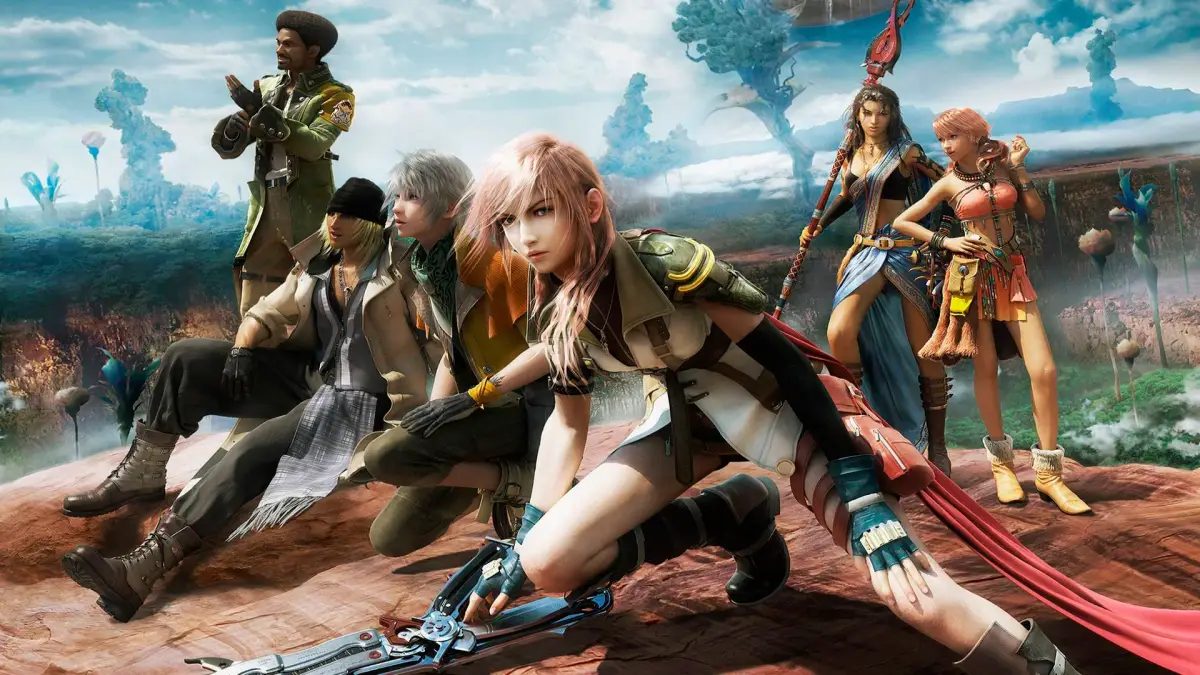
Learn all PC controls for Final Fantasy XIII, including movement, camera, menus, battle commands, and shortcuts. Master the game with this comprehensive guide.
Walkthrough
- 1Use WASD keys for character movement.
- 2Use the N-Pad or Mouse to change the camera view.
- 3Use the Mouse to move the menu cursor.
- 4The A Button (Left Click / Space / Return) confirms actions.
- 5Press the E Button to open the Menu.
- 6Use the B Button (Backspace / Right Click) to go back.
- 7In the field, press X to open the map or activate Gestalt Mode.
- 8Press Tab to open the Paradigm menu in battle.
- 9Press C to check the stats of the selected monster in battle.
- 10Press 5 to return the camera to the default position behind the party leader.
- 11Press 0 to pause the game.
- 12Press 1 to hide/show the mini map or restart the game from the pause menu.
Tips
- Familiarize yourself with these controls to navigate menus and battle efficiently.
- The X button serves a dual purpose in the field and in battle.
- Use the 5 key for quick camera resets.
100% Human-Written. AI Fact-Checked. Community Verified. Learn how AntMag verifies content