Learn how to move, catch, and battle in pokemon lets go pikachu and lets go eevee. Save your game regularly to avoid losing progress.
You play as a young boy or girl from Pallet Town. Movement is controlled using the analogue stick on your Joy-Con or Poké Ball Plus; pushing the stick to its farthest position will make your character dash. Interact with objects by pressing the A button or pushing the analogue stick inwards on the Poké Ball Plus.
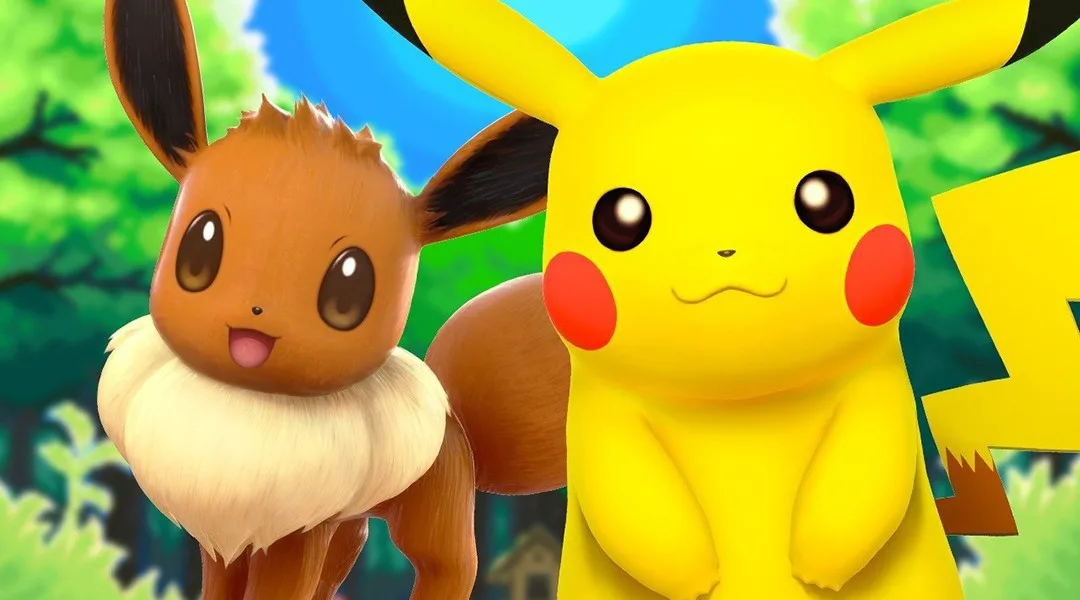
Your Pokémon are essential for battling and traveling. You catch your first Pokémon, Pikachu in pokemon lets go pikachu or Eevee in pokemon lets go eevee, at the start of the game. Catching new Pokémon and training your team will make your journey easier.
The Kanto region, recreated in 3D, is based on modern-day Japan and retains the layout of the original Pokémon games. Wild Pokémon can be seen roaming in routes and dungeons. Touching a wild Pokémon initiates catching mode. Instead of battling wild Pokémon, you use motion controls to throw Poké Balls. Each throw has a chance to successfully catch the Pokémon or cause it to break free.
Battles occur when you challenge other trainers or when certain wild Pokémon attack. Battles are turn-based, with trainers selecting moves and wild Pokémon using random ones. Battles end when one side's Pokémon are unable to fight. Winning trainer battles earns your Pokémon experience points, allowing them to Level Up, and grants you money and Poké Balls. Winning wild Pokémon battles allows you to attempt to capture the defeated Pokémon.
Managing your Pokémon
Pokémon Centres act as free hospitals for your Pokémon. HP (Hit Points) is your Pokémon’s health; if it reaches 0, the Pokémon faints and cannot battle. If all your Pokémon faint, you restart at the last Pokémon Centre with some money lost. HP can be restored with items or at Pokémon Centres. PP (Power Points) are the uses available for each move. Moves with 0 PP cannot be used. PP is also restored with items or at Pokémon Centres.
You can have up to 6 Pokémon in your party. New Pokémon are automatically added. If your party is full, caught Pokémon are sent to your Box, accessible via the Party menu outside of battle.
Saving the Game
Save your game regularly by opening the menu with the X Button (or the top button on the Poké Ball Plus) and selecting Save. This game does not feature automatic saving.
100% Human-Written. AI Fact-Checked. Community Verified. Learn how AntMag verifies content