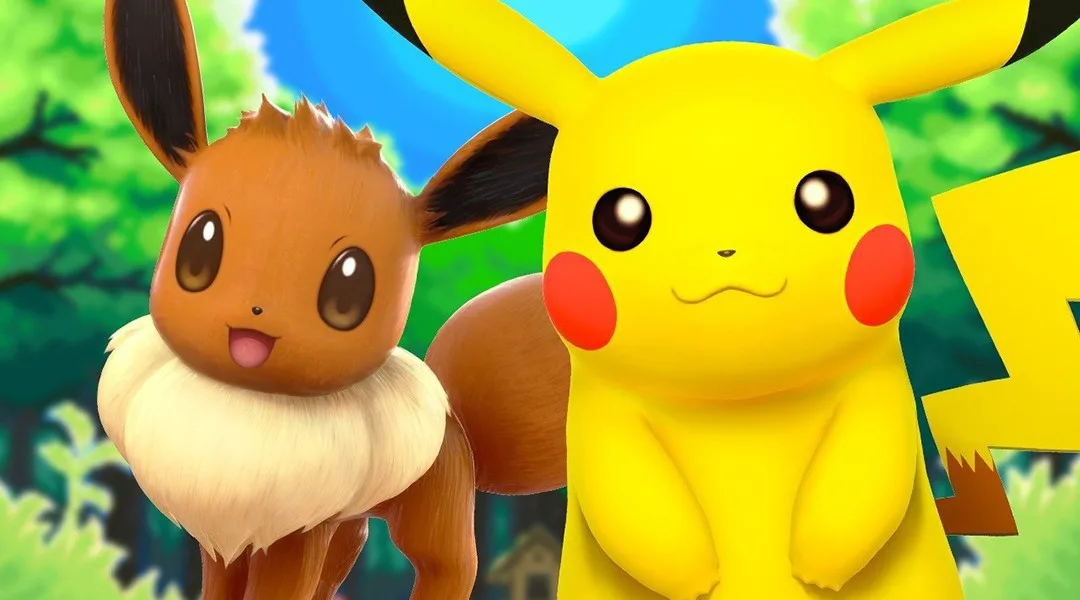
Learn how to easily pair your Pokémon GO account with Pokémon Let's Go Pikachu and Let's Go Eevee. Step-by-step instructions to connect your games and transfer Pokémon.
Alright, so you want to get your Pokémon GO pals into your Let's Go game? No sweat! The first thing you gotta do is link up your accounts. You can do this whenever you feel like it, so don't stress about timing.
First up, let's get your Let's Go game ready. Just open up the main menu, then dive into the 'Options.' You'll see a button that says 'Open Pokémon GO Settings' right at the top. Give that a tap. Your game will then start looking for a Pokémon GO account to connect with.
Now, switch over to your phone and boot up Pokémon GO. Once it's all loaded up, tap that big Poké Ball icon at the bottom of your screen. Head into 'Settings,' scroll down until you find 'Nintendo Switch,' and tap on that. Make sure your phone's Bluetooth is turned on – it needs to be enabled for the connection. Then, just tap 'Connect to Nintendo Switch.'
If everything's aligned, your Pokémon GO should spot your Let's Go game, and your Let's Go game should find your Pokémon GO account. You'll see a prompt asking if you want to pair them. Just select 'Yes,' and boom! Your Nintendo Switch should pop up under 'Available Devices' in Pokémon GO. That's it, you're officially linked up!
Quick Note: Don't worry about this being a permanent thing. If you ever decide you want to link a different Pokémon GO account to your Let's Go game, or vice versa, it's super easy to change. Just go back into the 'Open Pokémon GO Settings' on your Let's Go game to pair a new account. On the Pokémon GO side, you can disconnect from your Switch by hitting the eject button under 'Available Devices' and then start the pairing process all over again.
100% Human-Written. AI Fact-Checked. Community Verified. Learn how AntMag verifies content