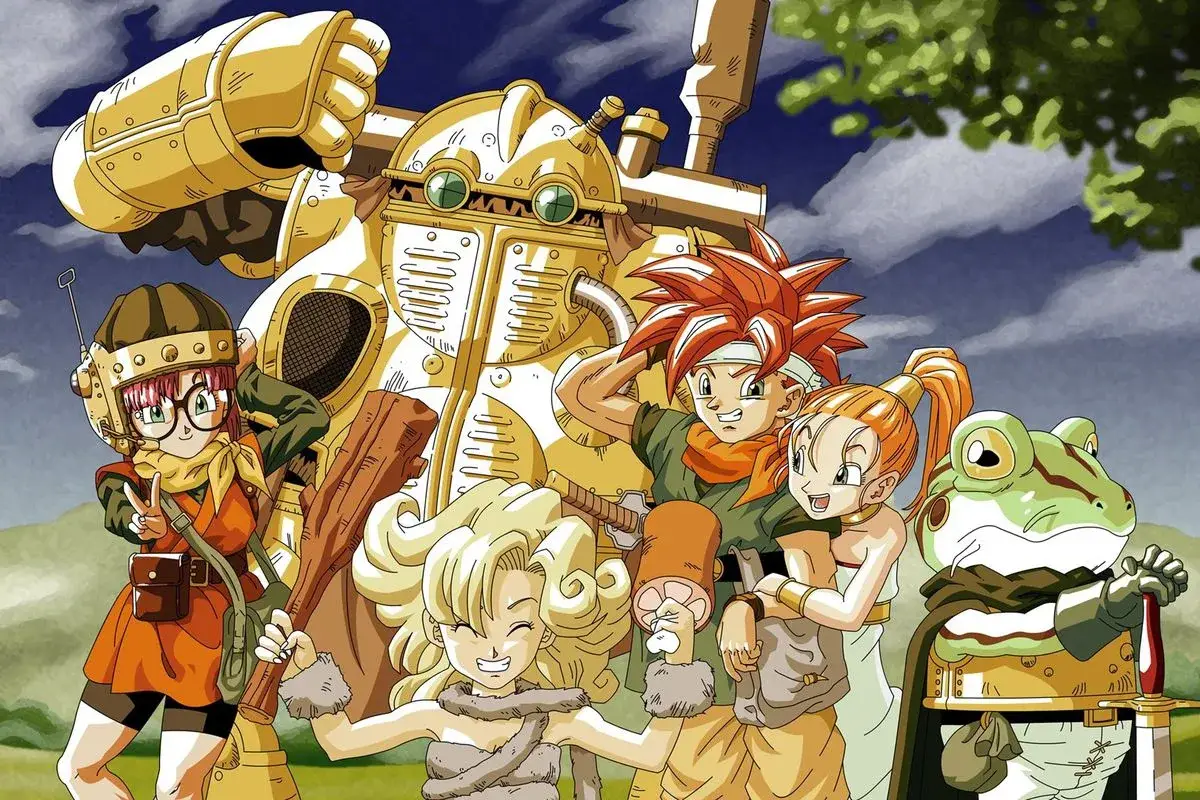
Learn how to save your progress in Chrono Trigger with this guide. Discover the importance of save points and how they function within the game's mechanics.
Walkthrough
- 1Locate a Save Point: These are typically found in towns, dungeons, and before major boss encounters. They are visually distinct and often marked on the map.
- 2Interact with the Save Point: Approach the Save Point and press the action button (usually 'A' on SNES/DS) to bring up the save menu.
- 3Choose to Save: Select the option to save your game. The game will then prompt you to confirm.
- 4Save Your Game: Once confirmed, the game will save your current progress. This includes your party's level, HP/MP, inventory, and current location.
- 5Continue Your Adventure: After saving, you can safely turn off your console or exit the game, knowing your progress is secured.
Tips
- Always save your game after significant progress, especially before entering a new area or facing a boss.
- Save points are also used to restore your party's HP and MP. Make sure to utilize this feature when needed.
- Be aware that some areas may not have save points immediately available, so plan your exploration accordingly.
- In the DS version, save points are also used to access the Arena of the Ages.
100% Human-Written. AI Fact-Checked. Community Verified. Learn how AntMag verifies content