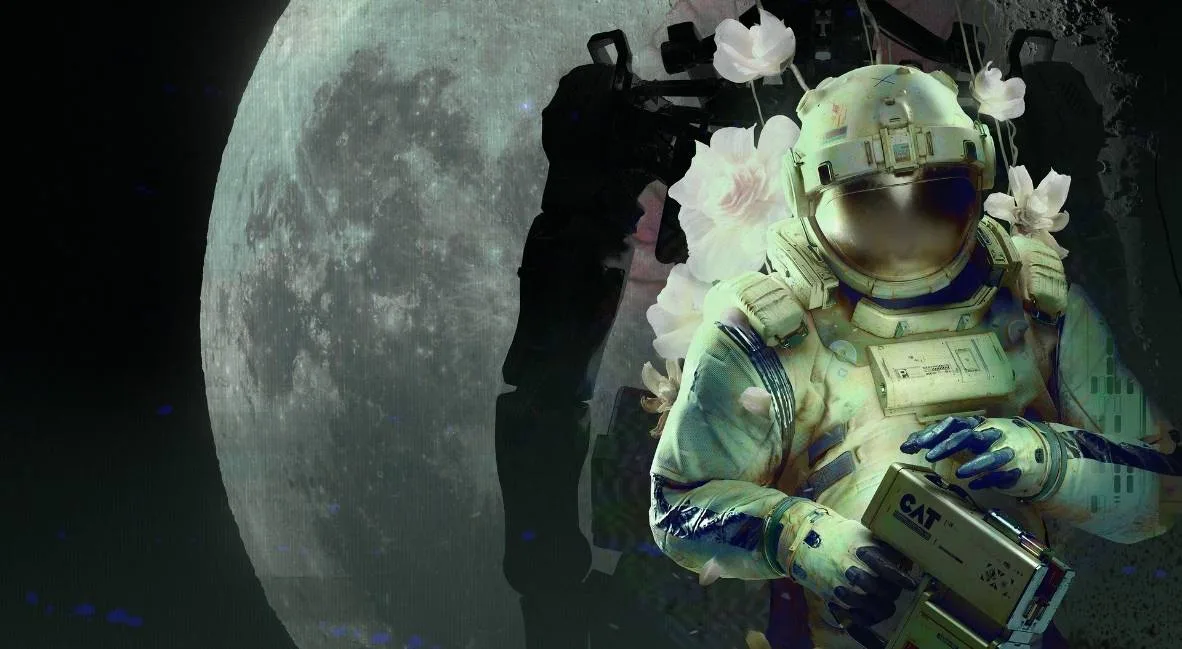
Unlock the secrets of Routine! This guide details exploration, hidden content, and essential steps for navigating the game's mysterious environments and uncovering all its secrets.
This guide covers exploration and hidden content within Routine, detailing how to find key items, access new areas, and uncover secrets throughout the game. Follow these steps to ensure you don't miss any crucial elements.
Walkthrough:
- Start in your room: Approach your helmet on the wall and press E/M1.
- Use the computer: Interact with the computer to the right of the helmet. Complete the FORM tutorial, then go to the PRINT tab and PRINT ID.
- Retrieve your ID: Crouch using CTRL + Space + S to find the fallen ID under the computer and press E/M1 to grab it.
- Exit your room: Use the computer beside the door and press OPEN DOOR. Walk left towards the light and watch the presentation.
- Access the elevator: Go to the elevator door. Instead of entering a password, go to Meeting Room A01 (to the right of the panoramic screen) and then the second door on your right.
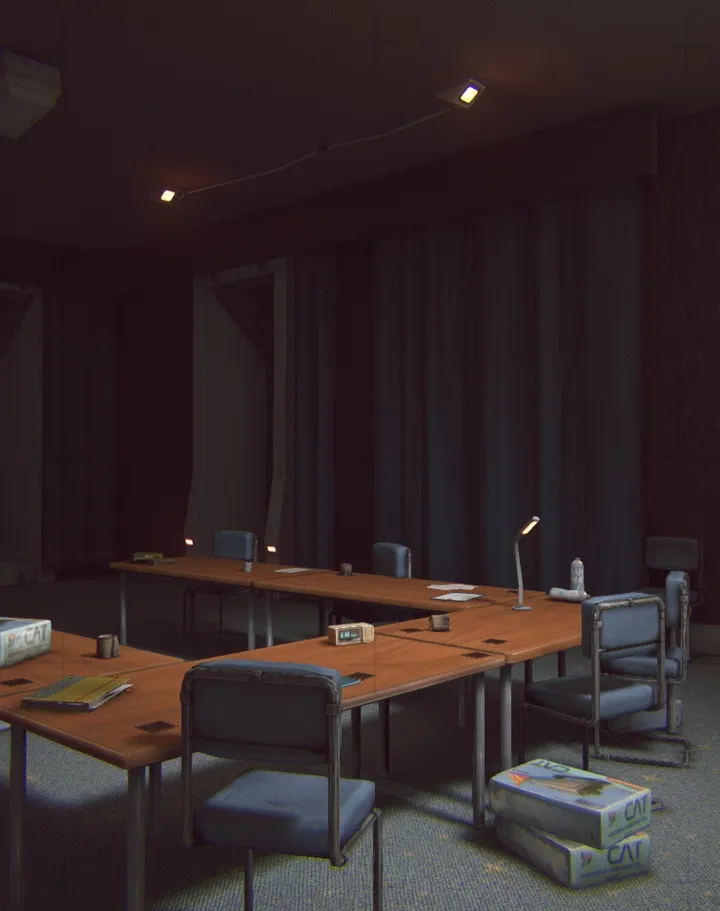
- Collect the C.A.T. tool: In the meeting room, find the C.A.T. tool on the second table to your left.
- Find batteries: Use the computer in the meeting room to open another door. Find batteries (blue) inside, potentially in the recycling center beneath the shelves (crouch to access).
- Connect to Wireless Access Point: Go to the projection on the wall in the meeting room, press R to view your tool, and press the Wireless Access Point button to connect.
- Find the elevator keycode: While connected, go to the DATABASE page and note the elevator keycode (e.g., 4832 - this is randomized per player).
- Enter the elevator: Return to the elevator, enter the keycode on the keypad, and press OPEN DOOR. Press GATEWAY on the computer inside to proceed.
- ASN Terminal: Upon exiting the elevator, walk left to the ASN terminal. Listen to the voice recording and view the screen for an access code.
- Override Tram Gate: Go back towards the elevator and look right at the Tram Station. Follow the cables from the gate to the box on the wall above the note. Aim your C.A.T. tool (M2) and fire a pulse (M1) to open the gate.
- Board the Tram: Enter the Tram Station. To the left of the Wireless Access Point, approach the Tram, and its door will open. Use the computer inside to select a destination; choose the Mall.
- Mall - Front Desk: At the Mall, go to the front desk and press the IC assistance button. Follow the droid to the computer and log in using your ID number (found on the front of your suit, e.g., 9601 - this is randomized).
- Select purpose: Choose Business or Pleasure. An error will occur.
- Access different entrance: Return to the front desk, press IC assistance again, and follow the IC bot to a different entrance. Climb down the ladder.
- Open the Mall Hatch: At the bottom of the ladder, walk straight to the Wireless Access Point. To its right, find an electrical box on the wall at the far end. Aim your C.A.T. tool (M2) and fire (M1) at the terminal to open a hatch. Press CTRL to climb through.
- Escape the room: A gate will close you in. Crouch and look under the Checkout desk for a red button. Press it, then hide behind the desk as a bot breaks the gate open.
- Navigate hostile bots: Once the gate is open, wait for the bot to move away, then run left and make a right towards Galaxy Video. Be cautious of hostile bots in this area.
- Find Security Room Note: Walk down the hall to the right of the Galaxy Video's Access Point. Read the note on the door of the security room; the meeting is moved to MEGAZONE.
- Path to MEGAZONE: Go back to the plant area before Galaxy Video, through Union Plaza, past the room where you entered via the hatch, towards the panel of screens. Take a left, then a right down the hall into an area with purple lighting. Go around the center planter and crouch (CTRL) under the shutters into MEGAZONE.
- MEGAZONE Arcade Achievement: In MEGAZONE, find a powered-on arcade machine (back row, Gunshow image). Press E/M1 to interact and play the game using the on-screen prompts to earn the
100% Human-Written. AI Fact-Checked. Community Verified. Learn how AntMag verifies content