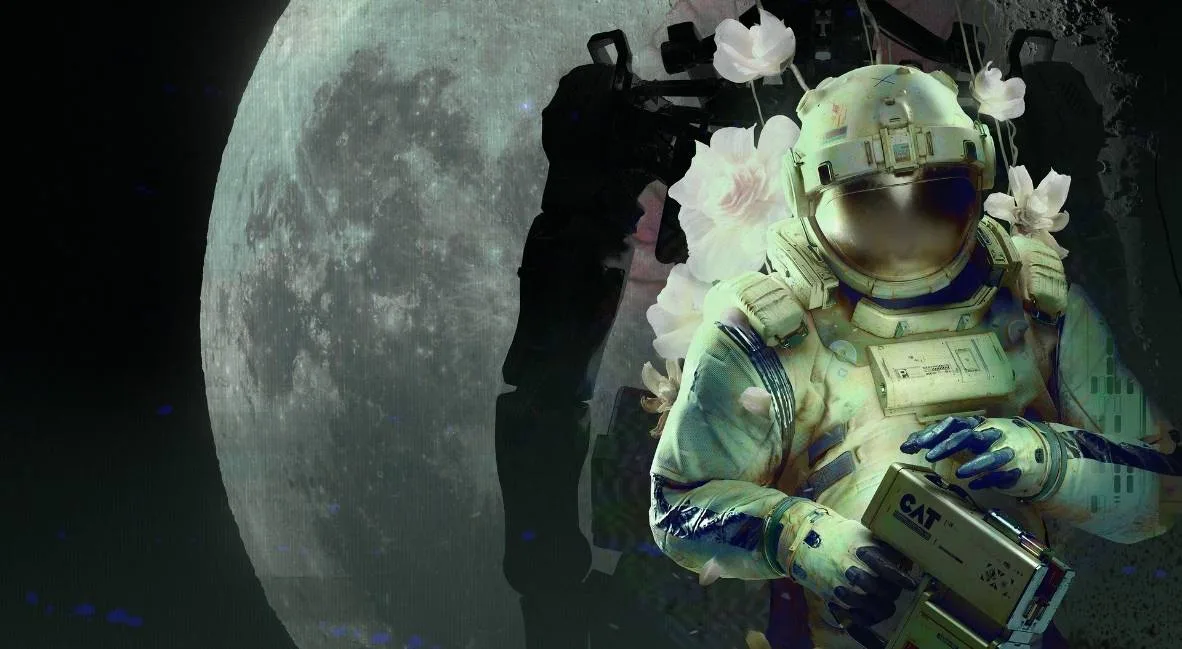
Uncover the Lunar Base's past by watching the Galaxy Video in Routine. This crucial narrative element sheds light on the station's current derelict state.
The Galaxy Video: Uncovering Lunar Base Lore
The Galaxy Video represents a crucial point of interaction within the expansive and often unsettling environments of the Lunar Base. While not a combat encounter, it serves as a vital narrative delivery system, offering players glimpses into the past and shedding light on the events that led to the current derelict state of the station. Its discovery is often tied to specific areas and requires the judicious use of your C.A.T. tool.
Location: The Mall and Associated Areas
The primary location where you are likely to encounter the Galaxy Video is within The Mall. This area, designed to be a central hub of commerce and leisure for the base's inhabitants, often contains remnants of its former glory, including entertainment facilities. "The Mall" is a distinct, named sector within the Lunar Base, characterized by its larger open spaces, storefront facades, and potentially multiple levels.
Beyond the main concourse of The Mall, the Galaxy Video could manifest in several forms:
- Dedicated Cinema/Auditorium: A larger, more formal space designed for public screenings. Look for tiered seating, a prominent screen area, and potentially a projection booth.
- Public Display Terminals: Smaller screens integrated into kiosks or walls throughout The Mall, designed for announcements, advertisements, or information dissemination.
- Personal Viewing Stations: In more private or specialized areas adjacent to The Mall, you might find individual terminals or booths for personal entertainment.
When navigating The Mall, pay close attention to environmental cues. Signs indicating "Cinema," "Media Center," "Entertainment Hub," or even directional arrows pointing towards such facilities will be your best indicators. The overall aesthetic of The Mall is designed to evoke a sense of lost normalcy, making these entertainment remnants particularly poignant.
Interaction and Functionality
Interacting with the Galaxy Video is typically achieved through your C.A.T. (Cerebral Augmentation Tool). This is not merely a suggestion; in most instances, the terminals and screens are powered down or locked, requiring the C.A.T. tool's diagnostic and activation capabilities to bring them online.
C.A.T. Tool Requirements:
- Standard Activation: The basic functionality of your C.A.T. tool, as acquired early in the game, is usually sufficient to initiate playback. No specific advanced modules are typically required for this core function.
- Power Source: Ensure your C.A.T. tool has sufficient power. While not explicitly stated as a consumable, a low power state might prevent interaction.
- Targeting: You will need to aim your C.A.T. tool directly at the screen or terminal interface and initiate the interaction prompt (usually a contextual button press).
The content displayed by the Galaxy Video can vary significantly:
- Narrative Exposition: These videos often provide critical backstory, revealing details about the Lunar Base's purpose, the lives of its inhabitants before the incident, or the nature of the catastrophe itself.
- Environmental Clues: Visuals or audio within the videos might offer hints for puzzles, such as codes, schematics, or the location of hidden items.
- Atmospheric Storytelling: Even seemingly mundane content, like advertisements or news reports, contributes to the immersive atmosphere, highlighting the stark contrast between the past and the present desolation.
- Character Development: You might see recordings of specific individuals, offering insights into their personalities, relationships, and roles within the base.
Walkthrough: Finding and Activating the Galaxy Video
The exact location and content of the Galaxy Video can vary slightly based on your progression through the game and potentially procedural generation elements. However, a general approach can be outlined:
- Navigate to The Mall: Upon reaching the sector designated as "The Mall," begin a systematic exploration. Prioritize areas that appear to be central gathering points or entertainment zones.
- Identify Potential Sites: Look for large, flat surfaces that could serve as screens, or distinct structures resembling cinemas or media kiosks. Listen for any ambient sounds that might indicate active machinery, even if faint.
- Approach and Scan: Once a potential Galaxy Video site is identified, approach it. Your C.A.T. tool will often provide a subtle visual cue or prompt when it can interact with the object.
- Activate with C.A.T.: Equip your C.A.T. tool and aim it at the screen or terminal. Press the designated interaction button to attempt activation.
- Observe and Record: If successful, a video will play. Pay extremely close attention to all visual and auditory information. It is highly recommended to have a method for taking notes (in-game or external) to record any numbers, symbols, names, or sequences that appear.
- Analyze Content: After the video concludes, take a moment to process the information. Does it unlock a new objective? Does it provide a code for a nearby locked door? Does it reveal a vulnerability of a specific enemy type?
Potential Pitfalls and Missable Content
- Overlooking Subtle Clues: The videos can be short or contain information presented in a stylized manner. Rushing through the playback or not paying attention can lead to missing crucial details.
- Environmental Hazards: While the Galaxy Video itself is not a threat, the areas where it's found (like The Mall) can harbor enemies or environmental dangers. Always maintain situational awareness.
- Power Management: Though less common for this specific interaction, always be mindful of your C.A.T. tool's power levels, especially if you've been using its other functions extensively.
- Progression Gates: In some instances, the information gained from a Galaxy Video might be essential for progressing past a certain point in the game. Failing to find or activate it could lead to being stuck.
The Galaxy Video is more than just a visual element; it's a narrative cornerstone in Routine. By understanding its location, how to interact with it, and the potential value of its content, You can significantly deepen their understanding of the game's lore and improve their chances of survival on the desolate Lunar Base.
100% Human-Written. AI Fact-Checked. Community Verified. Learn how AntMag verifies content