Navigate Routine's interface with ease. This guide covers essential UI elements, controls, and interactions to help you progress through the game.
This guide will help you understand and navigate the User Interface (UI) within the game Routine. We will cover how to interact with various computer terminals, use your C.A.T. tool, and understand important game mechanics.
| Action | Button/Key |
|---|---|
| Interact / Select | E / M1 |
| Look Closer | F |
| Crouch | CTRL |
| Sprint | SHIFT |
| View C.A.T. Tool / Charge | R |
| Aim C.A.T. Tool | M2 |
| Fire C.A.T. Tool Pulse | M1 |
| Open Door | OPEN DOOR button on terminal |
| Access Elevator | GATEWAY button on terminal |
| Use C.A.T. Tool on Terminal | Wireless Access Point button (triangles and lines symbol) |
| Enter ID / Code | KEYPAD page on terminal |
| Climb Through Hatch | CTRL |
Key UI Elements and Interactions:
- Computer Terminals: Used for printing IDs, opening doors, accessing databases for keycodes, and initiating travel via the Tram. You will navigate these using your mouse cursor and selection buttons.
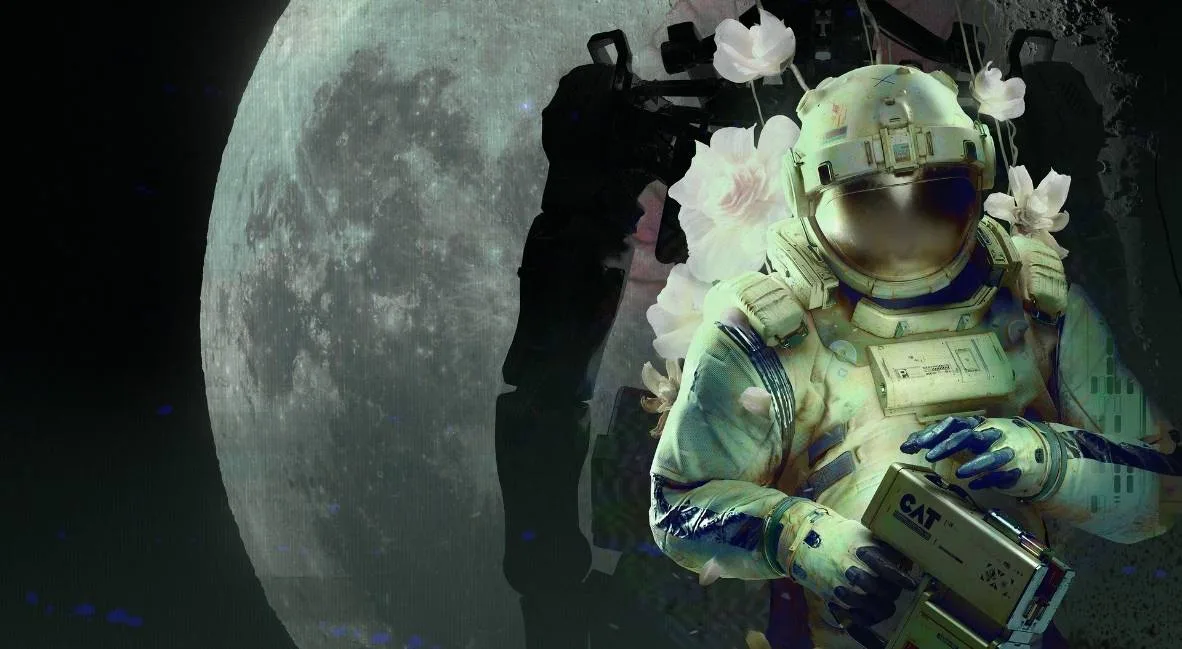
- C.A.T. Tool: Your primary interaction tool. It requires batteries and has limited uses per battery. Use it to interface with Wireless Access Points, override gates, and interact with specific terminals. View its status and charge by pressing R.
- ID Number: A unique identifier for your character, often required for logging into systems like the Mall's front desk. It can usually be found by looking down at your suit.
- Keycodes: Specific codes needed to access certain areas, such as elevators. These are often found in the DATABASE section of terminals and can be randomized per playthrough.
- Wireless Access Points: Terminals that allow you to save progress, view current tasks, and connect your C.A.T. tool to interact with the environment.
- Enemies: Hostile bots that will attack on sight. You cannot fight them and must rely on stealth, hiding, and running (SHIFT) to avoid them.
- Saving Progress: Progress is typically saved at Wireless Access Points.
100% Human-Written. AI Fact-Checked. Community Verified. Learn how AntMag verifies content