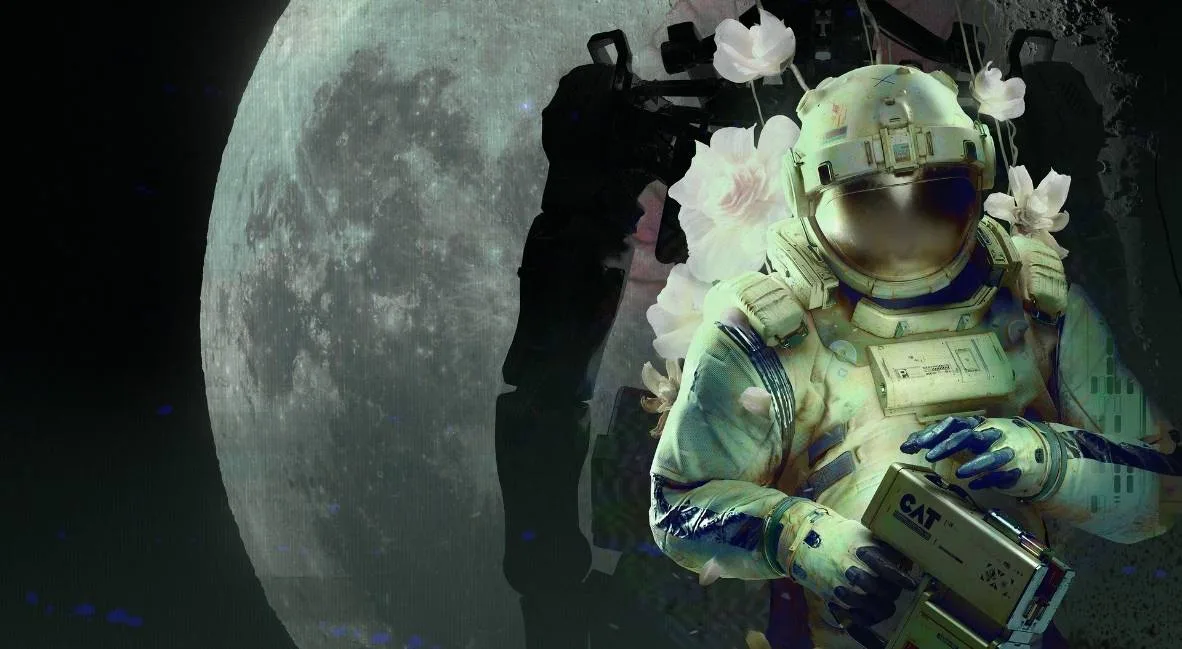

Learn how to navigate Routine's initial setup, master essential controls like movement, interaction, and using the C.A.T. tool for a smooth start.
This guide covers the initial setup and controls for Routine, focusing on how to interact with the game world and its systems from the very beginning.
| Action | Button/Key |
|---|---|
| Interact / Grab | E / M1 |
| Look Closer | F |
| Crouch | CTRL |
| Jump | Space |
| Crouch + Jump | CTRL + Space |
| View C.A.T. Tool / Charge | R |
| Use C.A.T. Tool (Wireless Access Point) | R (then select Wireless Access Point button) |
| Aim C.A.T. Tool | M2 |
| Fire C.A.T. Tool Pulse | M1 |
| Run | SHIFT |
| Open Door | Open Door button on computer |
| Access Elevator | Gateway button on computer |
| Navigate Menus / Select Options | Mouse cursor + M1 / E |
Note: Specific button prompts and controls may vary slightly depending on your input device (keyboard/mouse or controller).
100% Human-Written. AI Fact-Checked. Community Verified. Learn how AntMag verifies content