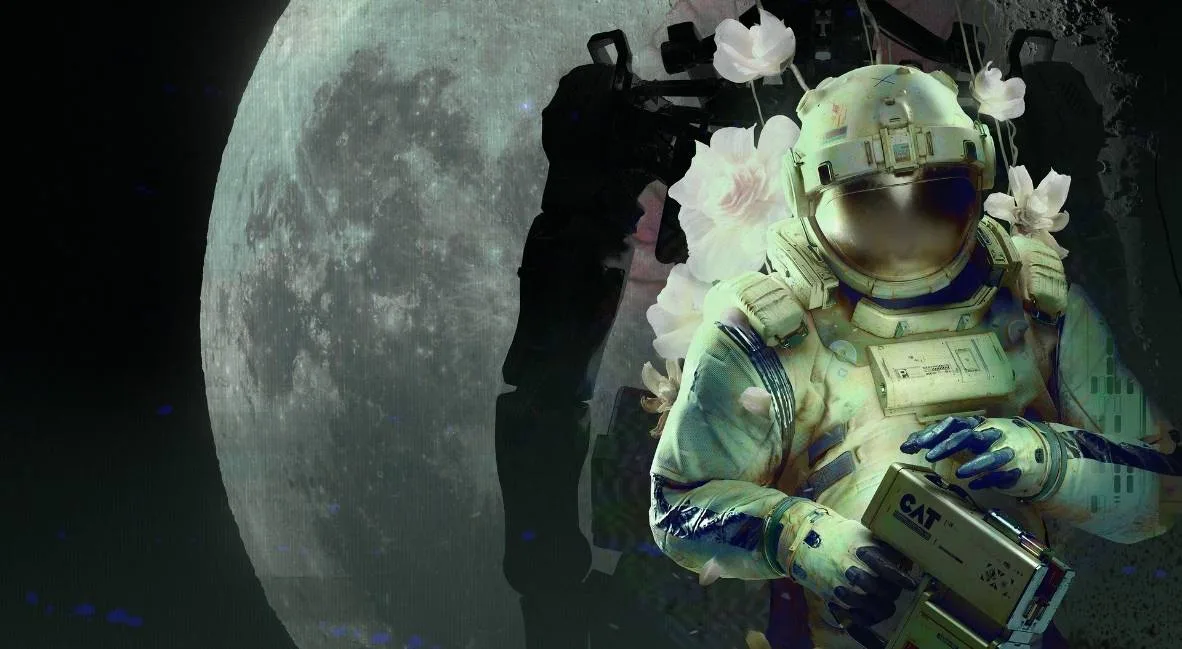
Learn how to use the C.A.T. Tool in Routine. This guide covers printing your ID, accessing terminals, opening doors, and finding essential items like batteries and keycodes.
This guide details the functions of the C.A.T. Tool in Routine, essential for interacting with the environment and progressing through the game. You'll learn how to print your ID, use computer terminals, open locked doors, and manage your tool's power.
| Action | Button |
|---|---|
| Interact / Grab | E / M1 |
| Look Closer | F |
| Crouch | CTRL + Space |
| Check Tool Charge / Use Tool | R |
| Aim C.A.T. Tool | M2 |
| Fire C.A.T. Tool Pulse | M1 |
| Run | SHIFT |
| Wireless Access Point | Button with triangles and lines symbol |
You will need to print your ID from the computer in your room. After approaching your helmet and looking at the computer, navigate to the FORM tab to complete a tutorial, then go to the PRINT tab and select PRINT ID. Grab the printed ID from the left side of the computer. You may need to crouch (CTRL + Space) to pick it up if it falls.
To open your room door, use the computer next to it and press OPEN DOOR. Proceed forward and to the left towards the elevator. Before accessing the elevator, you will need to find the C.A.T. tool in Meeting Room A01, located in the room to the right of the panoramic screen, and then in the second door on your right within that room. Batteries for the C.A.T. tool can be found in another room accessible from the meeting room. Look for blue-colored batteries, which can be found in a recycling center underneath shelves by crouching.
The C.A.T. tool has three uses per battery. To check the charge, press R and look at the meter. To use the C.A.T. tool's functions, press R to view it, then press the Wireless Access Point button (triangles and lines symbol) to connect to screens. This allows you to save progress and view tasks. Access the DATABASE page to find keycodes, such as the elevator code (e.g., 4832, though this is randomized per player). Enter this code into the keypad at the elevator to proceed.
Further on, you will encounter the ASN terminal. To shut it down, you will need an access code. Later, near the Tram Station, you will need to override a gate. Follow the cables from the gate to a box on the wall above a note. Aim your C.A.T. tool at the box (M2) and fire a pulse (M1) to open the gate.
At the Mall, you will need to log in at the front desk using your ID number (e.g., 9601, also randomized). After an error, return to the front desk and follow the IC bot to a different entrance. Climb down a ladder and follow cables to an electrical box. Use your C.A.T. tool (M2 to aim, M1 to fire) to open a hatch. Inside, crouch under a desk and press a red button to open a gate. Be aware of hostile bots in this area and avoid them by running or hiding.
To reach MEGAZONE, navigate through Union Plaza, past the room where you entered via the hatch, and take a left at the panel of screens. Continue down the hall, take a right into an area with purple lighting, go around a planter, and crouch (CTRL) under shutters.
In MEGAZONE, you can find an achievement by interacting with a powered-on arcade machine in the back row (Gunshow image) and following the on-screen prompts.
100% Human-Written. AI Fact-Checked. Community Verified. Learn how AntMag verifies content