Learn all about the controls and user interface in Routine. This guide covers movement, interaction, inventory, and essential UI elements to help you navigate the game.
This guide covers the essential controls and user interface elements for the game Routine. Understanding these will be crucial for navigating the game world, interacting with objects, and managing your inventory.
| Action | Button/Key |
|---|---|
| Move | WASD |
| Look | Mouse |
| Interact | E / M1 |
| Crouch | CTRL |
| Sprint | SHIFT |
| Look Closer | F |
| View C.A.T. Tool | R |
| Aim C.A.T. Tool | M2 |
| Fire C.A.T. Tool Pulse | M1 |
| Open Door | (Contextual Prompt) |
| Use Computer | (Contextual Prompt) |
| Select Tab/Button | M1 / E |
| Grab Item | E / M1 |
| Play Arcade Game | E / M1 |
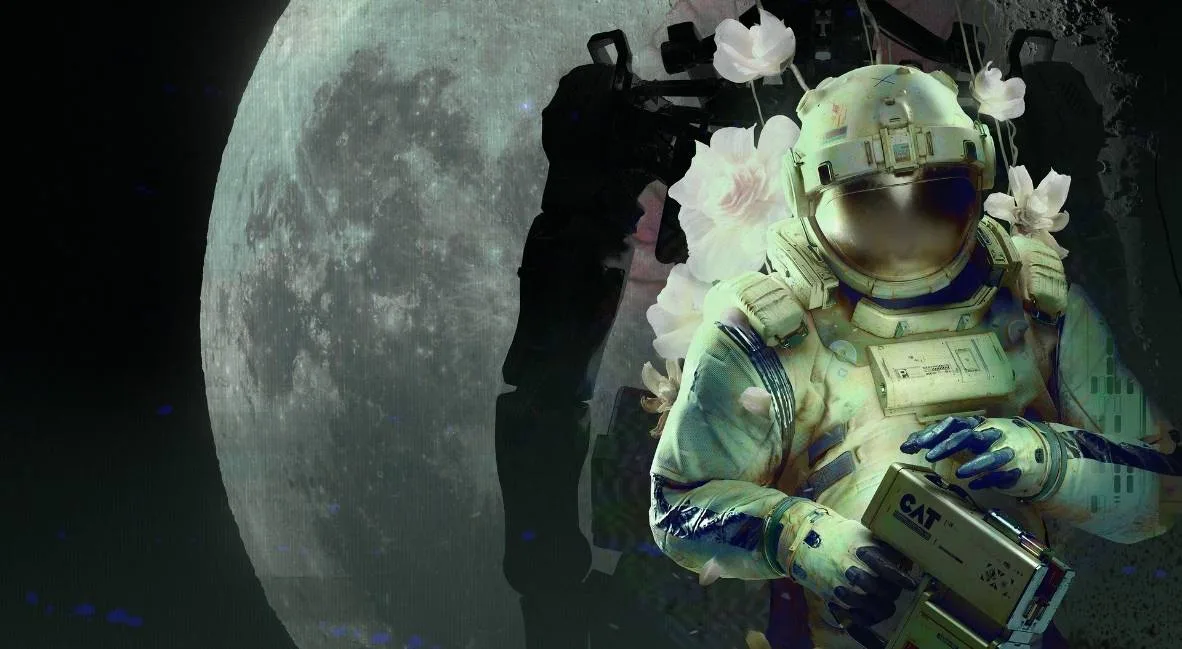
C.A.T. Tool Usage: The C.A.T. tool is essential for interacting with various systems. You'll need batteries to power it, with each battery providing three uses. Use it to activate Wireless Access Points, override gates, and open doors by pulsing electrical boxes.
UI Elements: Pay attention to the meter on your C.A.T. tool to monitor battery charge. The game also provides contextual prompts for interactions and objectives.
100% Human-Written. AI Fact-Checked. Community Verified. Learn how AntMag verifies content