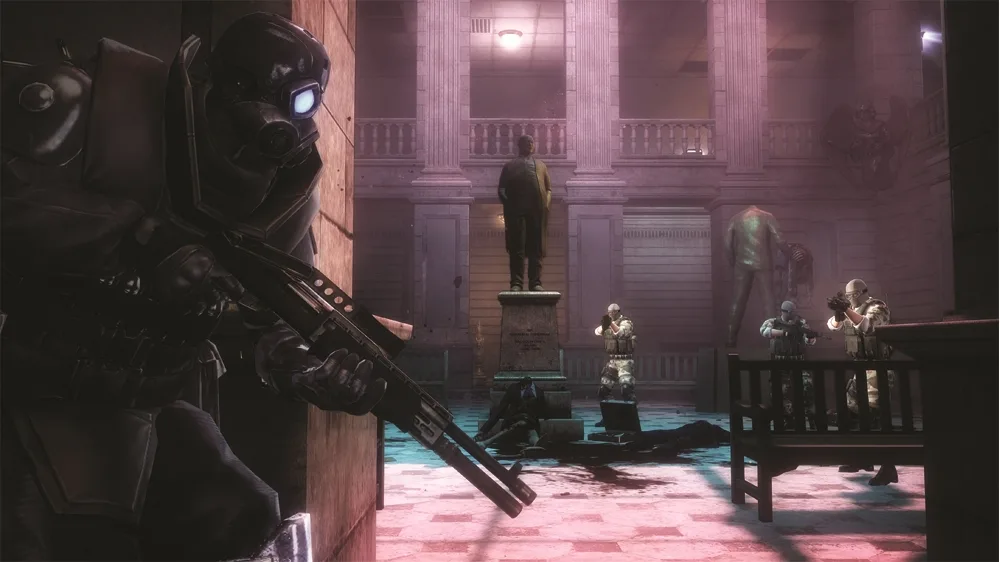
Resident Evil: Operation Raccoon City Waiting Room walkthrough. Collect items, find Intel 9, 10, 11, and Security Camera 4.
Walkthrough
- 1Enter the Waiting Room area once the zombies have thinned out.
- 2Collect all the items within the Waiting Room area.
- 3Move down the hall to the left.
- 4A bomb zombie and several other zombies will attack around the corner.
- 5Blast the zombies as they move through the doorway of the next room.
- 6Move into the Checkup Room.
Items:
- Green Herb - On the reception desk.
Intel:
- Intel 9 - On top of a PC behind the reception counter.
- Intel 10 - On the bookshelf behind the reception counter.
- Intel 11 - In the slot below a pay phone across from the reception.
Collectibles:
- Security Camera 4/10 - On the ceiling behind the reception counter.
Tips
- Be sure to load up on ammo at the ammo box before leaving the previous area.
- The zombies will be moving through the doorway of the next room; blast them while moving into the Checkup Room.
100% Human-Written. AI Fact-Checked. Community Verified. Learn how AntMag verifies content