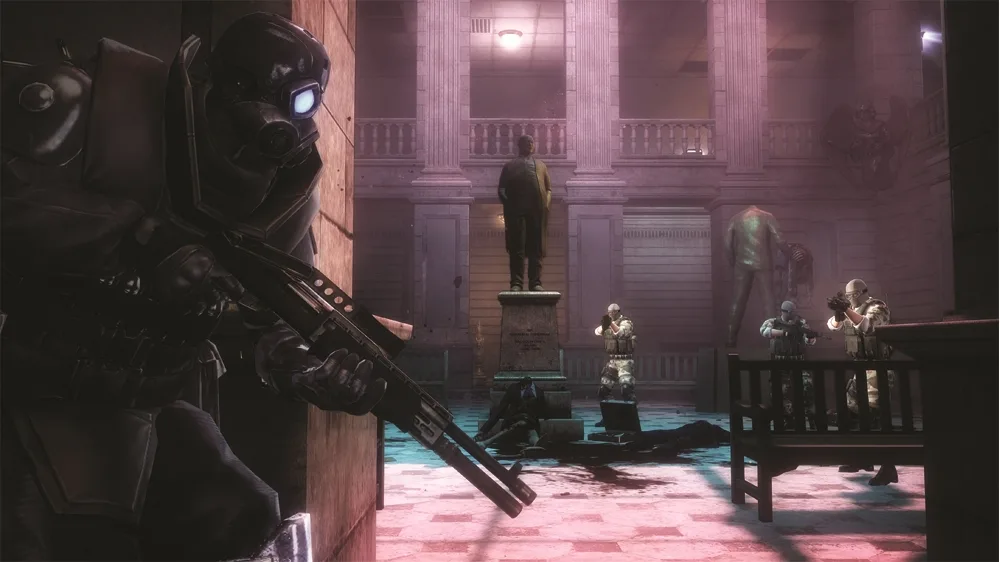
Learn how to navigate the graveyard, take down Spec Ops soldiers, and grab useful weapons before exiting in Resident Evil: Operation Raccoon City.
Alright, so you've made it to the graveyard section. It's not too tricky, but there are a couple of ambushes you'll want to be ready for. Stick to the right side as you move further down into the graveyard. You'll spot a group of Spec Ops soldiers hiding behind some gravestones down at the bottom. Frag grenades are your best friend here – toss a couple to clear them out quickly.
Now, here's the kicker: as soon as your team reaches the bottom of the graveyard, another group of Spec Ops soldiers is going to rush in from the gate at the bottom. If you time it right, you can actually throw a grenade just as they're entering, and it'll take them all out in one go. Pretty neat, huh?
Once you've dealt with them and you're ready to move on, you can exit the graveyard. Before you do though, there's a really useful stash of weapons waiting for you down at the bottom, along the left side, right in front of the exit gate. Definitely take a moment to check them out and grab anything you might need. You might even find a grenade launcher dropped by a Spec Ops soldier who comes in from the exit gate – though honestly, you probably won't need it for what's coming up.
Heads up: After leaving the graveyard, you'll be heading towards the Warehouse Loading Bay. It's pretty quiet on this side of the street. Just run across to the warehouse. The shutter is already open a bit, so you can slip around the right side of the building and enter through the side door.
Intel: Keep an eye out for Intel 6. It's on the sidewalk to your left as you step away from the graveyard exit, near a dead body. You'll see a mop on the ground nearby, which should help you spot it.
100% Human-Written. AI Fact-Checked. Community Verified. Learn how AntMag verifies content