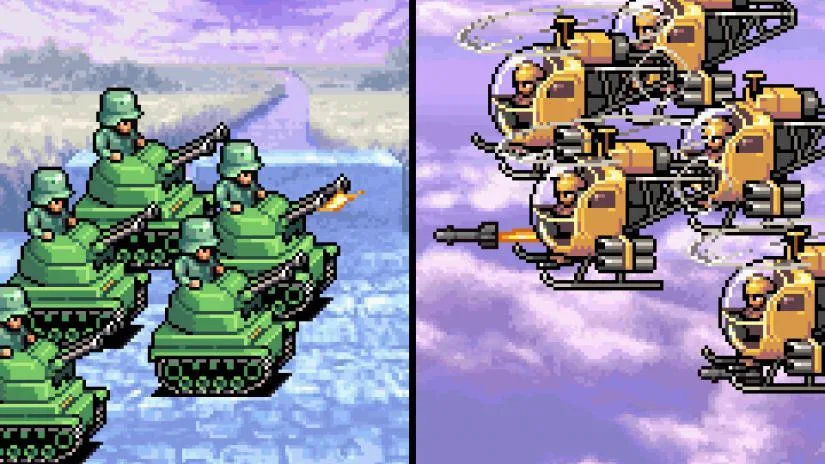
Learn Advance Wars controls: Use A to confirm, B to cancel, L to see missed moves, R for unit status, and Start for the minimap.
Controls:
- A Button: Use A to confirm a selection, select a unit on the map, or activate the menu when it's not on a unit.
- B Button: Use B to cancel a selection. Holding B will also show you an indirect unit's attack range.
- L Button: This lets you see what unit you missed moving.
- R Button: Use R to check how your units are faring. This also checks terrain information.
- Start Button: Press Start after a mission briefing to enter a Campaign Mission. This shows a minimap (a display showing the battlefield) in battle, and also skips dialogue in Campaign Mode.
Tips
- Holding the B button is crucial for understanding the reach of your indirect units.
- The R button is essential for tactical decisions, allowing you to assess unit health and terrain advantages.
- The Start button provides access to the minimap (a display showing the battlefield), which is vital for strategic overview during missions.
100% Human-Written. AI Fact-Checked. Community Verified. Learn how AntMag verifies content