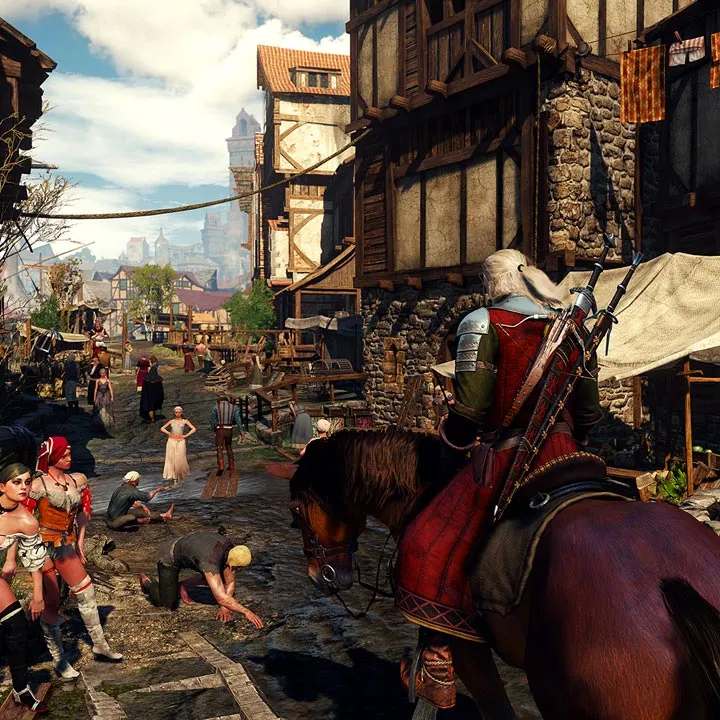
Learn to understand and utilize every element of The Witcher 3: Wild Hunt's Heads-Up Display (HUD) for a more effective and immersive gameplay experience.
The Heads-Up Display (HUD) in The Witcher 3: Wild Hunt provides crucial information for navigating the world and managing Geralt's abilities. Understanding its various components is key to survival and success.
Key HUD Elements:
- Health Bar: Located in the top-left corner, this indicates Geralt's current health. Depletion leads to death.
- Stamina Bar: Situated below the health bar, this bar governs the use of Signs and special combat abilities. It regenerates over time.
- Minimap: Typically found in the top-right corner, it shows your immediate surroundings, quest markers, and points of interest.
- Quest Objectives: Displays the current active quest objective, often accompanied by a compass or directional indicator.
- Enemy Information: When engaged in combat, details about the targeted enemy, including their health and level, appear.
- Alerts and Prompts: Notifications for available actions, such as finishers, lootable items, or dialogue options, are displayed contextually.
- Item Hotkeys: Allows quick access to equipped potions, bombs, and other consumable items.
Mastering the HUD allows for better situational awareness, efficient resource management, and strategic combat decisions.
100% Human-Written. AI Fact-Checked. Community Verified. Learn how AntMag verifies content