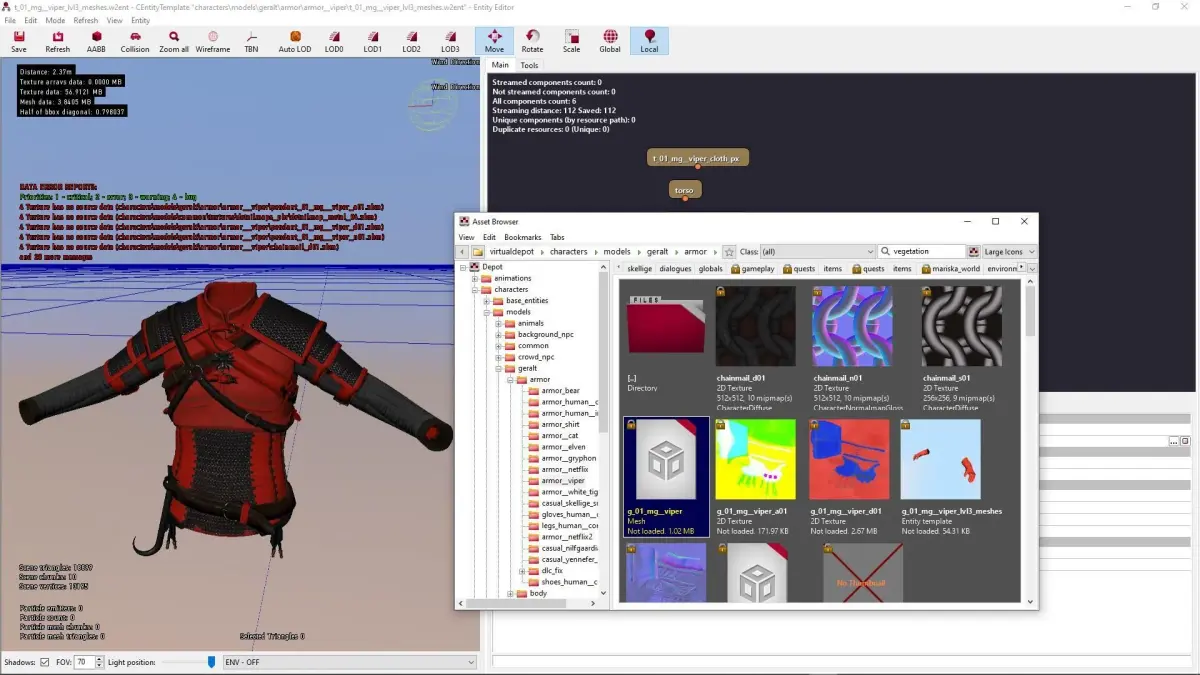
The Witcher 3 REDkit is your gateway into the expansive, monster-infested world of The Witcher 3: Wild Hunt. As a witcher, you’ll hunt dangerous beasts, navigate complex character relationships, and make choices that shape the fate of the Northern Realms. From the windswept Isles of Skellige to the war-torn lands of Velen, you’ll explore a rich, mature fantasy setting filled with moral ambiguity and thrilling combat.
This guide is your essential companion for mastering the REDkit. We’ll cover everything you need to know to get started, from essential tips for new modders to advanced strategies for creating challenging quests and optimal combat builds. Learn how to conquer formidable foes, navigate crucial areas like White Orchard and Kaer Morhen, and perfect your weapon strategies to become a true master of the Continent.
Getting Started
Begin your journey with The Witcher 3 REDkit. This guide covers essential setup, basic tools, and initial steps to start modding The Witcher 3.
Getting Started
Begin your journey with The Witcher 3 REDkit. This guide covers essential setup, basic tools, and initial steps to start modding The Witcher 3.
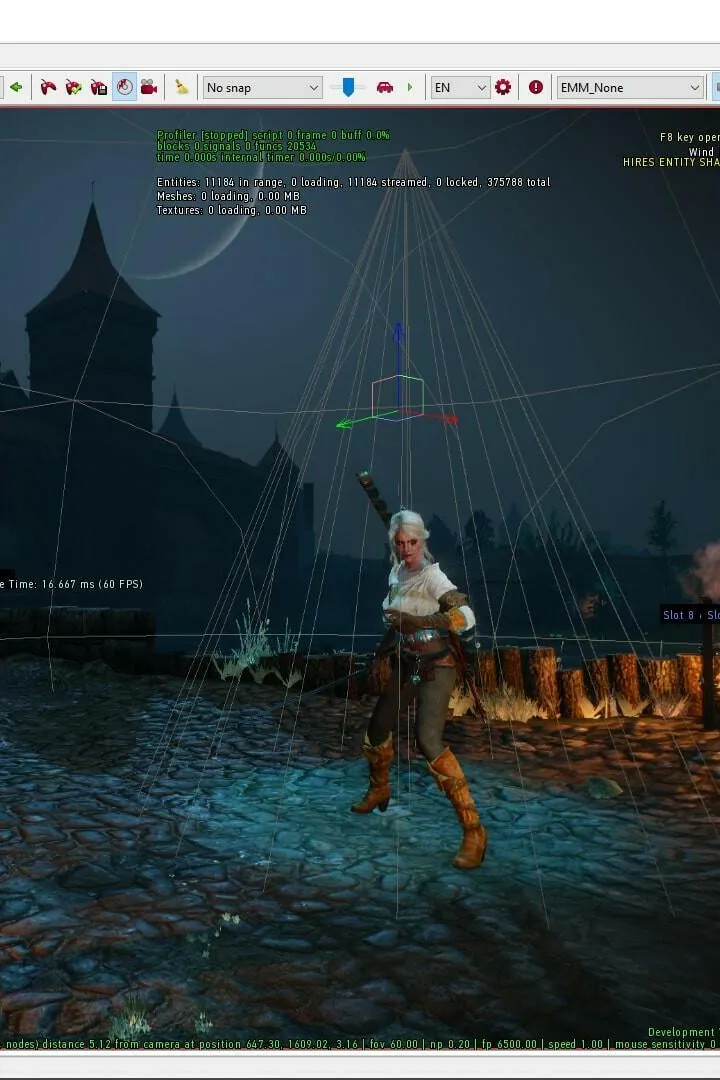
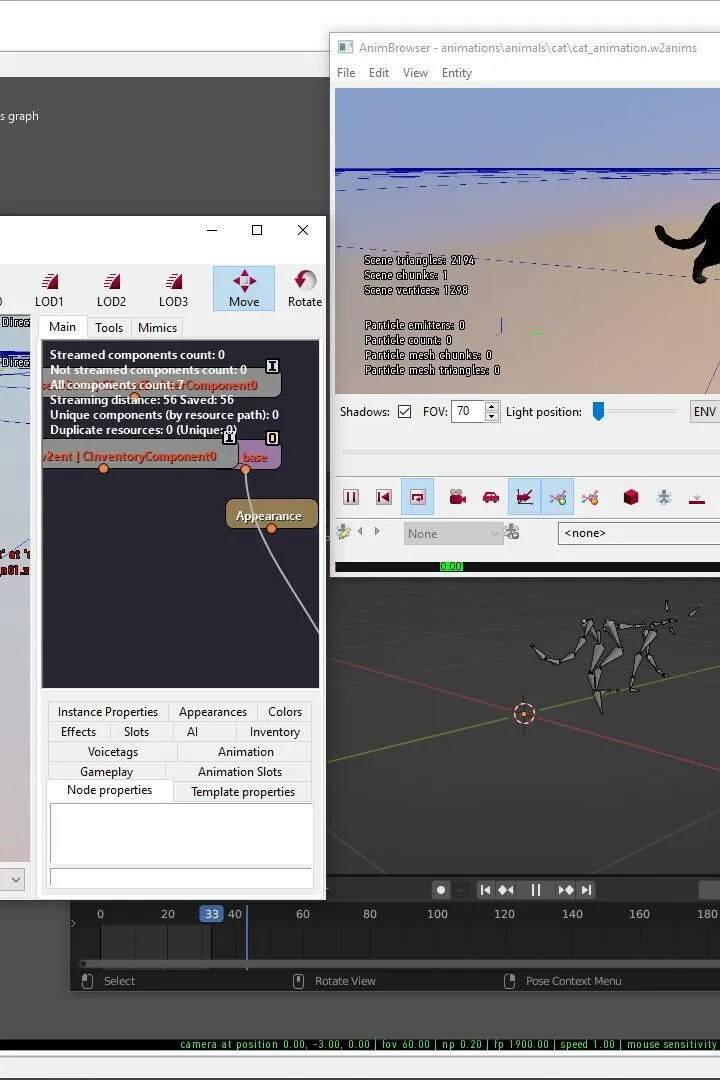
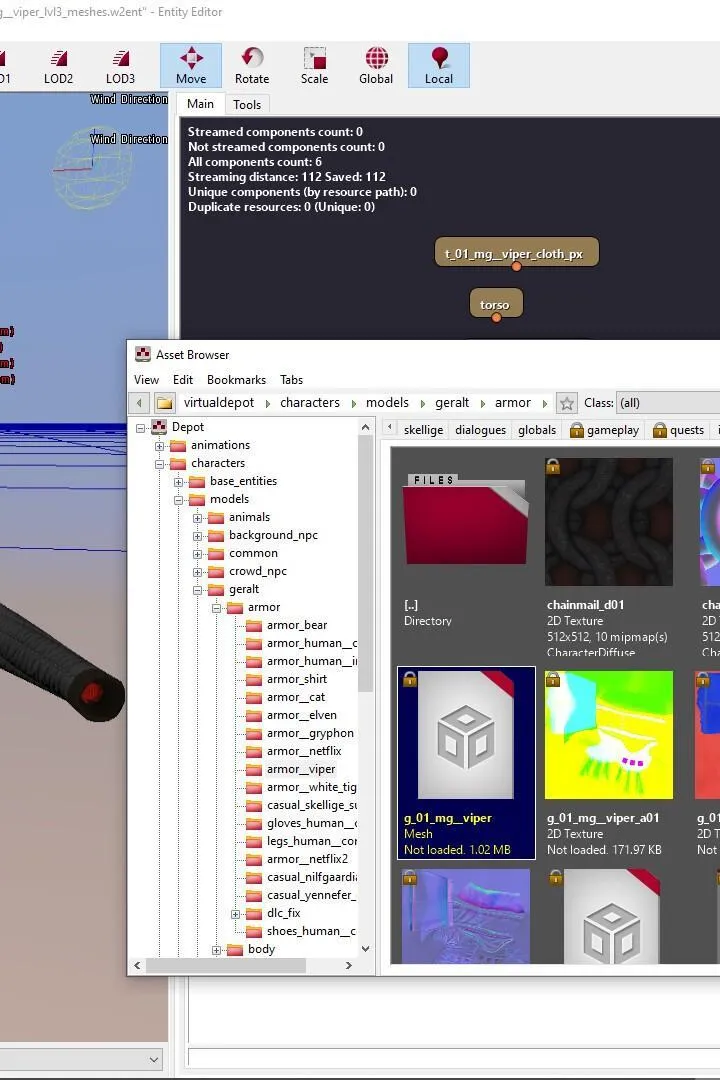
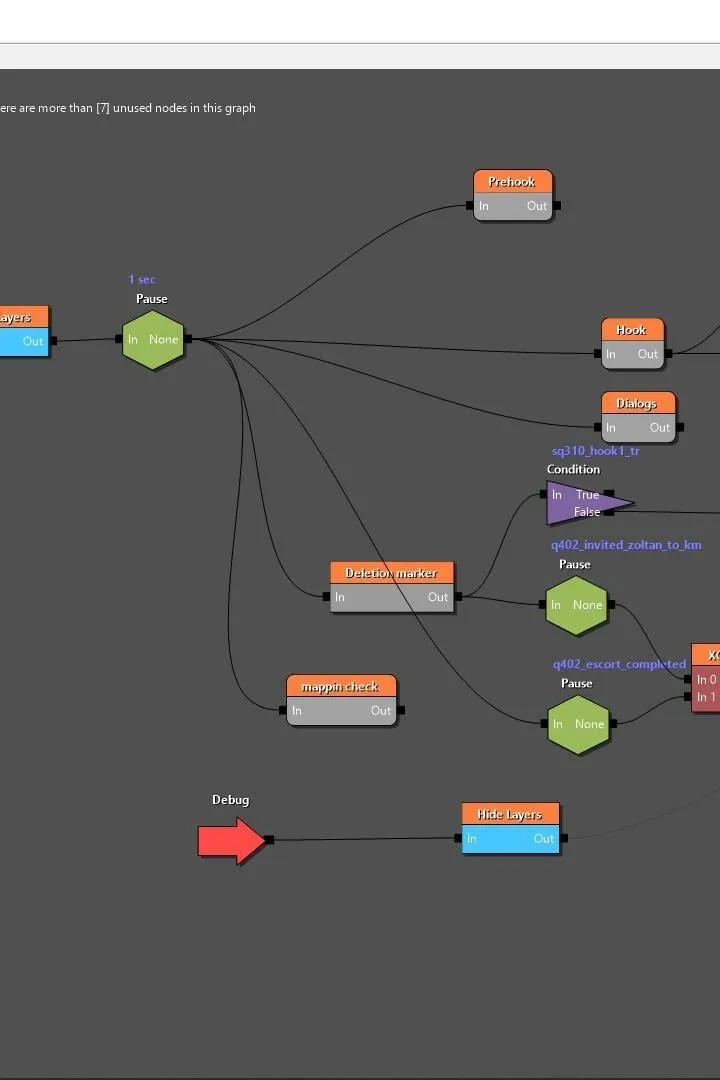
Installation and First Launch
Learn how to install mods for The Witcher 3: Wild Hunt. This guide covers placing mods in the 'mods' folder and using tools like Script Merger for compatibility.
Witcher 3 Modding
So, you're looking to spice up your adventures in The Witcher 3: Wild Hunt, huh? Modding is a fantastic way to do just that. While CDPR doesn't officially support modded games, the community has made it pretty accessible, especially with tools like MODkit. Think of it like the REDkit for The Witcher 2, but with a lot more community-driven features being added all the time.
Installing Mods
Most mods are pretty straightforward. You'll usually just drop them into the "mods" folder located in your main Witcher 3 game directory. However, some mods might ask you to do a little extra legwork:
- You might need to add keybinds to your
input.settingsfile, which you can find in"My Documents\The Witcher 3\". - Sometimes, you'll need to add or modify a menu by placing files in
"\bin\config\r4game\user_config_matrix\pc\". - And, well, other things! Always check the specific mod's instructions.
Because of some limitations with how The Witcher 3 handles mods, you'll likely run into conflicts if you try to use multiple mods at once. Don't sweat it, though! A super handy tool called Script Merger is your best friend here. It helps you merge mods that might otherwise clash. It's usually a breeze, but occasionally you might need to put on your thinking cap for a bit.
Unpacking The Game
If you need to get at the game's internal files, like those all-important XML files, you'll want to use MODkit. There's a great guide on Uncooking The Witcher 3 that walks you through it.
Script Modding
The game's scripts, written in Witcher Script, are the brains behind everything – how Geralt moves and fights, how stamina works, how your Signs function, you name it. Modifying these can change core game mechanics.
Adding/Modding Menus
Menus are super important for easily tweaking mods. They're defined in XML and use .w3strings files for text. The game reads these values through scripts to change how things behave.
Adding/Modding Keybinds
Your keybinds are how you tell the game what to do. They're set up in input.settings, managed via the input.xml menu, and the actual actions they trigger are defined in the game's scripts.
Modding XML Data
A huge chunk of the game's data lives in XML files. This is where you'll find details like item prices, loot tables, the cost of skills, weapon and armor stats, and so much more. If you want to tweak the economy or character progression, this is your go-to.
Modding Models/Textures
Want to change how Geralt or his gear looks? Swapping out models and textures is one of the simplest ways to give the game a fresh coat of paint.
Modding the UI
The Witcher 3 uses Scaleform GFx for its user interface, which is based on Flash. The UI's data is stored in .redswf files, and embedded Action Script handles a lot of its functionality.
Adding Additional Content
While it's trickier than just tweaking existing content, adding entirely new things to the game is possible! With community tools, you can even create your own DLC-style additions.
Basic Controls and Movement — The Witcher 3 REDkit Guide
Learn the essential controls and movement mechanics for The Witcher 3 REDkit. This guide covers everything you need to start modding The Witcher 3: Wild Hunt with REDkit.
The Witcher 3 REDkit is a powerful modding tool developed by CD PROJEKT RED, allowing users to create new content for the game. This guide focuses on the basic controls and movement within the REDkit editor itself, essential for navigating and manipulating the game world.
| Action | Key/Button |
|---|---|
| Move Forward | W |
| Move Backward | S |
| Strafe Left | A |
| Strafe Right | D |
| Jump | Spacebar |
| Crouch | Ctrl |
| Look Around | Mouse Movement |
| Zoom In/Out | Mouse Wheel |
| Pan Camera | Middle Mouse Button + Drag |
| Rotate Camera | Hold Right Mouse Button + Drag |
| Select Object | Left Mouse Button Click |
| Deselect Object | Right Mouse Button Click |
| Move Object (Gizmo) | Click and drag arrows/boxes |
| Rotate Object (Gizmo) | Click and drag arcs |
| Scale Object (Gizmo) | Click and drag cubes |
| Toggle Gizmo Mode (Translate/Rotate/Scale) | 1, 2, 3 keys |
| Undo | Ctrl + Z |
| Redo | Ctrl + Y |
| Save Project | Ctrl + S |
| Open Project | Ctrl + O |
| Close REDkit | Alt + F4 |
Mastering these basic controls and movement commands is the first step to effectively using The Witcher 3 REDkit to bring your modding ideas to life.
Understanding the User Interface (UI) — The Witcher 3 REDkit Guide
Dive into The Witcher 3 REDkit's User Interface! Learn how to navigate its tools and features to start creating your own mods for the game. Get started today!
Hey there! So you're looking to dive into the world of modding The Witcher 3 with the REDkit? That's awesome! Before we get our hands dirty with creating quests or new lands, it's super important to get a handle on the tool itself. Think of this as getting familiar with your workshop before you start building.
The REDkit is your gateway to really customizing The Witcher 3. It's a powerful tool developed by CD PROJEKT RED, and while it might look a bit daunting at first, it's designed to give you a lot of control. We'll walk through what you need to know to get started, covering the basics of the interface so you can jump into creating your own content with confidence.
Similar guides you might like

100% Human-Written. AI Fact-Checked. Community Verified. Learn how AntMag verifies content