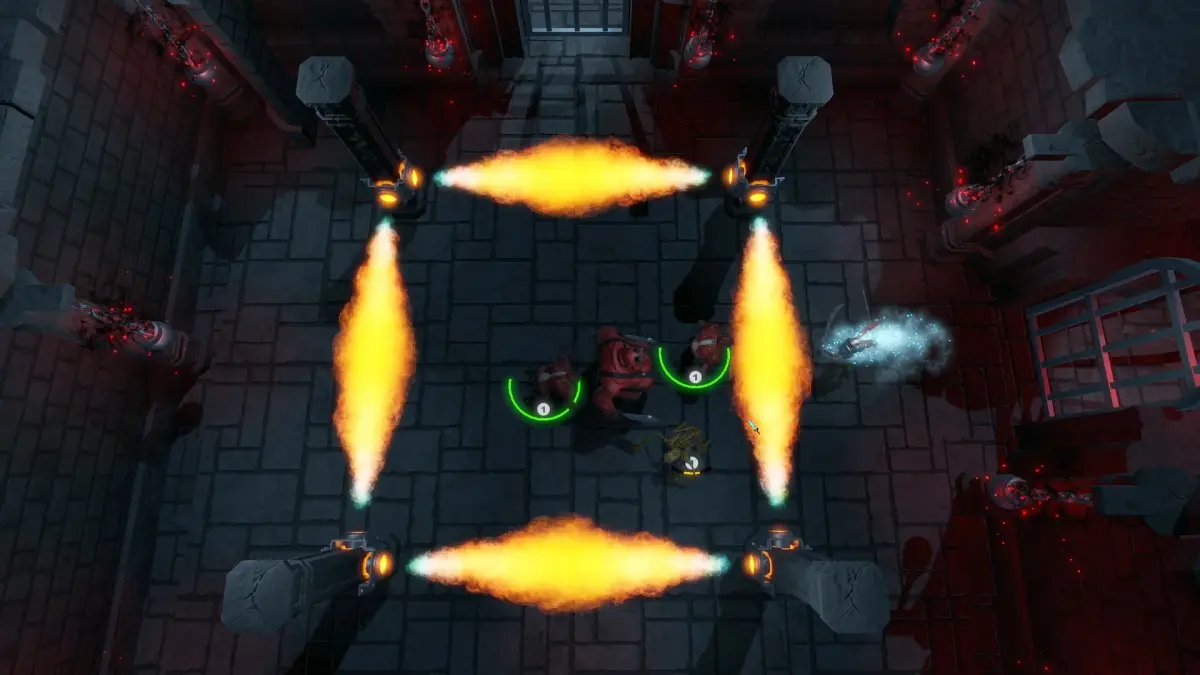
Welcome to Metamorphosis, a 2D horror RPG where you master the art of transformation. You'll navigate treacherous biomes, unlock new shapeshifting abilities, and delve into the secrets of the Eldorian Gates. The game features a rich story and full controller support, making it an atmospheric journey for players who love a deep narrative experience.
This guide will help you conquer every challenge the game throws your way. We'll cover everything from solving the puzzles in Josef's Room and navigating the Strange Corridors, to finding crucial items like certificates in the Lawyer's Office and making the final decisions in The Tower. Get ready to uncover all the secrets and achieve ultimate victory.
Getting Started
Begin your MetaMorph journey: learn controls, UI, character creation, and essential gameplay mechanics to thrive in Aethelgard.
Getting Started
Begin your MetaMorph journey: learn controls, UI, character creation, and essential gameplay mechanics to thrive in Aethelgard.
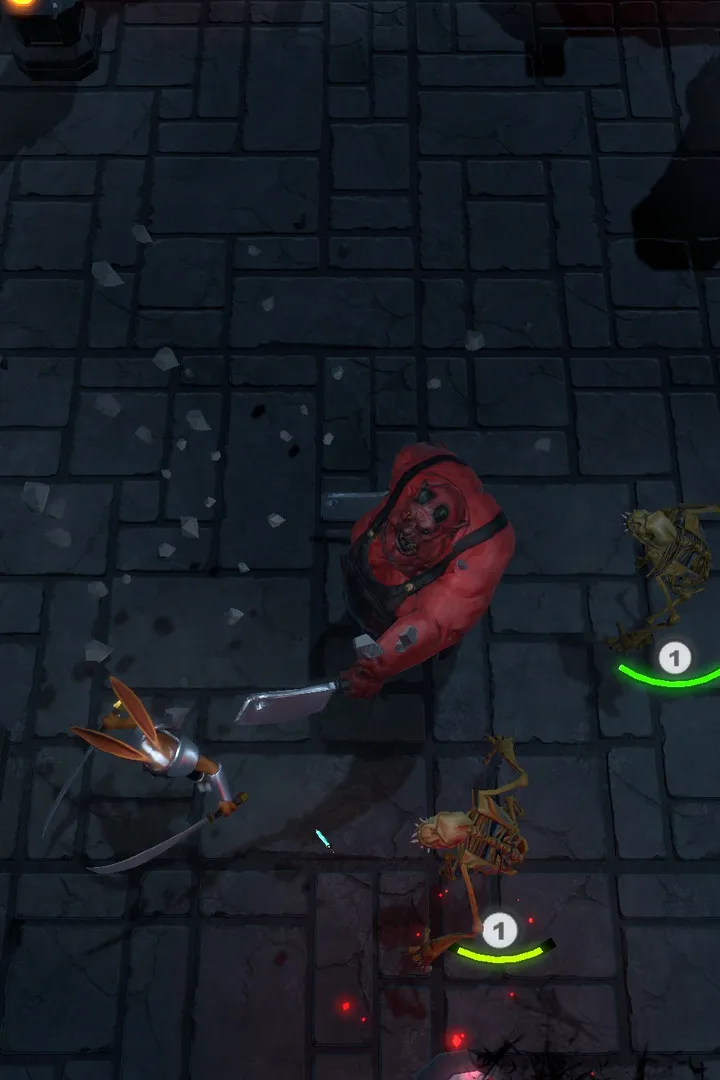
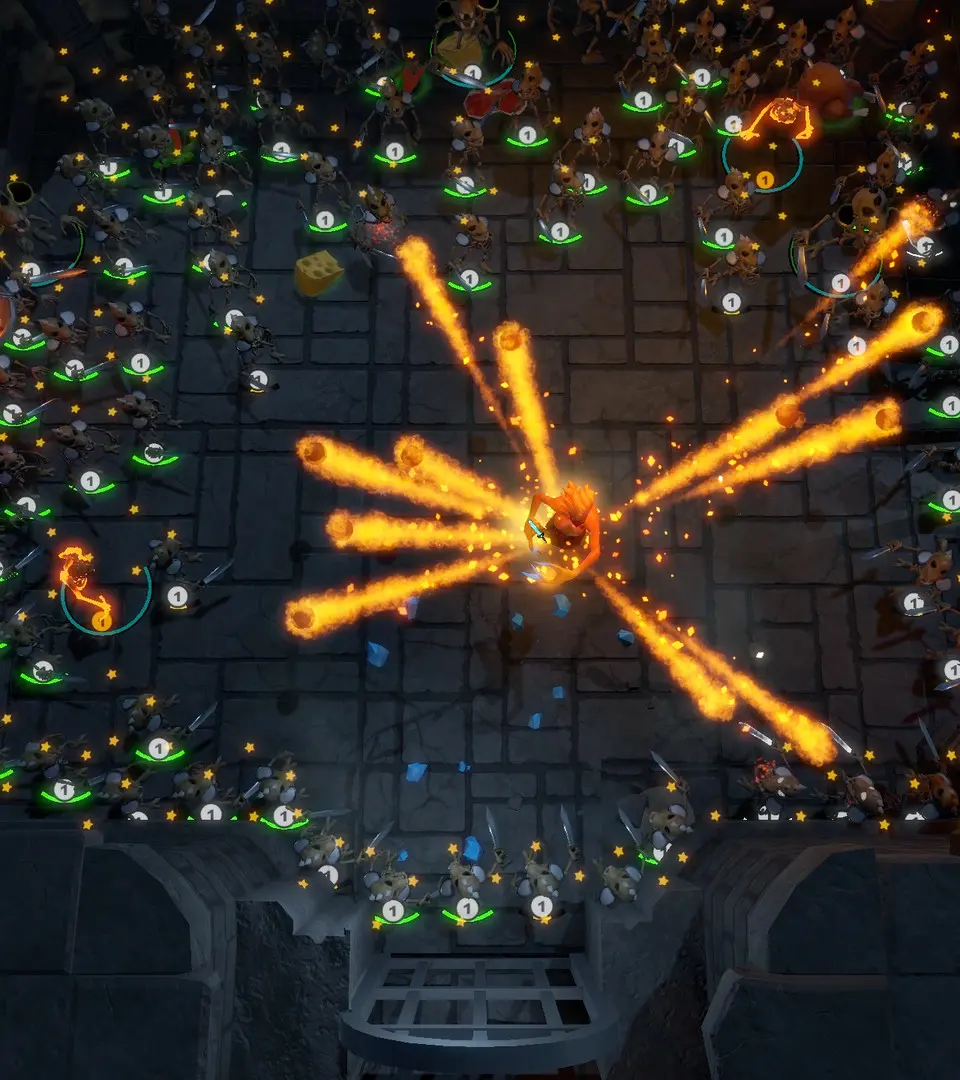
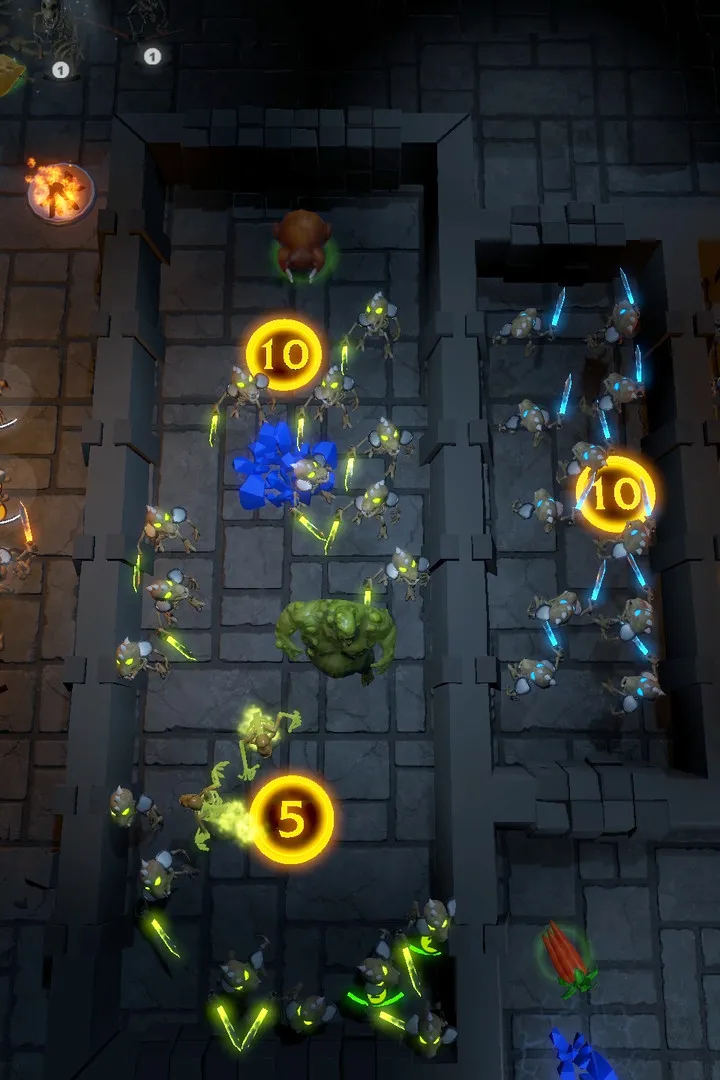
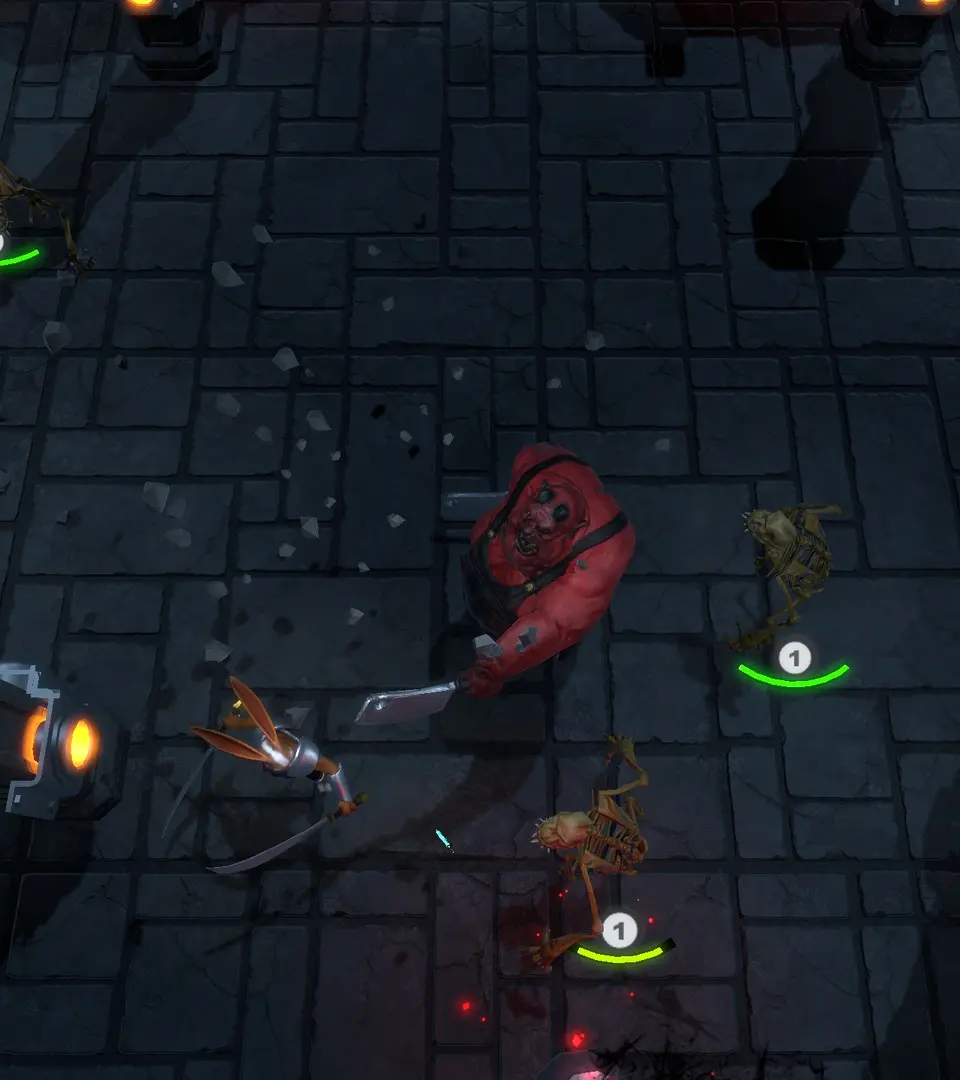
Controls & UI — MetaMorph Guide
Master MetaMorph's controls and UI! Learn how to navigate menus, use abilities, and understand the HUD to become a true shapeshifter. Your ultimate walkthrough awaits.
Hey there! So you're diving into MetaMorph, huh? Awesome! Let's get you up to speed on how to actually play the game. This section's all about the controls and the heads-up display (HUD) – basically, how you move, what buttons do what, and what all those little icons on your screen mean. Knowing this stuff is key to not getting yourself into a sticky situation, so let's break it down.
We'll cover everything from basic movement and actions to how to use your morphing abilities effectively. Think of this as your cheat sheet to becoming a master shapeshifter right from the get-go. No more fumbling around – you'll be a pro in no time!
Installation & First Launch
Install and launch MetaMorph easily. Optimize your experience by adjusting graphics, audio, and keybinds in the options menu before playing.
After successfully installing MetaMorph from your chosen platform, launch the game. You'll be greeted by the main menu. We highly recommend checking the 'Options' menu before starting a new game. Here, you can adjust graphics settings, audio levels, and keybinds to your preference. For optimal performance, ensure your display resolution matches your monitor's native resolution and consider adjusting texture quality based on your system's capabilities. A smooth framerate is crucial for responsive combat.
If you encounter any issues during installation or launch, consult the game's official support forums or knowledge base. Common issues include outdated graphics drivers or conflicts with background applications. Ensure your system meets the minimum requirements for the game to avoid performance bottlenecks. Once settings are optimized, select 'New Game' to begin your adventure.
Character Creation
Learn how to create your Metamorph character! Choose a secondary form and understand the transformation process. Your guide to MetaMorph starts here.
Metamorph Basics
Alright, so you're diving into MetaMorph and need to get your character set up. One of the coolest things you can do right at character creation is pick another creature that your character can transform into. Think of it as your character's hidden potential!
Now, here's a key point: you don't get the mutations of that other creature. What you do get is its physical appearance and any natural abilities it has, like claws or sharp teeth. It's purely cosmetic and functional, not a full mutation swap.
The Transformation Process
When you decide to change from your base form to your chosen alternate form, or vice-versa, it's not instant. This physical change takes 2 full rounds of inactivity to complete. So, make sure you've got a safe moment to transform, or you might find yourself vulnerable!
That's the core of setting up your Metamorph character. Choose wisely, and plan your transformations!
Similar guides you might like






100% Human-Written. AI Fact-Checked. Community Verified. Learn how AntMag verifies content