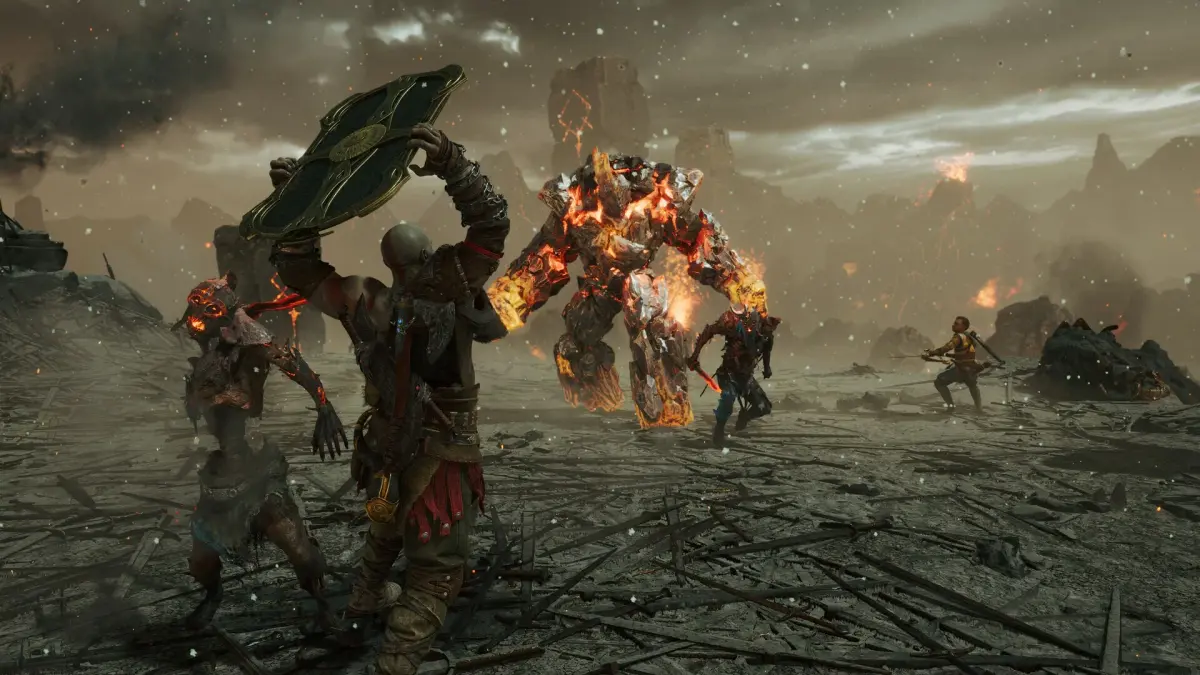
Learn how to transmog armor in God of War Ragnarök to change its appearance while keeping its stats. Unlock the feature and customize your look!
Alright, so you're wondering how to make Kratos and Atreus look as cool as possible in God of War Ragnarök, right? You've probably found some armor that looks amazing but doesn't quite have the stats you need, or maybe you've got a set with killer stats but it looks… well, a bit drab. That's where Transmog comes in! It's basically a fancy way of saying you can change the *look* of your armor to be anything you've found in the game, without messing with the stats of your current gear. Super useful if you want to rock that stylish helmet with the best defense.
Now, here's the catch: you can't just start changing appearances willy-nilly. To unlock the Transmog feature in God of War Ragnarök, you'll need to have upgraded at least one piece of Chest, Wrist, or Waist armor all the way to level 9. This means you'll need to have put a good chunk of resources and time into leveling up your gear. Because of this, most players will find this feature becomes available later in the game, once you've gathered plenty of materials.
Don't worry too much about gathering materials early on, though. As you get further into the game, you'll naturally accumulate a lot of stuff, and you'll likely have enough to upgrade a few sets to at least level 7. The really rare materials are needed for levels 8 and 9, so focus on getting one or two sets you really like the stats of up to that point. Even if you prefer the look of an armor piece that's a lower level, you can still use it for its appearance once you've unlocked Transmog!
How to Switch Armor Appearances
Here’s the simple breakdown of how to actually change your armor's look:
- First things first, you need to upgrade the armor piece you want to keep for its stats to level 9.
- Next, pick the armor piece whose appearance you want to use. You can upgrade this one too if you like, but it's not strictly necessary for its looks.
- Head over to the Chest, Wrist, or Waist armor menu in the game. You're looking for an option called “Edit Appearance”.
- Once you select that, you'll be able to choose the armor whose appearance you want to apply. You might even have to specify which tier (I, II, or III) of that appearance you want to use.
The best part is that you can always change it back or switch to another appearance you've unlocked. This system is awesome for making sure you're always using the best gear for your playstyle while still looking exactly how you want. It's a bit of a bummer that it's locked behind such a high upgrade level, but it’s definitely worth it once you get there!
100% Human-Written. AI Fact-Checked. Community Verified. Learn how AntMag verifies content