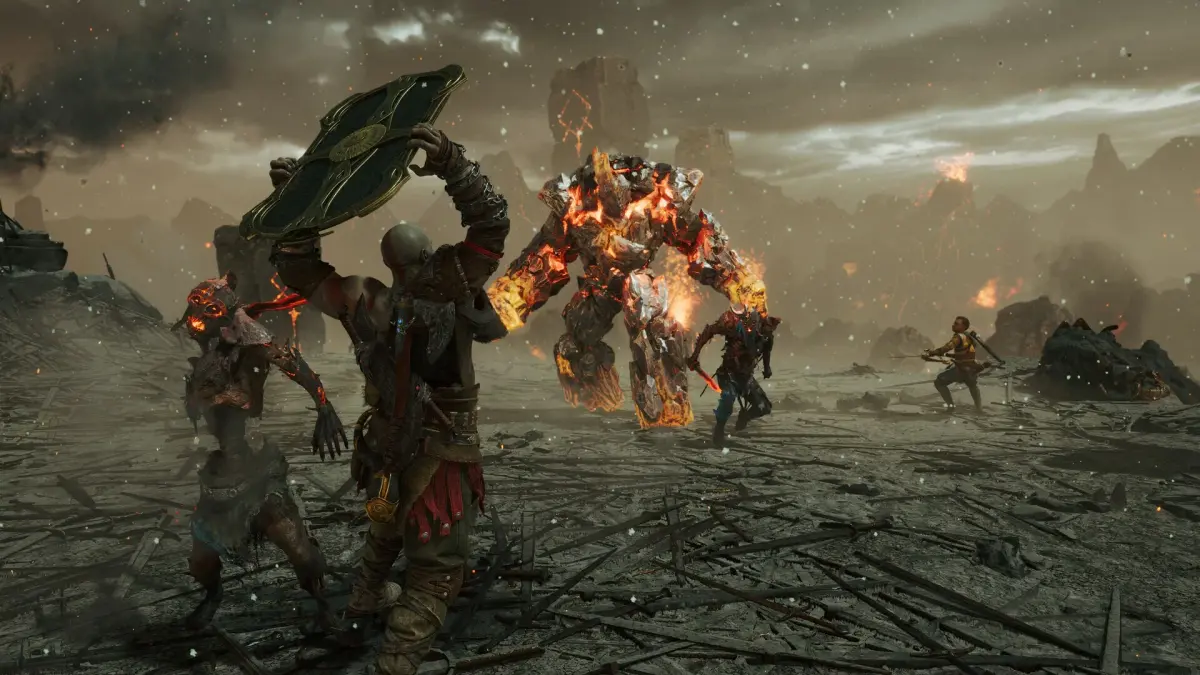
Optimize your god of war ragnarok experience with performance options: Favor Performance vs. Favor Quality, and High Frame Rate Mode.
Walkthrough
- 1In god of war ragnarok, you have three main performance options. Two are Graphics Modes: Favor Performance and Favor Quality. The third is High Frame Rate Mode, available only on PS5.
- 2Favor Performance vs. Favor Quality: Choose Favor Performance if you want to prioritize higher frames per second (FPS) over resolution. Select Favor Quality if you prefer higher resolution, even if it means lower FPS.
- 3Recommendation for PS4: If you are using an older PS4, especially with a 4k HDR TV, it is generally recommended to use Favor Performance to avoid significant frame drops that can hinder combat.
- 4Recommendation for PS5: Even with a PS5 and a 4k HDR TV, Favor Performance is often preferable due to frame rate oscillations, particularly indoors, in vast areas, or during intense boss fights with many special effects.
- 5When to use Favor Quality: Favor Quality is more viable on a PS5, especially with a smaller 1k or 2k monitor, as the game is less demanding at lower resolutions.
- 6Visuals with Favor Performance: The Favor Performance option still provides high-quality visuals, and on high-end 4k TVs with powerful processors, upscaling can make the game look incredible even at higher frame rates. Prioritizing FPS is recommended for smooth combat.
- 7Experimentation: The best way to determine your preferred setting is to experiment with both Favor Performance and Favor Quality while playing, considering your TV/monitor and PS console generation.
- 8High Frame Rate Mode (PS5 Only): This mode generally should be used most of the time on PS5 to improve FPS, even when Favor Quality is selected.
- 9When to disable High Frame Rate Mode: The only scenario to consider turning off High Frame Rate Mode is when you want to capture the highest quality screenshots, as disabling it allows for maximum detail at the cost of decreased FPS. Remember to re-enable it afterward.
Tips
- Consider your display: A large 4k HDR TV may benefit more from Favor Performance, while smaller monitors might handle Favor Quality better.
- Combat impact: Noticeable frame rate drops can make tracking enemy movements difficult, so prioritize smoother gameplay if this affects you.
- Screenshotting: If capturing high-detail screenshots is a priority, temporarily disable High Frame Rate Mode on PS5.
100% Human-Written. AI Fact-Checked. Community Verified. Learn how AntMag verifies content