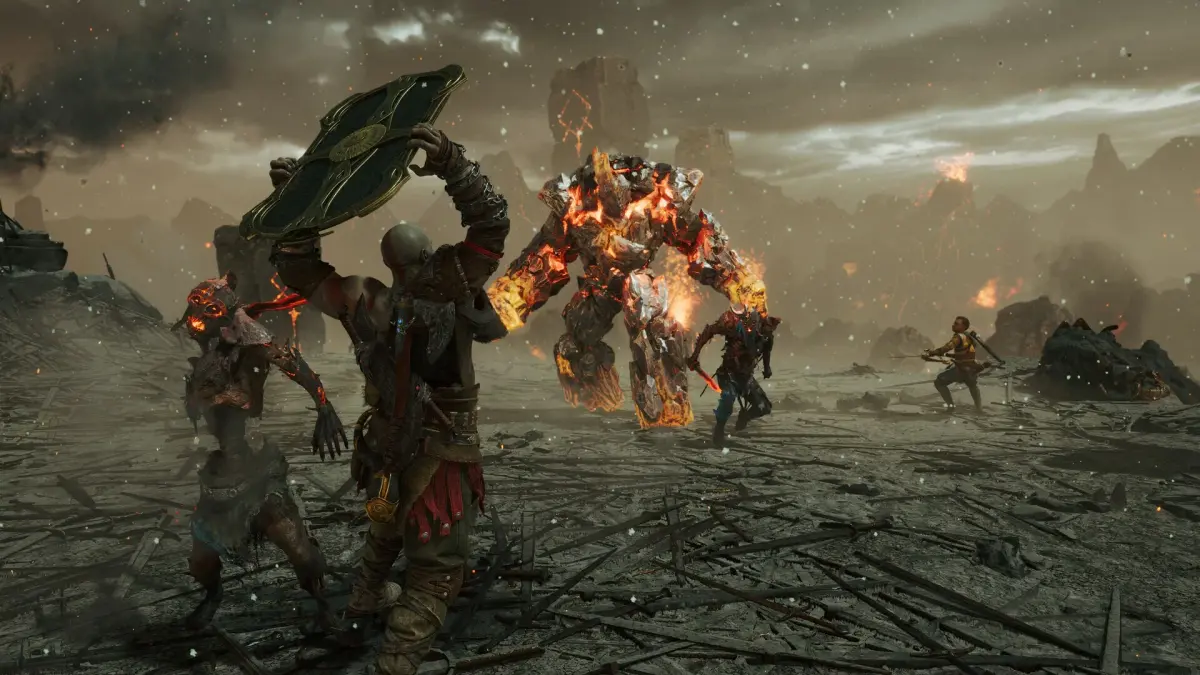
Navigate God of War Ragnarök with ease! Explore Vision, Hearing, Motion, and Motor accessibility presets, plus controller remapping and difficulty settings.
Hey there! So, you're diving into God of War Ragnarök, awesome! Before we get into the thick of combat and epic journeys, let's make sure the game feels comfortable for you. This guide is all about the Accessibility Options, which are super important for tailoring your experience. Think of it like setting up your perfect gaming station – we've got presets for vision, hearing, motion sensitivity, and motor skills, plus ways to tweak controls and difficulty.
Whether you're playing with low vision, are deaf or hard of hearing, have motion sensitivity, or need some motor assistance, there are options designed to help. We'll cover everything from audio cues and navigation assists to subtitle customization and reducing screen shake. Plus, we'll touch on how to remap your controller and the different difficulty settings available, including the super-tough 'Give Me God of War' mode.
Vision Accessibility Presets
If you've got low vision, these presets are a lifesaver. They bundle together a bunch of helpful options like:
- Audio cues to help you know what's happening around you.
- Navigation assist to guide you through the world.
- Auto pickup so you don't miss essential items.
- High contrast HUD to make important information stand out.
- Adjustable icon, subtitle, and caption sizes.
Hearing Accessibility Presets
For players who are deaf or hard of hearing, these presets focus on making sure you don't miss any crucial audio information. You'll find options for:
- Subtitles and captions for dialogue and important sounds.
- Direction indicators to show where sounds are coming from.
- Speaker names so you know who's talking.
- A background option for subtitles and captions to make them easier to read.
Motion Reduction Presets
If quick camera movements or handheld camera effects make you feel a bit queasy, these presets are for you. They help reduce motion sickness by offering options like:
- Turning off camera sway.
- Reducing camera shake during intense moments.
- Disabling motion blur.
- Adjusting aim sensitivities to feel more comfortable.
Motor Accessibility Presets
For players who might have physical or mobility challenges, these presets aim to make gameplay smoother and more accessible. They include options for:
- Adjusting puzzle timing windows.
- Controller visualization to see button inputs.
- Battle and traversal assists to simplify complex actions.
- Menu holds to reduce the need for sustained button presses.
Advanced Control & Gameplay Options
Beyond the presets, you've got even more control. You can fully remap your controller buttons, and there are even default control schemes if you prefer those. Plus, you can assign shortcuts to the Touchpad for quick access to things like Spartan Rage or a Quickturn. For those tricky button-hold or rapid-press actions, there are options to make them easier. And if aiming or puzzles are a challenge, you can enable features that snap your reticule to targets when you're close, making those precise actions much more manageable.
Auto Pick-Up Options
Never miss a crucial item again! The auto-pickup feature can be set to:
- Essentials: Automatically grabs health, rage, and other vital stones when you need them.
- Economy: Picks up hacksilver, resources, and loot drops when you're out of combat.
- Full: Combines both 'Essentials' and 'Economy' for maximum convenience. You can also turn this completely off if you prefer to manually collect everything.
Difficulty Options
God of War Ragnarök offers a range of difficulty settings to match your playstyle, just like the first game, but with an extra option. Here's the breakdown:
| Difficulty | Description |
| Give Me a Story | For those who want an experience with the least focus on combat. |
| Give Me Grace | For players who want story focused gameplay with some focus on combat. |
| Give Me Balance | Equally focused on combat and gameplay. |
| Give Me No Mercy | For those who want more demanding combat. |
| Give Me God of War | For those who want the game as difficult as possible. God of War mode can only be selected when starting a new game at the start menu. |
Remember, 'Give Me God of War' mode can only be chosen when you start a brand new game, so choose wisely!
100% Human-Written. AI Fact-Checked. Community Verified. Learn how AntMag verifies content