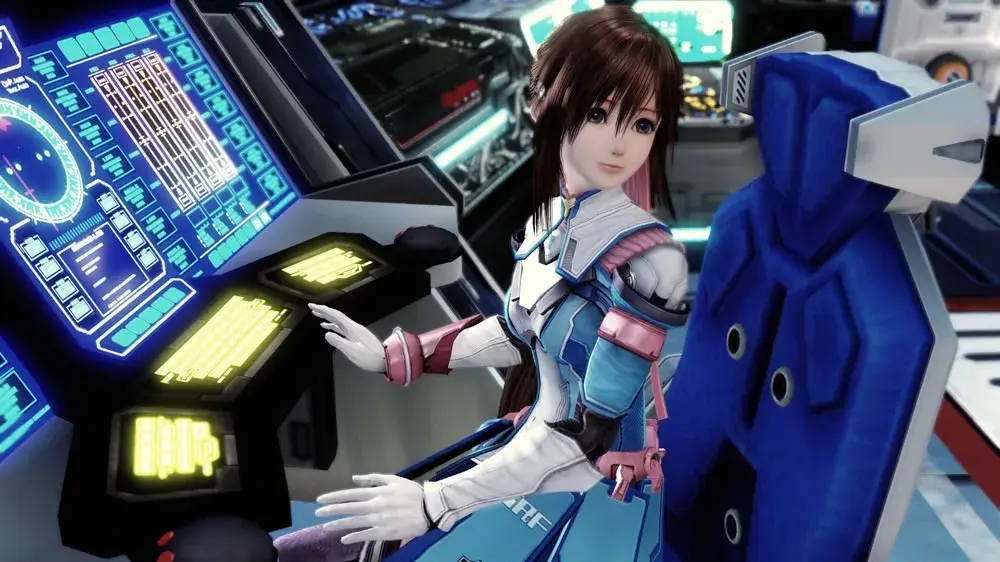
Walkthrough for the Cardianon Mothership in Star Ocean: The Last Hope, including item locations and enemy encounters.
Walkthrough
- 1After a cutscene (a non-interactive cinematic the game plays automatically) upon entering the Calnus Flight Deck, examine the Item Creation console in the Meeting Room to trigger a scene with Lymle and Welch.
- 2Return to the Flight Deck and examine the Command Console to launch, bringing up the Galactic Map.
- 3Before heading to Cardianon, visit Planet Aeos. Speak with Captain Grafton in the Communications Room to view a Private Action unavailable after departing for Cardianon. Visit the Shopping Area to make postponed purchases and complete Shop Orders. Aeos is also a good place to fight easy enemies and build up a Bonus Board.
- 4Return to the Calnus and use the Command Console on the Flight Deck to select Cardianon from the Galactic Map.
- 5During the trip, view six Private Actions (PA 11-16). Each Private Action viewed advances the trip.
- 6After viewing all six Private Actions, you will automatically arrive at the Cardianon Mothership.
- 7Leave the Flight Deck to view the landing scene.
- 8Exit the ship to the Cardianon Mothership: Dock. Use the Save Point at the bottom of the stairs from the Calnus.
- 9Raid the Treasure Chests in the Dock area.
- 10Approach the exit in the southeast corner. Opening the door triggers a scripted battle with Guard Bot "Commando" x2 and Cardianon Soldier x2. After the battle, you obtain Weapon Data 134: Draconic Smasher.
- 11Emerge on the east side of the Cardianon Mothership: 1F. Follow the hallway south, collecting Basil x5 from the center room on the east side.
- 12The door in the center of the east-west hallway leads to another hallway heading south. When you approach it, the door closes.
- 13Retrieve the Thunder Ring from a room on the west side.
- 14Examine the object near the east wall outside the troublesome door and use the Thunder Ring to short out the door mechanism. The Thunder Ring has 20 charges but starts with only two.
- 15After using it on the door's control panel, you have one charge left. Examine the object you just zapped and use the plasma emanating from it to fully charge the Thunder Ring.
- 16Pass through the now-open door. Go past the hallway leading east and collect items from the south end of the floor.
- 17Use the Skill Manual "Taunt" to teach the skill to Edge or Reimi. This skill can be used from the Battle Menu to attract enemies and stop them from attacking your symbol users.
- 18Return to the hallway and exit east to Floor B1.
- 19On Floor B1, collect items in the perimeter rooms before descending into the large central room. Collect the Skill Manual "Auto Healing" from the west balcony. This skill, when set as a Battle Skill, will periodically restore HP during battle.
- 20Examine the station on the west side of the large room to obtain Spaceship Data 021: Cardianon Mothership.
- 21Examine the large console in the north central part of the room to trigger a scene and obtain a passcode.
- 22Use the passcode to open the door in the northeast corner of the large room.
- 23Follow the hallway to another ramp and go down to Level B2.
- 24On Level B2, follow the long hallway west. Before turning south, check the object against the north wall – it's a vending machine selling recovery items, bombs, and some ingredients.
Tips
- Planet Aeos is a good place to fight easy enemies and build up a Bonus Board before proceeding to Cardianon.
- The Thunder Ring starts with only two charges, but can be recharged using the plasma from the control panel it activates.
- The Skill Manual "Taunt" can be used to draw enemy attention away from characters focused on using symbols.
- The Skill Manual "Auto Healing" can restore HP periodically during battle when set as a Battle Skill.
- Weapon Data 134: Draconic Smasher (after scripted battle in Dock)
- Spaceship Data 021: Cardianon Mothership (from terminal on B1)
- Skill Manual "Taunt" (on 1F)
- Skill Manual "Auto Healing" (on B1)
- Skill Manual "Chain Combos" (on B1)
- Thunder Ring (on 1F)
100% Human-Written. AI Fact-Checked. Community Verified. Learn how AntMag verifies content