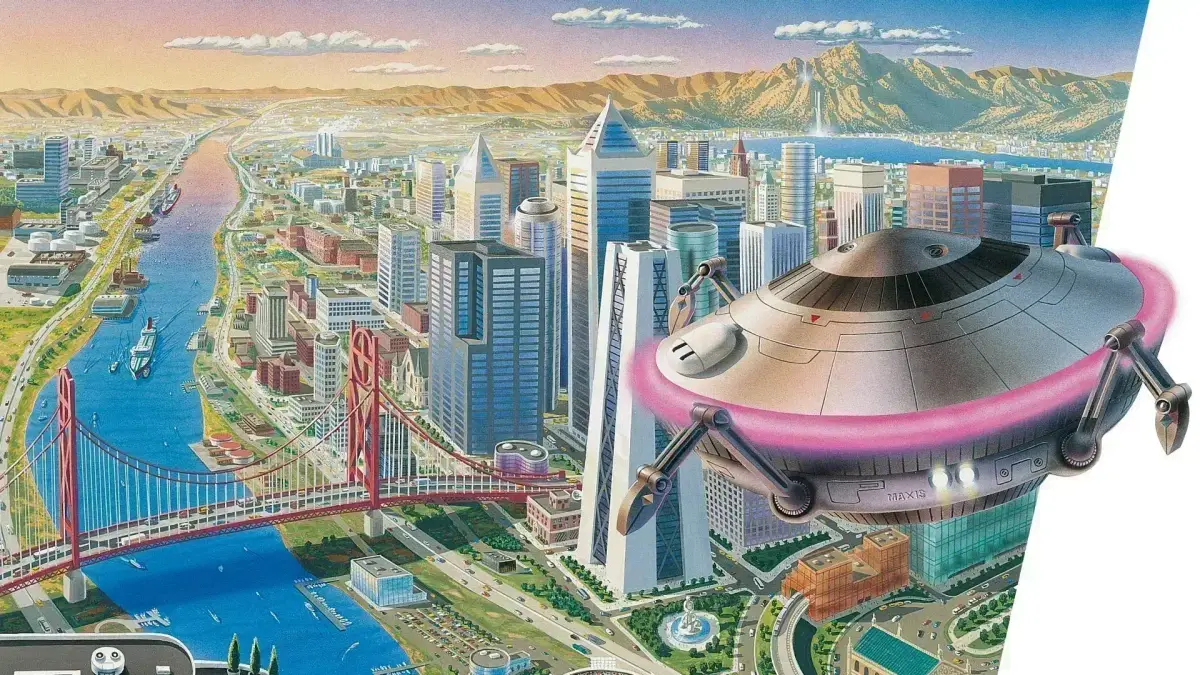
Learn how to raise terrain in SimCity 2000! This guide covers the basics of terraforming, helping you shape your city's landscape for better development and aesthetics.
Raise Terrain in SimCity 2000
Alright, let's talk about shaping your city's landscape! In SimCity 2000, you've got the power to raise and lower terrain, which can be super useful for a bunch of reasons. Need to make a nice flat spot for a new industrial zone, or maybe build a scenic waterfront? This is how you do it.
Using the Raise Terrain Tool
You'll find the terrain tools in the 'City Hall' menu. Look for the icon that looks like a little hill or mountain. Clicking on this will bring up the terrain manipulation options.
- Raise Terrain: This is your go-to for building upwards.
- Lower Terrain: The opposite, for digging down.
When you select the 'Raise Terrain' tool, your cursor will change. Now, just click and drag on the map where you want to raise the land. Each click or drag action will add a little bit of height. You can go over the same spot multiple times to make it even higher.
Tips for Terraforming
- Start Small: Don't try to create a massive mountain range all at once. Work in smaller increments, especially when you're just starting out.
- Consider Drainage: Lowering terrain can create natural basins for water, but be careful not to flood your city! Raising terrain can help direct water away from sensitive areas.
- Aesthetics Matter: Think about how the terrain will look. Gentle slopes are often more visually appealing than abrupt cliffs. You can use the 'Lower Terrain' tool to smooth out rough edges.
- Building Placement: Remember that certain buildings have height restrictions or prefer certain terrain types. Planning your terrain can make zoning much easier later on.
Terraforming can take a bit of practice, but it's a really rewarding part of SimCity 2000. Experiment with it, and you'll be sculpting your perfect city in no time!
100% Human-Written. AI Fact-Checked. Community Verified. Learn how AntMag verifies content