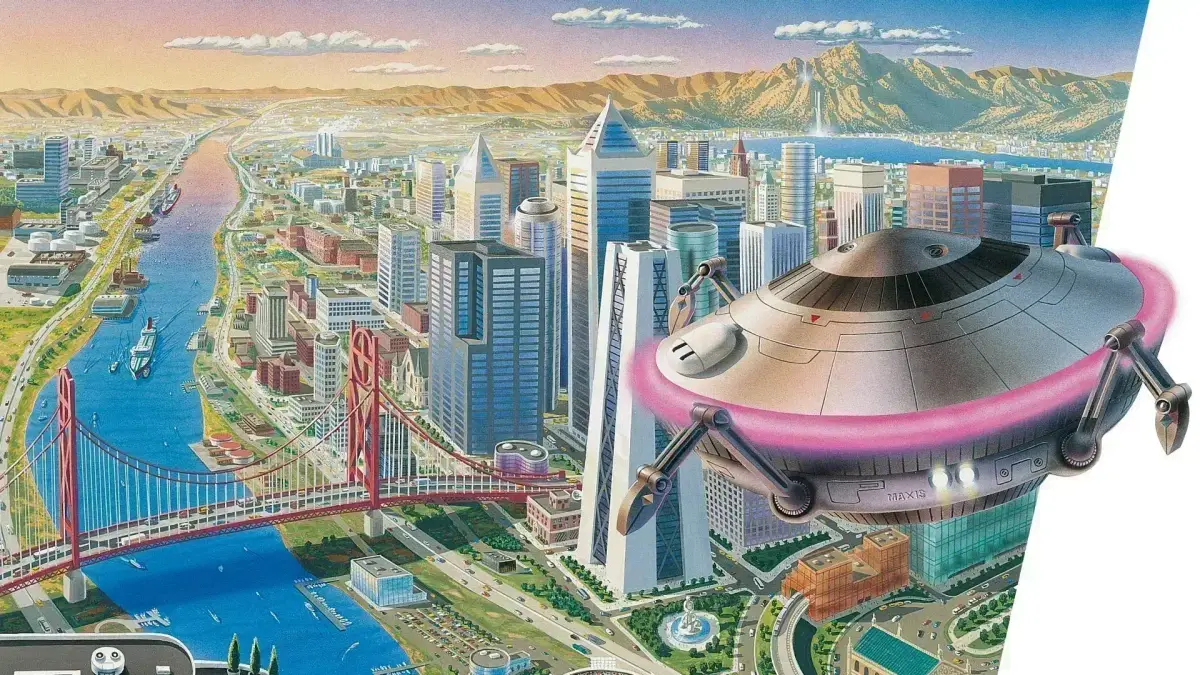
Learn how to create and edit custom terrains in SimCity 2000. Avoid common pitfalls like flooded maps and ensure you have the right geographic features for your dream city.
Hey there, future mayor! So, you're ready to dive into SimCity 2000 and build your masterpiece. When you kick off a new game, you've got a couple of paths. You can jump right in with a randomly generated map, which is actually pretty cool for beginners. These maps usually give you a good mix of everything – coasts, rivers, mountains, plains, forests – you name it. It’s a great way to get a feel for how different landscapes work and how to best build on them. Plus, the game usually makes sure these random terrains are totally developable, so you won't get stuck with something impossible.
But, if you're feeling a bit more adventurous and want to craft your city's foundation from scratch, you'll want to use the terrain editor. This is where you get to be the architect of your world! When you're designing your own map, there are a few things to keep in mind to avoid headaches later on. For instance, going crazy with the water sliders and maxing out the mountains is a recipe for disaster. You'll end up with a map that's basically an ocean, and you won't be able to build anything unless you mess with the sea level. That's a pain!
If your goal is a massive city with tons of people, make sure you're setting up your terrain with the essentials. Think about where you'll place things like seaports and water pumps – you need space for those! Beyond the practical stuff, though, feel free to get creative. You can design all sorts of cool layouts: maybe a ring of land like an atoll, some neat geometric shapes, or even a bunch of islands. It's your world, so shape it in a way that looks awesome and works for your personal city-building style!
100% Human-Written. AI Fact-Checked. Community Verified. Learn how AntMag verifies content