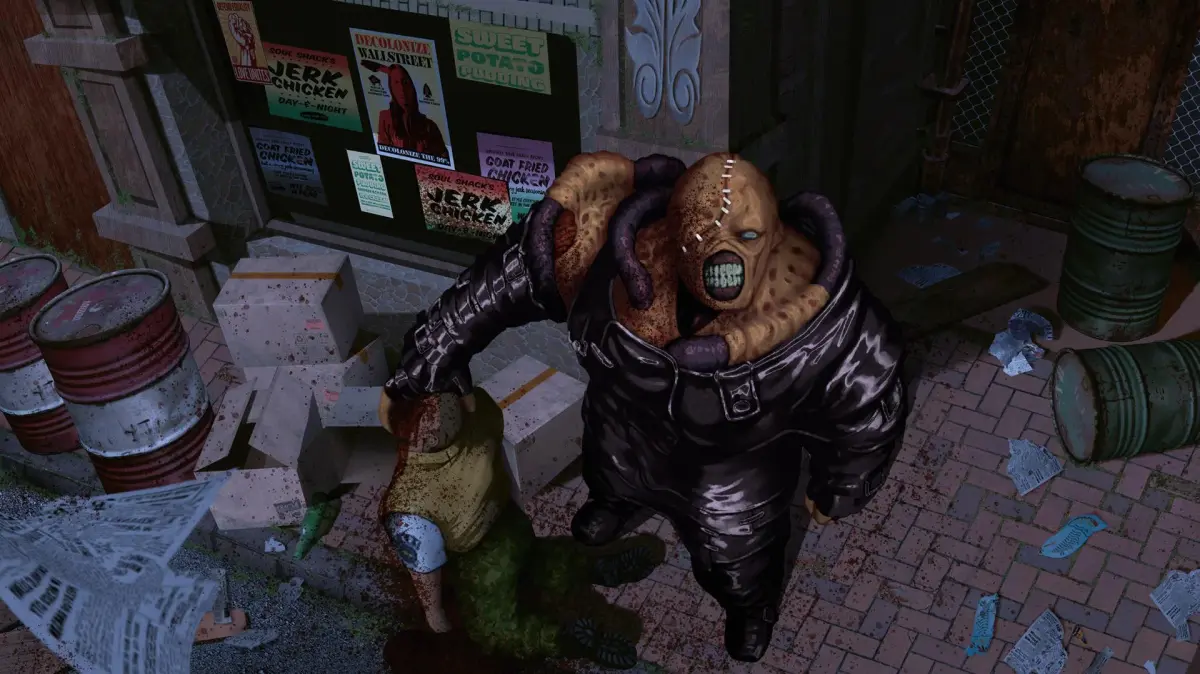
Learn about the map, files, item boxes, and saving system in Resident Evil 3: Nemesis. Jill starts with eight inventory slots.
Jill initially begins the campaign with eight inventory slots. She receives a Side Pack at the end of Chapter 3 that adds two more slots, making inventory management a bit easier. All weapons in Resident Evil 3: Nemesis occupy only a single inventory slot each.
Walkthrough
- 1Access the Map during normal gameplay with the L2 button.
- 2Zoom in/out on certain maps with the X button.
- 3Use the D-pad to move the map.
- 4Press the Select button while viewing the map to open the Map Select menu and view maps of any other areas you have visited.
- 5The Map can also be accessed from the Status Screen.
- 6Rooms you have visited are automatically added to the Map via the auto-map feature.
- 7Find maps as items around Raccoon City for a full Map of the current area; these are often pinned up on walls or bulletin boards.
- 8On the Map screen, your character is represented by a blue arrowhead indicating facing direction.
- 9The room you currently occupy is red.
- 10Rooms you have already visited are solid green.
- 11Unexplored rooms are hollow gray outlines against the black background.
- 12Unlocked doors are marked as small yellow rectangles.
- 13Locked doors pulse red.
- 14Rooms containing major objectives flash blue.
- 15Save rooms containing a typewriter are marked with an "S".
- 16Important documents called Files can only be accessed from the Status Screen.
- 17Any Files obtained are automatically cataloged here; each of the thirty total Files has its own dedicated slot.
- 18Collecting all thirty Files and reading them will unlock a special reward near the end of the campaign.
- 19Item Boxes are large storage chests found in rooms with a typewriter, used to store excess items.
- 20Examine an Item Box to open its screen, displaying its contents on the left and your inventory on the right.
- 21Swap items between your inventory and the Item Box.
- 22All Item Boxes are linked together; items placed in one are accessible from all of them.
- 23You can store up to sixty-four items in the Item Box.
- 24Item Box contents are color-coded on a vertical scroll bar: blue for key items, tools, and Gunpowder; red for weapons and ammo; green for recovery items.
- 25Save your progress at typewriters using an Ink Ribbon item.
- 26A standard PS1 15-block Memory Card can hold a maximum of fifteen save files, as one RE3 save file equals one save block.
- 27Loading a save can only be done from the game's title menu.
- 28Selecting a "Next Game" save file allows options to CONTINUE, RESTART, access THE MERCENARIES, or view EPILOGUES.
Tips
- Finding maps as items provides a full map of the current area.
- Locked doors pulse red on the map.
- Rooms with major objectives flash blue on the map.
- Save rooms are marked with an "S" on the map.
- Collecting all thirty Files unlocks a special reward near the end of the campaign.
- All Item Boxes are linked together.
- Ink Ribbons are a limited resource during a HARD playthrough, allowing a limited number of saves.
- There are enough Ink Ribbons available to save a total of forty-five times.
- Ink Ribbons are usually found next to typewriters.
- Consider keeping multiple save files as a precaution.
100% Human-Written. AI Fact-Checked. Community Verified. Learn how AntMag verifies content