
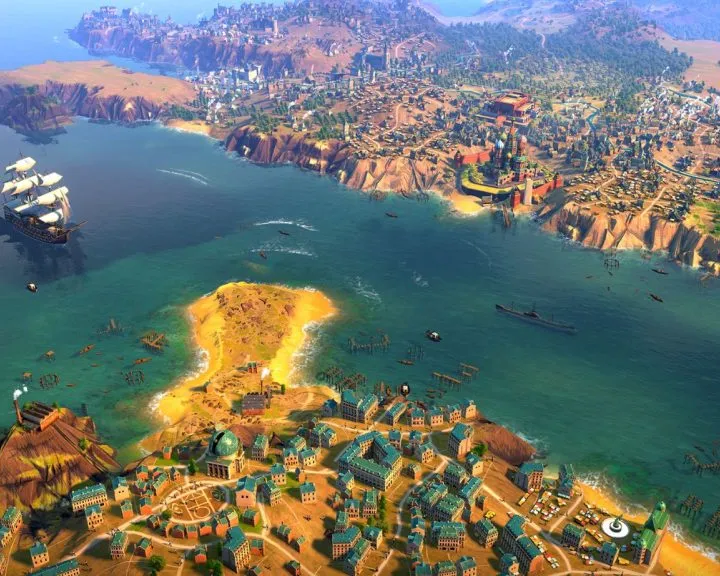
Check Humankind PC system requirements for smooth gameplay. See minimum and recommended specs for CPU, RAM, GPU, and storage for this 4X strategy title.
To ensure a smooth and enjoyable experience playing Humankind on your PC, it is essential to verify that your system meets the recommended specifications. The game, developed by Amplitude Studios, is a demanding 4X strategy title that requires a capable hardware configuration to run effectively, especially at higher graphical settings or during complex late-game scenarios. Understanding these requirements will help you avoid performance bottlenecks and ensure that you can fully appreciate the intricate details of the game's historical world and strategic depth. The developers have outlined both minimum and recommended system requirements to cater to a range of PC builds.
For the minimum requirements, players will typically need a processor such as an Intel Core i5 or AMD equivalent, paired with at least 8 GB of RAM. A graphics card like an NVIDIA GeForce GTX 770 or AMD Radeon HD 7970, with 2 GB of VRAM, is generally sufficient to run the game. Storage-wise, Humankind requires a considerable amount of free space, often around 25 GB, so ensure your hard drive or SSD has ample room. The operating system requirement is usually Windows 7 64-bit or later. These minimum specifications will allow you to launch and play Humankind, but you may need to adjust graphical settings for optimal performance.
For a more robust experience, the recommended system requirements suggest a more powerful processor, such as an Intel Core i7 or AMD Ryzen equivalent, and 16 GB of RAM. A higher-end graphics card, like an NVIDIA GeForce GTX 1060 or AMD Radeon RX 580 with 4 GB of VRAM, will provide better visual fidelity and smoother frame rates. The storage requirement remains similar, emphasizing the need for a fast SSD for quicker loading times. Running the game with these recommended specifications will allow for higher graphical settings, more detailed unit models, and a more fluid experience during large-scale battles and city management, particularly when dealing with numerous units and complex city districts. Always ensure your graphics drivers are up to date for the best compatibility and performance.
100% Human-Written. AI Fact-Checked. Community Verified. Learn how AntMag verifies content