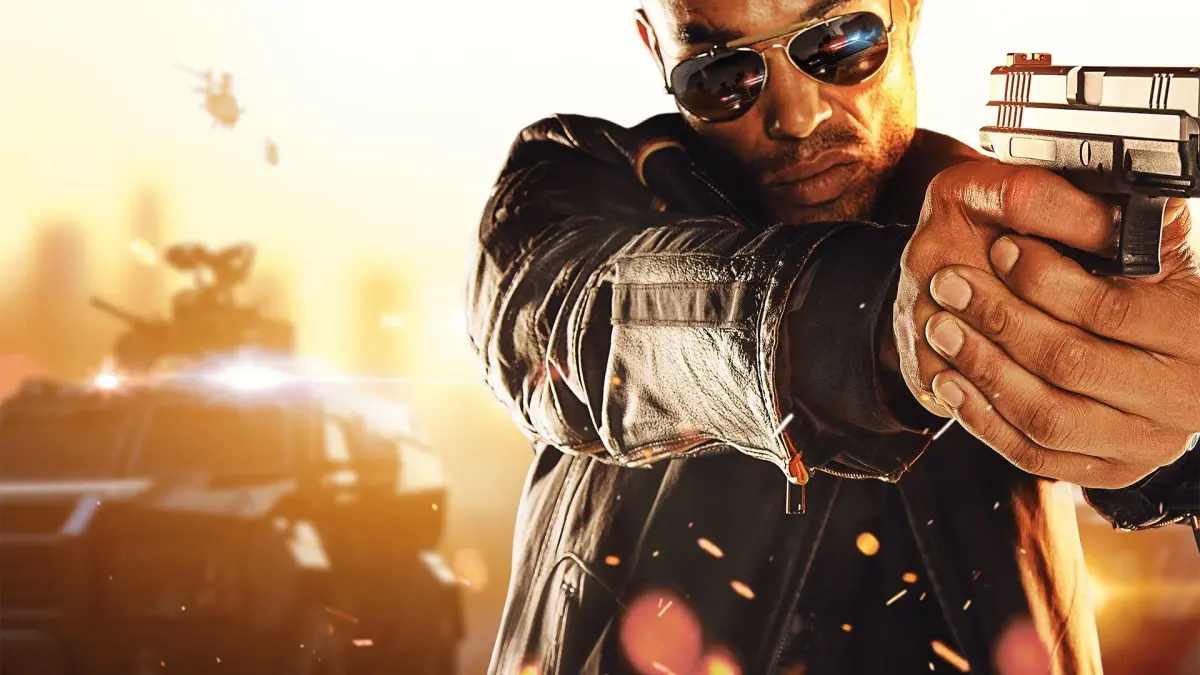
Learn how to customize weapon camos and create unique emblems for your guns and ballistic shields in Battlefield Hardline's Gun Bench feature. Personalize your gear!
The Royal DLC introduced the Gun Bench feature, allowing players to fully customize the camo colors of up to five primary weapons. Additionally, you can create custom emblems that will be displayed on your gun, ballistic shield, and killcard information shown to your victims after a kill. To access the emblem design tool, log into your online Battlelog account, click 'Agent' (top left), then 'Customize Emblem' (top right). Each emblem can consist of up to twenty separate layers, or forty with Premium. Additional shapes for emblem designs can be unlocked via Battlepacks.
Contact: The author welcomes feedback, corrections, and contributions for the guide via email at barticle at hotmail.com (replace 'at' with '@' and remove spaces). Including "Battlefield" or "Hardline" in the subject line is recommended. If email issues arise, contact via GameFAQs.
Thanks: The author thanks various individuals and websites for their contributions, including Sym and Miffyli for weapon stats, Zormau and others for shotgun stats, MarbleDuck for AP Tracer ammo damage, NoctyrneSAGA for .338 Magnum ammo, gameplay previewers like xFactor and LevelCap, DLC gun previewers like DANNYonPC, and sources for firearm information like Modern Firearms and IMFDB. Thanks are also extended to forum contributors, gaming channels, firearms feature channels, MP1st, Battlefield Friends, and sound contributors like Jazzdefector.
100% Human-Written. AI Fact-Checked. Community Verified. Learn how AntMag verifies content