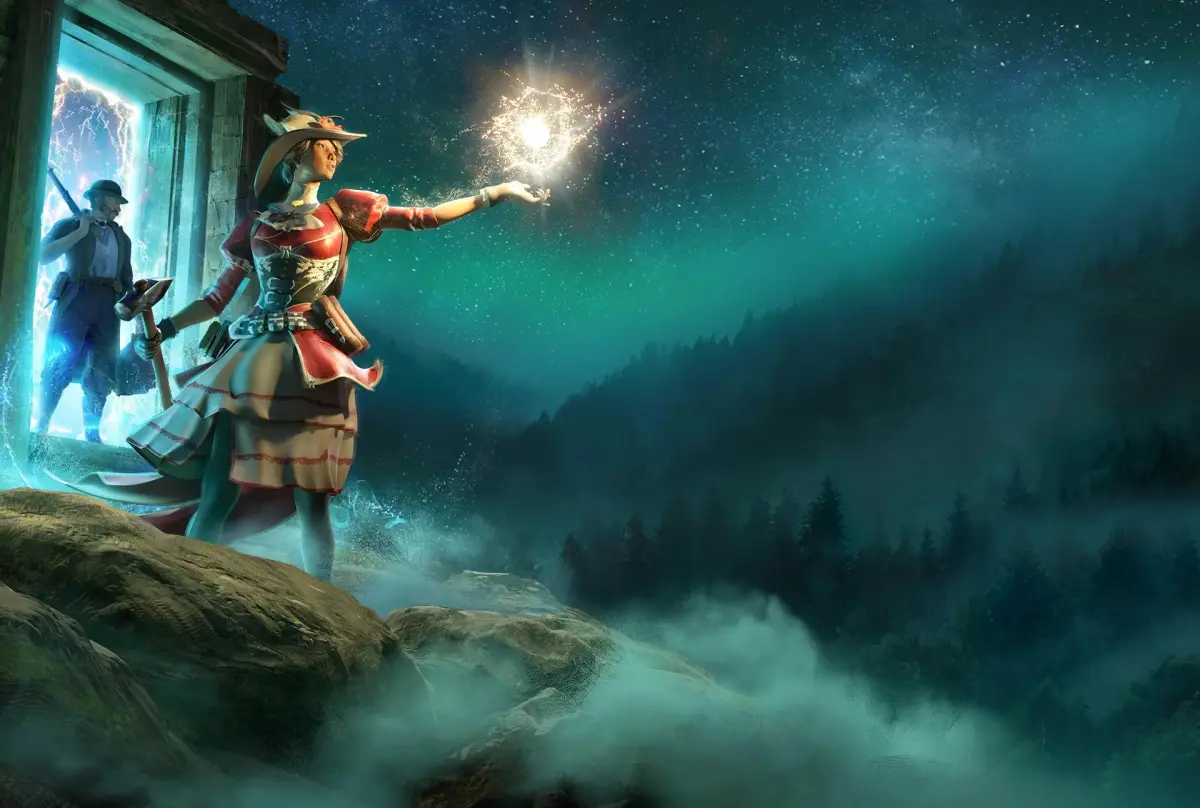
You've been stranded beyond our world, cut off by the collapse of the arcane portal network. Survival means becoming a skilled Realmwalker, navigating a labyrinth of beautiful but dangerous Fae realms via transdimensional portals. Your ultimate goal is to find your way to the magical city of Nightingale, humanity's last bastion.
This guide will help you master the basics, from character creation and ancestry to essential tips for getting started. We'll cover how to increase your gear score, regrow trees, find companions, and boost your stamina, ensuring you're well-prepared for the challenges ahead.
Character Creation and Ancestry Explained: Basics
Learn how to create your unique character in Nightingale, from appearance and voice to the intricate Ancestry and Lineage system for a personalized start.
Character Creation and Ancestry Explained: Basics
Learn how to create your unique character in Nightingale, from appearance and voice to the intricate Ancestry and Lineage system for a personalized start.

Character Creation and Ancestry Explained: Overview
Learn nightingale character creation: customize appearance with sliders or the Ancestry tool, choose difficulty, and select starting gear.
Character Creation and Ancestry Explained: Overview
Learn nightingale character creation: customize appearance with sliders or the Ancestry tool, choose difficulty, and select starting gear.
Character Creation and Ancestry Explained: Overview 2
Dive into Nightingale's character creation! Learn how to customize appearance, choose ancestry, and select starting gear and difficulty for your best start.
Hey there! So, you're diving into Nightingale and want to make sure your character looks just right and gets off to a good start? Let's walk through the character creation and the Ancestry system. It's pretty straightforward, but there are a few cool options to play with.
First up, you'll be shaping the basic look and voice of your character. Pick a body type, choose a starting face to tweak, and then decide on the age and voice. Changing the age can really alter the character's skin tone and overall vibe.
After you've got the basics down, you have two main paths for customization: the manual slider route or the Ancestry feature. If you're all about fine-tuning every little detail, you'll be diving into Step 2. But if you're curious about the Ancestry system, we'll get to that in a bit – it's got its own section further down.
In Step 2, you get to play with all the facial features. We're talking sliders for head shape, eyes, mouth – basically, you can sculpt your character's face however you like. You can also change up the hairstyle, hair color, and even add makeup to really nail your character's look. Go wild with it!
Next is Step 3, and this is where you decide how challenging you want the early game to be. You'll scroll through difficulty settings like Easy, Medium, Hard, and Extreme. Notice how the lore backdrop changes with each? You'll also pick your starting outfit here.
Now, that starting outfit actually matters! It determines your initial gear, complete with its own gear score, perks, and defensive stats. You'll swap this gear out pretty quickly after the tutorial, but it can make that initial storage and combat experience smoother or tougher. For example, Easy mode gives you a big bag, which is super handy, while Extreme mode starts you in basic sleepwear – not ideal for fighting off baddies with makeshift tools. Pick the outfit that suits your playstyle and then finalize your character.
Once you're happy with your look and starting gear, you'll hit the Finalize screen. Here, you'll name your character. Your character's name will also have a tag, which is super useful for finding friends in multiplayer sessions. Finish up the tutorial, and you'll be ready to team up!
Nightingale Ancestry and Lineage Feature Explained
Alright, if spending ages tweaking every single facial slider isn't your jam, the Ancestry tool is going to be your best friend. It breaks down into three sub-menus: Story, Lineage, and Inheritance.
Lineage is probably the most complex part. In this menu, you can pick from pre-made characters and then select a mother and father for your character. Fun fact: you can actually pick two males or two females as parents if you want! You can even add grandparents and great-grandparents, but honestly, they don't have a huge impact on the long run.
After you've picked out your character's Nightingale Ancestry, you can then use these family members to influence your character's appearance. You'll move a cursor over a box, and by selecting portraits closest to the edges, you can decide how much your character should resemble them. This will reshape your character's facial structure, like the jawbone, cheekbones, nose, and mouth. You can go for a neutral look or lean heavily into one side of the family – it's totally up to you! You'll see your character's face gradually change as you adjust it.
The last feature in the Ancestry menu is the Story. This gives your character a bit of background lore before the game starts, but as far as we can tell, it's purely for role-playing and doesn't affect gameplay mechanics.
Once you're satisfied with your character's look, you'll move back to Steps 3 and 4 to finish up. You probably won't need to change much in Step 3 since the Ancestry tree might have already adjusted those sliders. Step 4 is still about difficulty and starting gear, so pick what you want to begin with, give your character a name, and you're all set!
It's worth noting that the Ancestry system seems to be more of an alternative way to generate your character's look rather than a system that has a direct impact on in-game mechanics. So, use it to create a unique look, but don't expect it to unlock special abilities or anything.
And that's pretty much it for character creation and the Ancestry system in Nightingale! You should now have a solid idea of how to make your character exactly how you want them.
What Starting Biome Should You Choose in Nightingale?
New to Nightingale? Learn the pros and cons of Forest, Desert, and Swamp starting biomes to build your first base and set yourself up for success.
Alright, so you've finished up Puck's tutorial quests in Nightingale and he's asking you to pick your starting biome – Forest, Desert, or Swamp. This choice basically sets up your 'home' world, where you'll be clearing dungeons and setting up your first base. Honestly, it doesn't make a *huge* difference in the long run, but there are definitely some things to consider before you lock it in.
Here's a quick rundown of what each biome offers:
| Biome | Pro | Cons |
| Forest | Lots of food, plants, lumber, and stone | Frequent rain and hail, and both boars and wolves are hostile. |
| Swamp | Lots of food, ore, and stone. Fewer hostile enemies, too. | Water is diseased, and you get lots of hail and rain. |
| Desert | Tends to have flatter terrain, making it easier to navigate. | Hot weather forces you to find shade or constantly use of the umbrella. Less lumber and fiber early on. |
So, which one should you actually pick? Most folks recommend the Forest realm as your starting point. It's got the best mix of early-game resources like plant fiber, stone, and lumber, which you'll need for crafting and building your first base. You can find ore too, usually in caves or rocky areas. Setting up shop here is pretty straightforward, giving you all the essentials to get going.
However, the Forest isn't perfect. You'll deal with frequent rain and hail, which can be a real pain until you craft an umbrella. Plus, boars and wolves are pretty common and hostile, so try not to build your base right on top of their spawn points. Keep your wits about you, or be ready to run!
Another thing about the Forest is that it can be a bit hilly and uneven, with lots of trees. This can make exploring for points of interest and dungeons a little awkward compared to the flatter Swamp or Desert biomes. Things tend to get hidden more easily due to the dense foliage and terrain.
The Swamp and Desert biomes are flatter, which is great for getting around. But they come with their own weather challenges. Both will definitely require an umbrella to explore comfortably. For the Swamp, you'll want to glide-dash over diseased water – using a skinning knife or sickle for that extra dash can make mid-to-late game exploration a breeze. The Desert's heat can also catch you off guard really quickly in the early game, making it tough to manage without shade or constant umbrella use.
While the Swamp and Desert offer unique resources that can be more lucrative later on, the Forest generally gives you the most accessible starting resources with fewer immediate environmental hazards to worry about. So, if you're looking for the smoothest start, the Forest is usually the way to go, even with its own set of challenges.
100% Human-Written. AI Fact-Checked. Community Verified. Learn how AntMag verifies content