Skip to content
Abiotic Factor

Abiotic Factor

By ···10 min read·Multi-source verified
1 reading this guide  

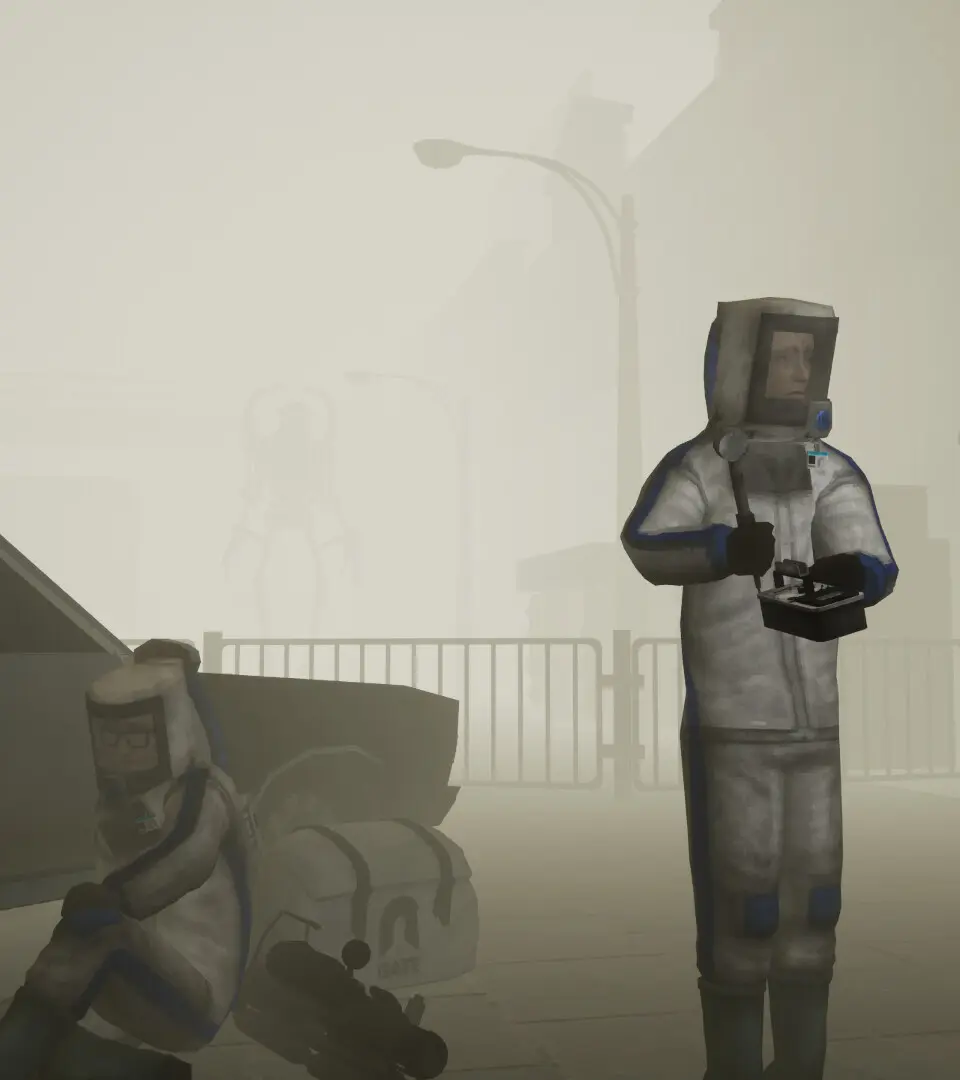
Welcome to the underground! Abiotic Factor throws you into the boots of a scientist at the mysterious Gate 17 research facility, where a dimensional rift has unleashed all sorts of horrors. You'll need to master first-person combat, scavenge for resources, and build up your base to survive against alien creatures and the facility's own security systems. It's a tense, co-op-friendly sci-fi survival shooter that demands smarts and quick reflexes.

This guide is your key to conquering Gate 17. We'll walk you through everything from those initial, terrifying early missions and setting up your first safehouse to tackling tough objectives and understanding the game's core mechanics. Get ready to overcome every challenge and achieve those coveted Steam Achievements.

Getting Started

Learn Abiotic Factor's basic controls, movement, and interface. Master the fundamentals for survival within the anomaly-filled GATE facility.
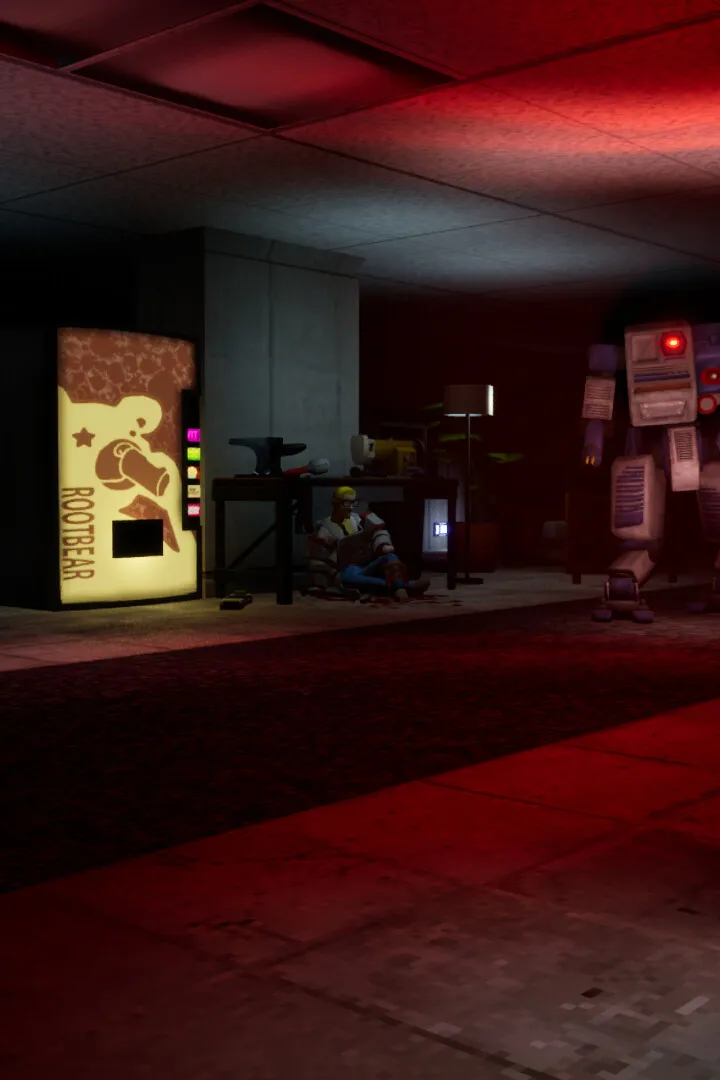
Category

Getting Started

Learn Abiotic Factor's basic controls, movement, and interface. Master the fundamentals for survival within the anomaly-filled GATE facility.
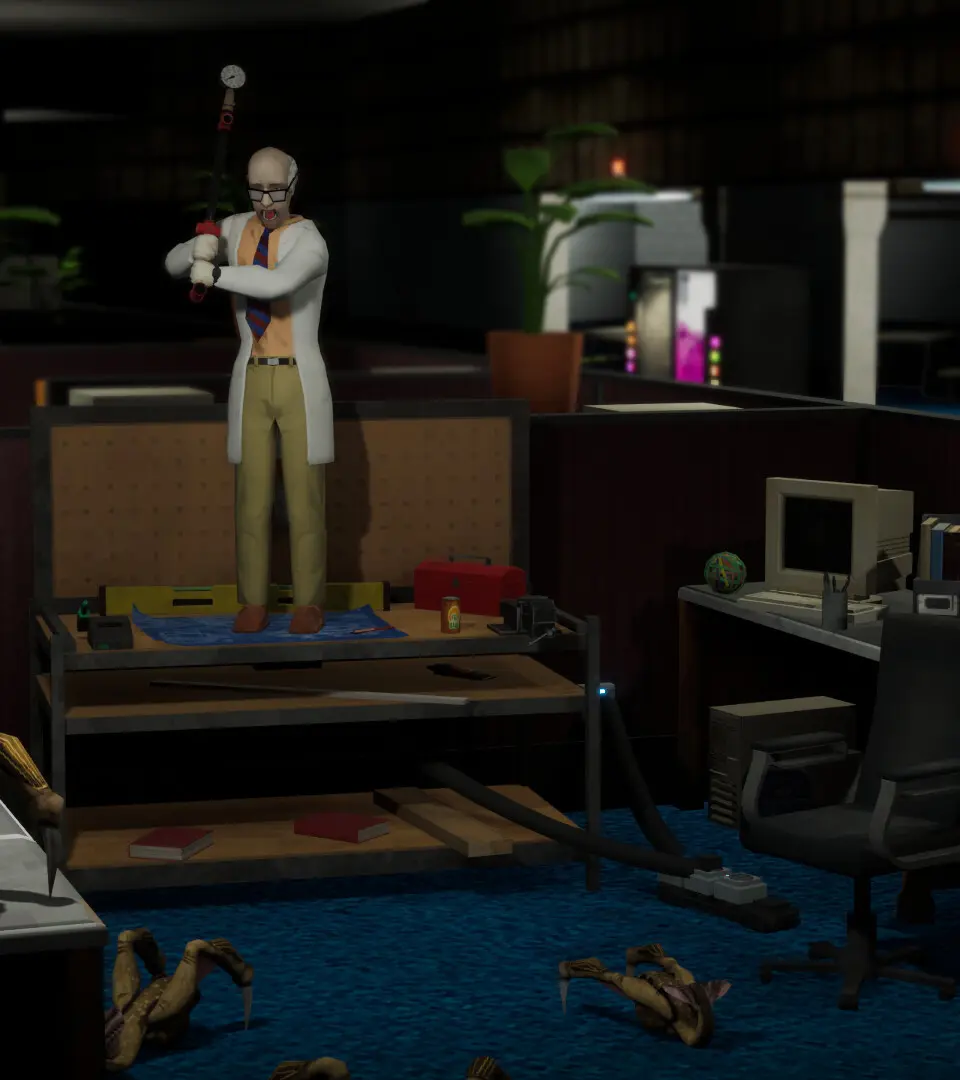
Sections in this chapter (11)
Basic Controls & Movement — Abiotic Factor Guide
Master Abiotic Factor's basic movement and controls. Learn to use standard WASD for navigation, sprint with Shift to conserve stamina, and utilize the left mou.
Controls & UI — Abiotic Factor Guide
Master Abiotic Factor's controls and UI! Learn movement, interaction, inventory management, and essential HUD elements to survive the underground.
Character Creation & Traits
Create your Abiotic Factor character. Select impactful backgrounds and traits like 'Security Guard' or 'Scientist' to shape your survival experience.
Beginner Tips
New to Abiotic Factor? Get started with essential beginner tips on survival, crafting, resource management, and early-game progression.
User Interface (UI) Overview — Abiotic Factor Guide
Understand the Abiotic Factor UI: health, stamina, inventory, map, and essential on-screen information.
Early Game Progression — Abiotic Factor Guide
Master early game progression in Abiotic Factor. Learn resource gathering, basic crafting, combat, and exploration to survive and thrive in the facility.
First Steps: The Tutorial Area
Navigate the Abiotic Factor tutorial area: gather resources, craft first tools, and learn basic survival.
Resource Management Basics — Abiotic Factor Guide
Abiotic Factor resource management basics: Identify, gather, conserve, and prioritize materials for survival and crafting.
Combat Fundamentals — Abiotic Factor Guide
Learn the basics of combat in Abiotic Factor! This guide covers essential tips and strategies to help you survive and thrive in the harsh environment of the Abiotic Factor Facility.
Crafting Basics — Abiotic Factor Guide
Master Abiotic Factor crafting. Learn to gather resources, find blueprints, and craft essential survival gear, tools, and upgrades for the Facility.
Survival Mechanics
Master Abiotic Factor's survival mechanics by managing hunger, thirst, fatigue, and health. Navigate the hostile industrial facility and its dangers.

Basic Controls & Movement — Abiotic Factor Guide

Master Abiotic Factor's basic movement and controls. Learn to use standard WASD for navigation, sprint with Shift to conserve stamina, and utilize the left mou.

Understanding your character's movement and interaction capabilities is paramount. The default controls are intuitive for most s, but customization is available in the settings menu. Use W, A, S, D for movement, Spacebar to jump, and Shift to sprint. Sprinting consumes stamina, so manage it wisely, especially when escaping threats. The Left Mouse Button is for primary actions like attacking or interacting, while the Right Mouse Button often triggers secondary actions or aims. Press E to interact with objects, doors, and pick up items. Remember to check your surroundings constantly; the facility is full of hidden dangers and opportunities. Practice these movements in a safe area before venturing into more perilous zones.

Basic Controls & Movement - Abiotic Factor screenshot
Basic Controls & Movement

Controls & UI — Abiotic Factor Guide

Master Abiotic Factor's controls and UI! Learn movement, interaction, inventory management, and essential HUD elements to survive the underground.

Hey there! So you've found yourself in the depths of the underground in Abiotic Factor, huh? It can be a bit overwhelming at first, but don't worry, I've got your back. Let's break down the controls and the user interface so you can navigate this place like a pro. ## Movement and Interaction Getting around and interacting with the world is pretty straightforward, but there are a few things to keep in mind. * Movement: You'll use the standard WASD keys to move around. Holding down Shift will make you sprint, which is super handy for escaping danger or just getting to that next objective faster. Crouching with Ctrl can help you stay out of sight or fit through smaller gaps. * Looking Around: The mouse is your best friend here. Move it to look around your environment. This is crucial for spotting threats or finding those hidden resources. * Interacting: Most of the time, you'll be pressing E to interact with objects. This could be picking up items, opening doors, pulling levers, or using terminals. Keep an eye on the prompt that pops up – it'll tell you exactly what button to press. * Using Items: Once you've picked up an item, you'll usually press Left Mouse Button to use it. This could be anything from drinking a health potion to activating a piece of equipment. * Dropping Items: Sometimes you'll need to make space in your inventory. Pressing G will drop the item you're currently holding. ## Inventory and Equipment Managing your gear is key to survival. You'll be juggling a lot of different items, so getting a handle on the inventory screen is important. * Opening Inventory: Press Tab to bring up your inventory. Here you'll see all the items you've collected. * Equipping Items: You can equip weapons and tools directly from your inventory. Just select the item and choose the equip option. * Using Items from Inventory: You can also use certain items, like consumables, directly from the inventory screen by right-clicking on them and selecting 'Use'. * Crafting: As you find components, you'll want to craft new items. The crafting menu is usually accessible from your inventory or a dedicated crafting station. Keep an eye out for recipes! ## The Heads-Up Display (HUD) The HUD is your main source of information while you're out in the world. It might seem like a lot at first, but you'll get used to it quickly. * Health Bar: This is usually in a corner of the screen (often the bottom left). Keep an eye on this – when it gets low, you're in trouble! * Stamina Bar: If you're sprinting or performing strenuous actions, you'll see a stamina bar. It depletes with use and regenerates over time. Don't run out of stamina at the wrong moment! * Objective Marker: A compass or a marker on the edge of your screen will usually point you towards your current objective. Don't ignore this – it's your main guide! * Item Hotbar: You'll likely have a row of slots at the bottom of your screen where you can assign your most frequently used items or weapons. You can cycle through these with the number keys (1-9) or the mouse wheel. * Interaction Prompts: As mentioned before, keep an eye out for prompts that tell you what to do with nearby objects. ## Other Important Controls * Map: Press M to open your map. This is essential for navigating the complex underground facility. * Journal/Log: You might have a journal or log to track your progress, quests, and discovered lore. Check the keybind for this, often J or L. * Pause Menu: Press Esc to bring up the pause menu, where you can save your game, adjust settings, or quit. Remember, practice makes perfect! The more you play, the more intuitive these controls will become. Don't be afraid to experiment a little, and always keep an eye on your surroundings. Good luck down there!

Character Creation & Traits

Create your Abiotic Factor character. Select impactful backgrounds and traits like 'Security Guard' or 'Scientist' to shape your survival experience.

Character creation in Abiotic Factor involves selecting a background and several traits that will define your playstyle. These choices have significant impacts on your starting stats, skills, and even how certain events unfold. For example, choosing a 'Security Guard' background might grant bonuses to combat skills, while a 'Scientist' could excel in crafting and research. Traits can be both positive and negative; a 'Strong' trait might increase carry weight and melee damage, but a 'Clumsy' trait could reduce stealth. Carefully consider how these traits synergize with your intended approach to the game. There's no single 'best' build, but understanding the implications of each choice will help you tailor a character that suits your preferred method of survival and exploration. Experiment with different combinations to find what works for you.
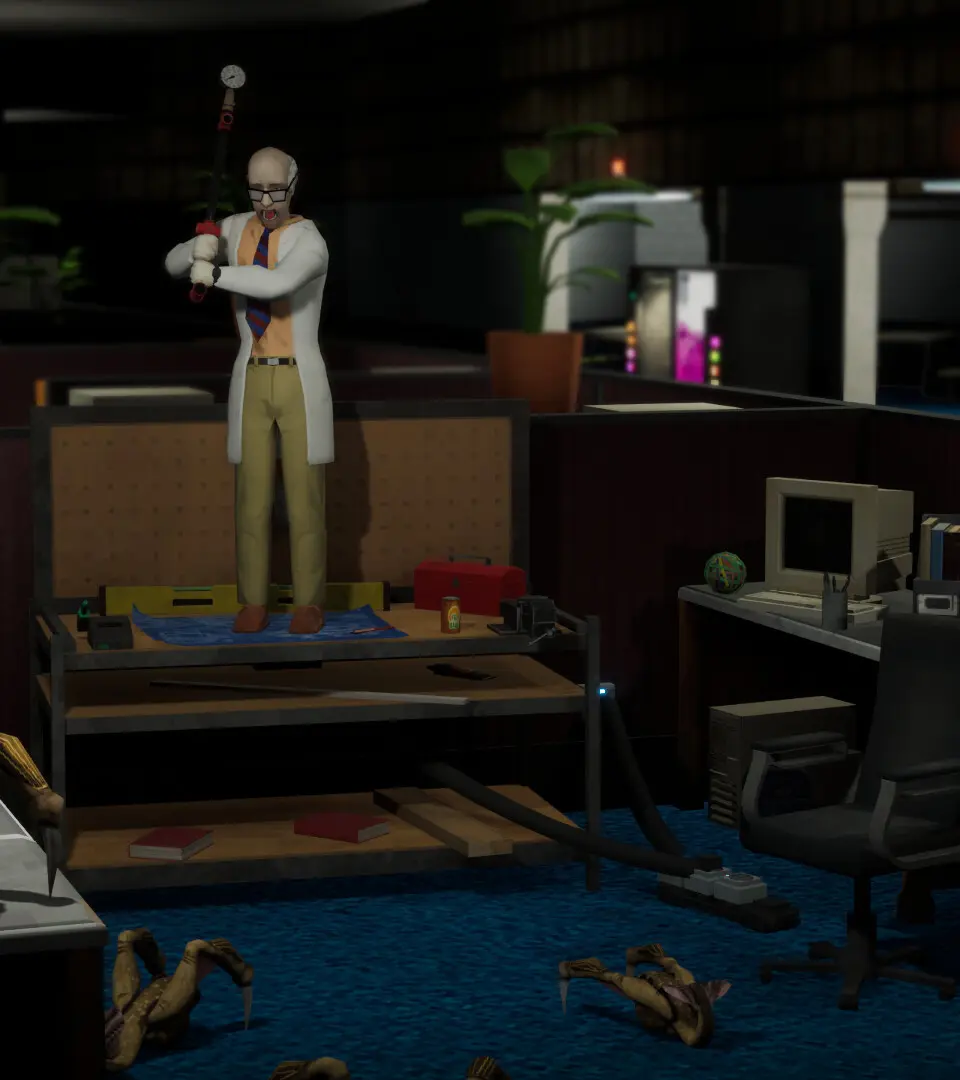
Character Creation & Traits - Abiotic Factor screenshot
Character Creation & Traits

Similar guides you might like

100% Human-Written. AI Fact-Checked. Community Verified. Learn how AntMag verifies content