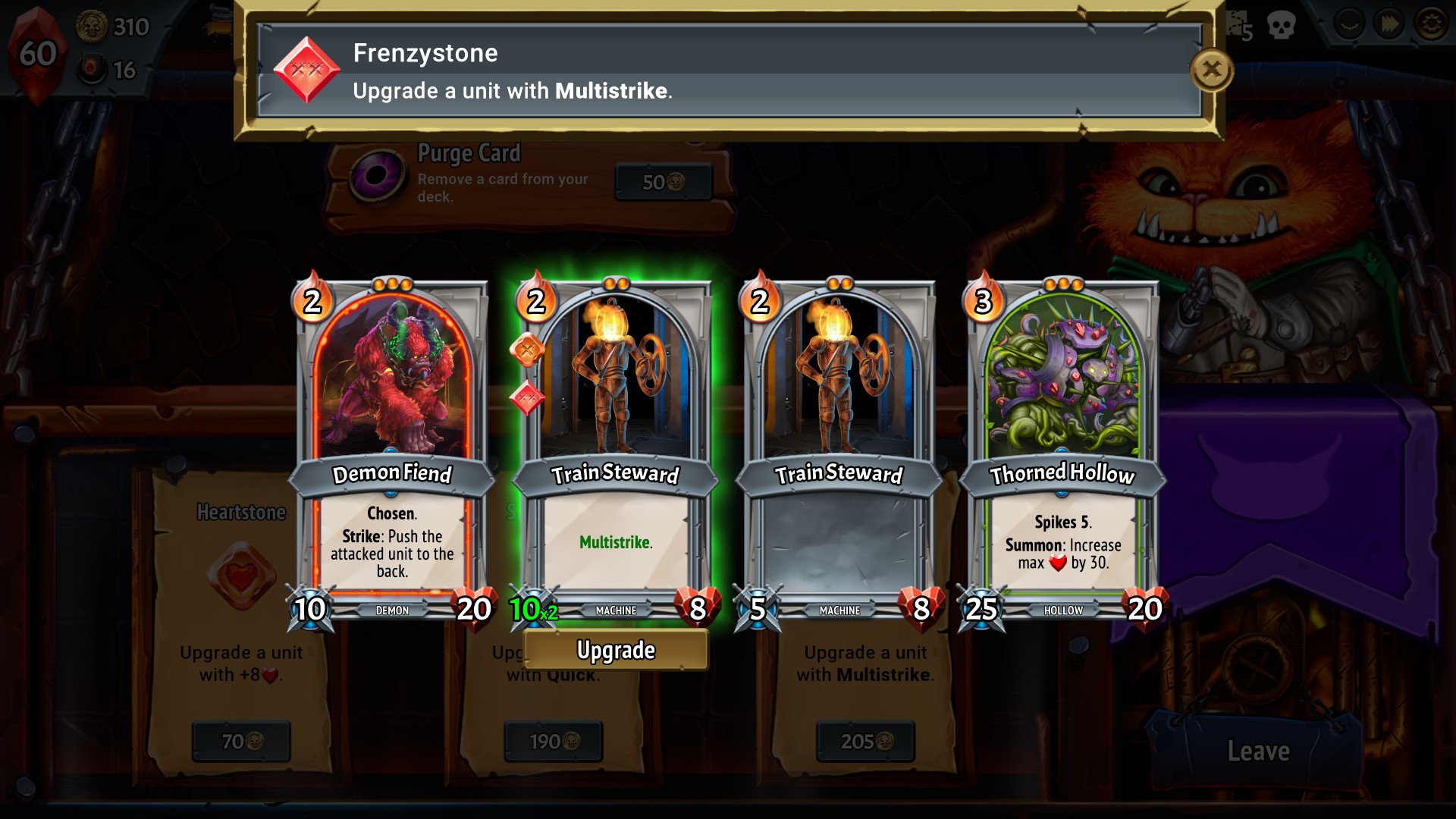
Learn how to select moves and target monster limbs in Monster Train. Understand limb targeting and move selection.
Walkthrough
- 1To select a move, point at its name with the Wiimote.
- 2To select a different limb to attack, hold the Control Stick in the direction of that limb (e.g., up for the head).
- 3To target the torso, leave the Control Stick in its neutral, centered position.
- 4Different moves target different parts of a monster.
- 5When you highlight a move, the target limbs will appear orange on the enemy monster.
- 6If a move targets a limb that has already been blown off (e.g., the head after decapitation), it will automatically target the torso, dealing less damage.
Tips
- Pay attention to the orange highlighting on the monster to see which limbs a move will target.
- Be aware that attacking a severed limb will redirect your attack to the torso for reduced damage.
100% Human-Written. AI Fact-Checked. Community Verified. Learn how AntMag verifies content