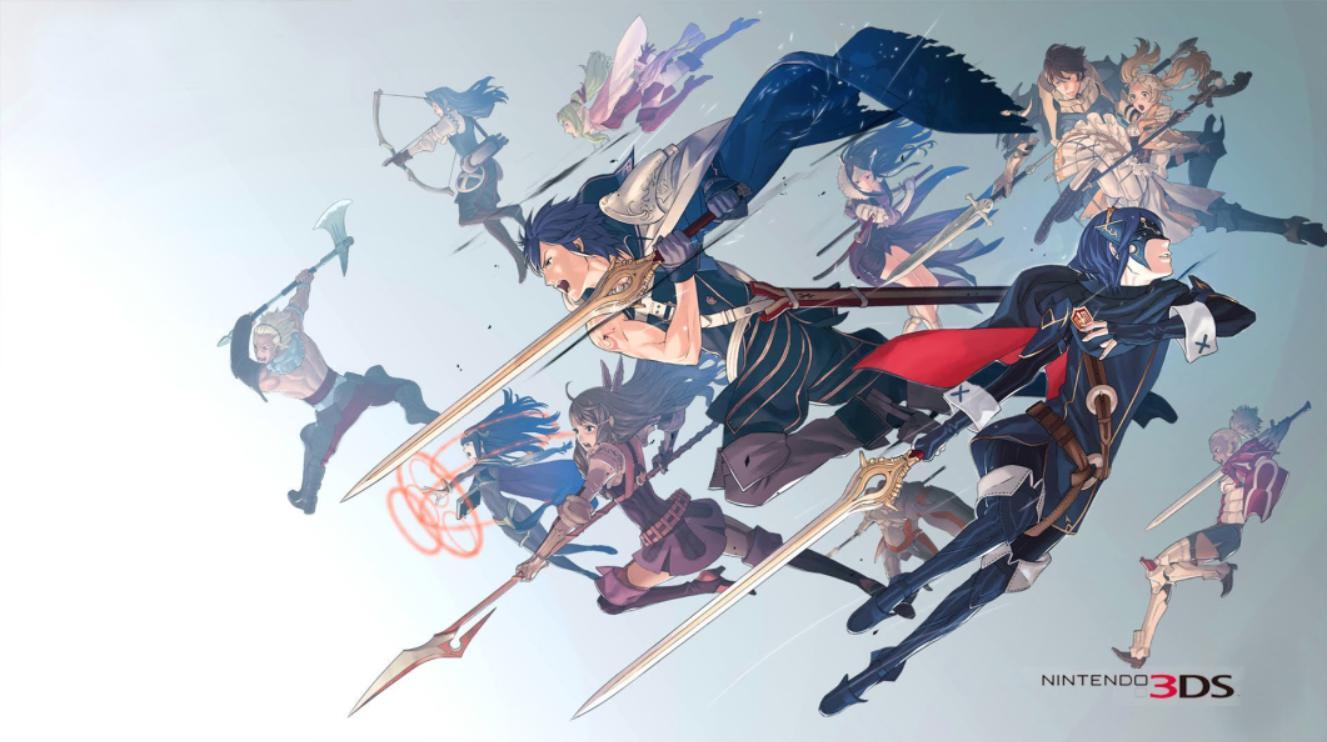
Learn how to select units, manage inventory, and equip skills for battle in fire emblem awakening. Save your game before each mission.
Walkthrough
- 1Select Units: Before entering a mission, you can choose which characters join the battle. The number of deployable characters is indicated at the bottom of the top screen. While personal preference often dictates choices, some characters may need to be brought along to recruit others. Chrom is mandatory in most story missions, so ensure he is trained.
- 2View Map: Analyze the battlefield before starting. Survey enemy positions, identify weaknesses, and note any strong enemies that require specific attention. Bring veteran units for tough encounters or units needing training for weaker ones. You can also swap the starting positions of characters on the map to optimize movement for rushing or defensive strategies. Chrom's initial placement usually cannot be changed.
- 3Inventory: Manage your characters' items. Each character can hold a maximum of five weapons or items; excess items are stored in the convoy, a shared item bank. Characters equip one weapon at a time but can hold spare weapons in case their primary one breaks. Initially, use weapons with high uses, like the Bronze Sword or Iron Sword, to conserve durability. Reserve stronger weapons, such as the Killing Edge or Silver Sword, for bosses or tougher enemies. Consider equipping a long-ranged weapon, like a Javelin, to prevent counter-attacks and preserve HP.
- 4Note on Weapons: Weapons are categorized as sword, lance, axe, bow, staff, tome, or stone. A character can only wield weapons available to their class, indicated on their status screen. Each weapon has a rank (E to A), and a character must have an equal or higher weapon rank to equip it. For example, Chrom needs a Sword Rank of B or A to equip a Silver Sword (B Rank). Weapon ranks increase through combat with that weapon type or by using an Arm Scroll.
- 5Support: Use the “Support” menu to establish and improve relationships between units, and view special support conversations.
- 6Equip Skills: Manage your characters' skills. Each character can equip up to 5 skills; extra skills are stored in their skill bank. Swap between active and inactive skills from this menu.
- 7Save: After completing your preparations, save the game. This allows you to restart from the preparation screen if you make a mistake during the mission, rather than redoing all your preparations.
Tips
- Prioritize equipping characters with weapons that match their class and have sufficient uses for the expected battle length.
- Save stronger weapons for more challenging enemies to maximize their effectiveness.
- Utilize long-range weapons to maintain strategic positioning and avoid unnecessary damage.
- Pay attention to weapon ranks; ensure characters meet the requirements to wield their chosen weapons.
- Consider the tactical advantage of skill combinations and support relationships.
- Always save your game before starting a mission to mitigate the impact of errors.
100% Human-Written. AI Fact-Checked. Community Verified. Learn how AntMag verifies content