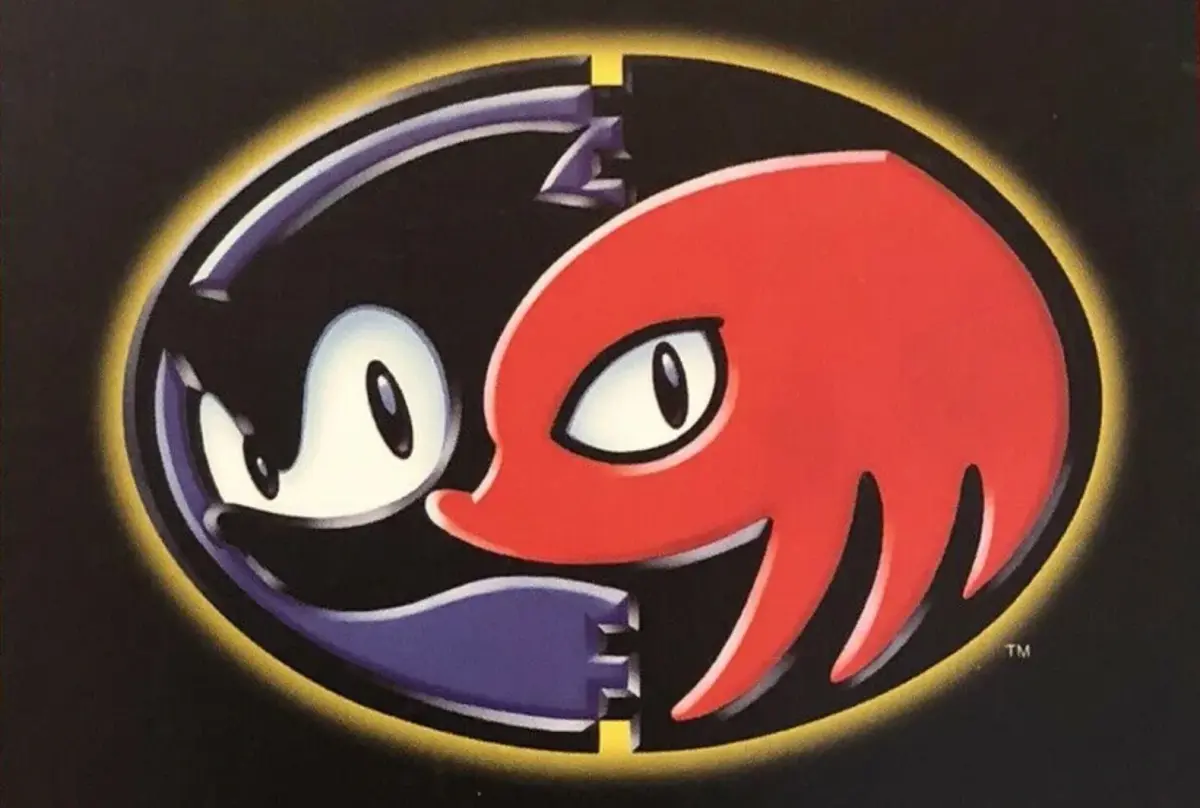
Learn how to save your progress in Sonic & Knuckles. This guide covers save slots, character selection, auto-save mechanics, and continuing your game.
The Sonic 3 & Knuckles save feature allows you to record data in 1-Player and 2-Player/Competition modes. The latter saves your Best Times in each zone, which are updated simultaneously for both Sonic 3 and Sonic & Knuckles as their 2-Player save data is kept together.
In 1-Player mode, the Data Select screen offers eight save slots, initially marked as "NEW". To start a game, select a slot and choose your character: Sonic & Tails, Sonic Alone, Tails Alone, or Knuckles Alone. Once chosen, the character's image will appear on your save file, and you must use that character to progress.
After starting a game or clearing a zone, the image of your current zone will be displayed on your save file. The game also saves your lives, continues, and emeralds. Chaos Emeralds initially surround your character, replaced by Super Emeralds when acquired. To delete a file, select Robotnik (far right slot) and move the cursor to the desired file. For those who wish to play without saving, select the "NO SAVE" slot.
If you have existing Sonic 3 save files, they will be copied to the corresponding blank slots on the Sonic & Knuckles Data Select screen (S3&K adds two slots to the right of S3's). You can resume your Sonic 3 progress, starting in S3&K from the next zone with any collected emeralds. For example, if you cleared Launch Base Zone in S3, you can begin S3&K in Mushroom Hill Zone.
Saving is automatic (auto-save) and occurs when you clear a Zone, end a Special Stage, or are in the Emerald Chamber. No notification message appears during the auto-save process, which is believed to take 10-15 seconds. To prevent data loss, it is recommended to wait approximately 20 seconds before resetting or powering off the game after saving.
Selecting a completed save file will mark it with "CLEAR". You can then cycle through zone images to choose your starting level. If no level is selected, a character image will appear based on your playthrough. For Sonic Alone or Sonic & Tails, images of Regular Sonic, Super Sonic, and Hyper Sonic are shown with 0-6 Chaos Emeralds, 7 Chaos Emeralds, and 7 Super Emeralds, respectively. For Knuckles, Regular Knuckles, Super Knuckles, and Hyper Knuckles are displayed under the same emerald conditions. For Tails, Regular Tails and Super Tails are shown with 0-7 Chaos Emeralds and 7 Super Emeralds, respectively. Collecting all 7 Chaos/Super Emeralds and completing the game again unlocks a combined image of Sonic, Tails, and Knuckles.
100% Human-Written. AI Fact-Checked. Community Verified. Learn how AntMag verifies content