Learn how to master the map screen camera movement in Resident Evil: The Mercenaries 3D. Get quick turns and aim precisely with this guide.
Hey there! So, you wanna get a handle on how to whip that camera around in Resident Evil: The Mercenaries 3D? It all happens on the bottom touch screen with the mini-map. Think of it as your secret weapon for getting the perfect view or lining up a shot super fast.
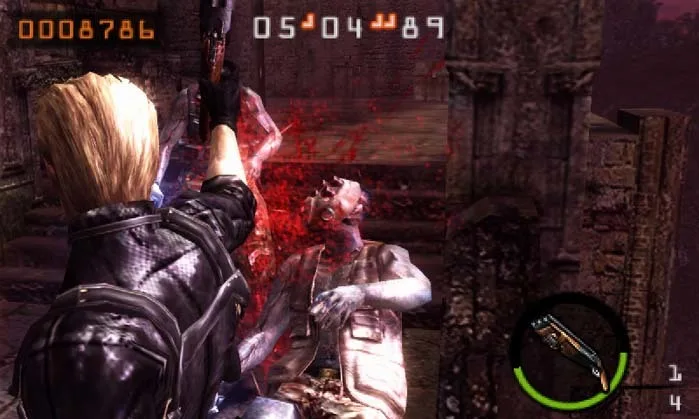
Basically, you can touch and hold anywhere on that mini-map, and the camera on the top screen will snap to face that direction. It’s a bit like the quick turns you might remember from Resident Evil 4 or 5, often called a "quarter turn." The real trick is combining this with the aiming button to make your character actually turn with the camera.
Now, getting this down can feel a little awkward at first, but trust me, it becomes second nature. If you just want to spin the camera left or right, the best spot to tap is on the outer edges of the mini-map – those black areas on the sides. Tapping there will make the camera do a full rotation towards that side.
So, to sum it up, if you want to quickly aim in a specific direction on the main screen, here’s the move:
- Tap and hold on the far sides of the mini-map on your touch screen.
- As soon as the camera swings around, hit that aim button. Your character will snap to face that new direction.
Practice this a few times, and you'll be spinning and aiming like a pro in no time!
100% Human-Written. AI Fact-Checked. Community Verified. Learn how AntMag verifies content