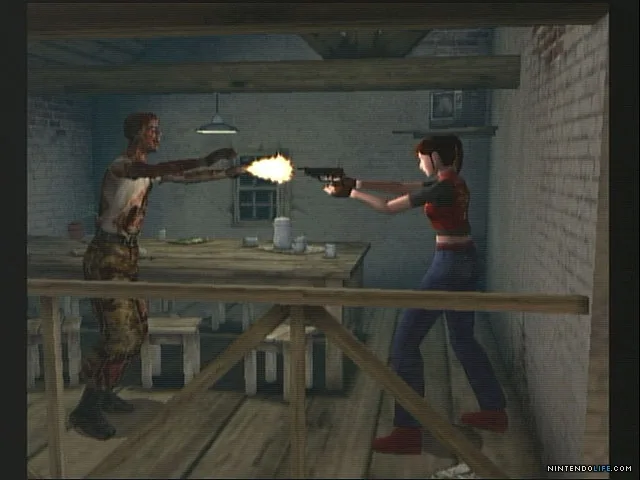
Resident Evil Code: Veronica X Xbox 360 controls: Learn what each button does, from aiming weapons to displaying the map and performing 180-degree turns.
Xbox 360 Button Functions:
- Start Button: Use to start the game or display the status screen (HUD (heads-up display — the on-screen icons showing health, ammo and the minimap) - Heads-Up Display).
- Back Button: Press to skip a movie or cutscene (short, non-interactive sequences).
- Left Stick: Use to highlight menu selections or move your character.
- Triangle Button: Press to display or hide the map screen (minimap (the small circular map in the bottom-left corner of your screen) - a small map showing your immediate surroundings).
- B Button: Use to cancel a menu selection. Pressing Down + B performs a 180-degree turn.
- A Button: Use to confirm menu selections, attack enemies, or perform actions.
- R Shoulder Button: Hold to aim your weapon. While holding R, pressing the R Shoulder Button again changes targets.
- Guide Button: Press to access the Xbox 360 Dashboard (the console's main menu).
Tips
- Familiarize yourself with the R Shoulder Button for aiming and target switching to improve your combat effectiveness.
- The B button's dual function for canceling and quick turns can be crucial in tense situations.
- Use the Triangle button to quickly check your map (minimap) when exploring new areas.
100% Human-Written. AI Fact-Checked. Community Verified. Learn how AntMag verifies content