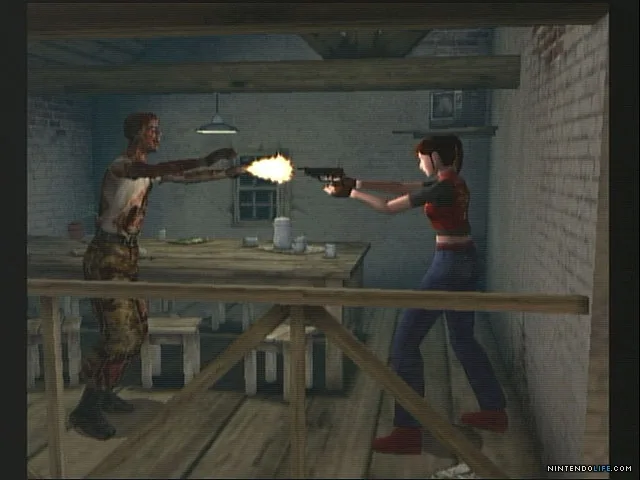
Resident Evil Code: Veronica X PlayStation 3 controls guide. Learn what each button does, from aiming weapons to displaying the map.
Controls:
Start Button: Use to start the game or display the status screen.
Select Button: Press to skip a movie or cut-scene (a short, non-interactive sequence).
Left Stick: Use to highlight menu selections or move your character.
Triangle Button: Press to display or hide the map screen (also known as the minimap (the small circular map in the bottom-left corner of your screen)).
O Button: Use to cancel a menu selection. Holding Down and pressing O performs a 180-degree turn.
X Button: Use to confirm menu selections, attack enemies, or perform actions.
R1 Shoulder Button: Press to aim your weapon.
R2 Shoulder Button: While R1 is pressed, use R2 to change targets.
PS Button: Accesses the PlayStation 3 XMB (XrossMediaBar) Menu.
100% Human-Written. AI Fact-Checked. Community Verified. Learn how AntMag verifies content