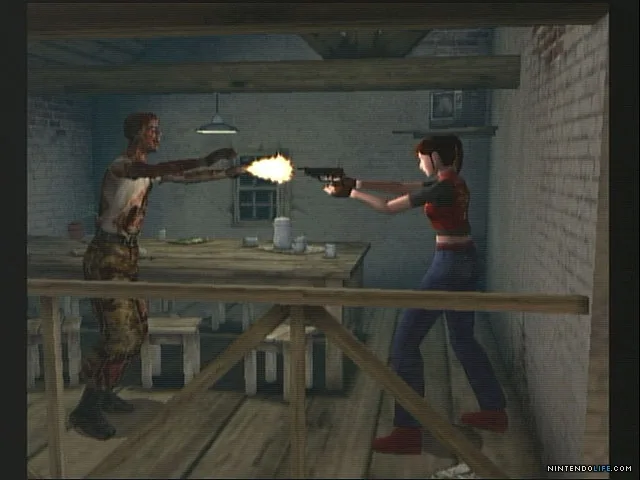
Learn how to move your character effectively in Resident Evil Code: Veronica X. This guide covers basic movement controls and tips for navigating the game's environments.
This section details the basic controls for moving your character in Resident Evil Code: Veronica X. Understanding these controls is fundamental to navigating the game's environments and surviving its many threats.
| Action | Button |
|---|---|
| Move Forward | Up on D-Pad / Left Analog Stick |
| Move Backward | Down on D-Pad / Left Analog Stick |
| Turn Left | Left on D-Pad / Left Analog Stick |
| Turn Right | Right on D-Pad / Left Analog Stick |
| Run | Hold the 'Run' button (e.g., X on PS2/PS4) while moving |
| Aim Weapon | R1 button |
| Fire Weapon | R1 button + X button (while aiming) |
| Use Item | Circle button |
| Interact/Open Door | X button (when prompted) |
| Change Weapon | Square button |
| Reload Weapon | Square button (when weapon is drawn) |
| Look Around | L1 button |
Tips for Movement
- Familiarize yourself with the tank controls (using the D-pad or analog stick to turn and move forward/backward) as they are standard for this game.
- Practice running to cover more ground quickly, but be aware that you cannot attack or interact while running.
- Be mindful of your surroundings when turning; your character has a turning animation that can leave you vulnerable.
- In tight spaces, precise movement is key to avoiding enemies and environmental hazards.
100% Human-Written. AI Fact-Checked. Community Verified. Learn how AntMag verifies content