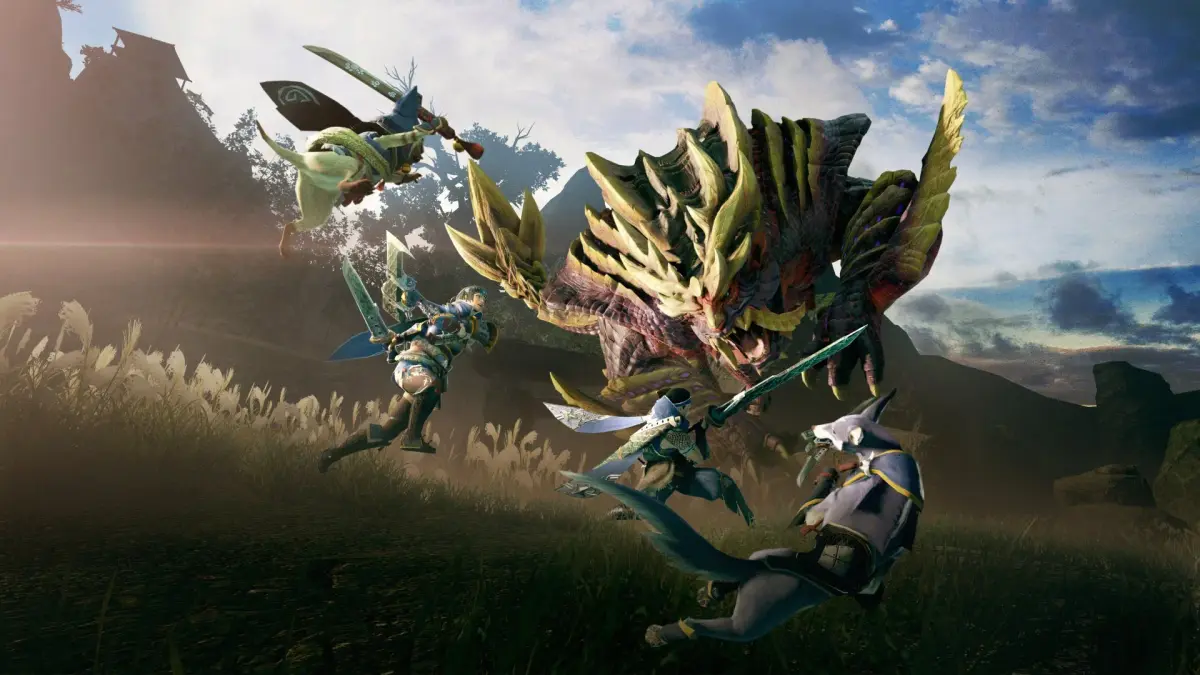
Learn how to easily check your active Side Quests and Requests in Monster Hunter Rise. Keep track of your objectives and never miss a detail in Kamura Village!
Hey there, fellow hunter! So you've been taking on a bunch of tasks in Kamura Village and want to know where to find them all? No worries, it's super simple once you know where to look. Think of this as your quick cheat sheet for keeping tabs on all those Side Quests and Requests you've picked up.
Here's the rundown:
To see exactly which requests you've accepted, just bring up your main menu by hitting the + button on your controller. Once that menu pops up, you'll want to navigate over to the “Quests” tab. From there, select “Side Quests”, and then you'll see the option for “Requests”. That's your go-to spot for checking everything you've got going on!
This guide also covers a bunch of other useful stuff for your journey in Monster Hunter Rise, like how to play the game, info on your trusty Palicos and Palamutes, all about Kamura Village, different types of quests (Village, Rampage, and Hub), detailed monster breakdowns, weapons and armor, armor skills, and maps of every location. Happy hunting!
100% Human-Written. AI Fact-Checked. Community Verified. Learn how AntMag verifies content