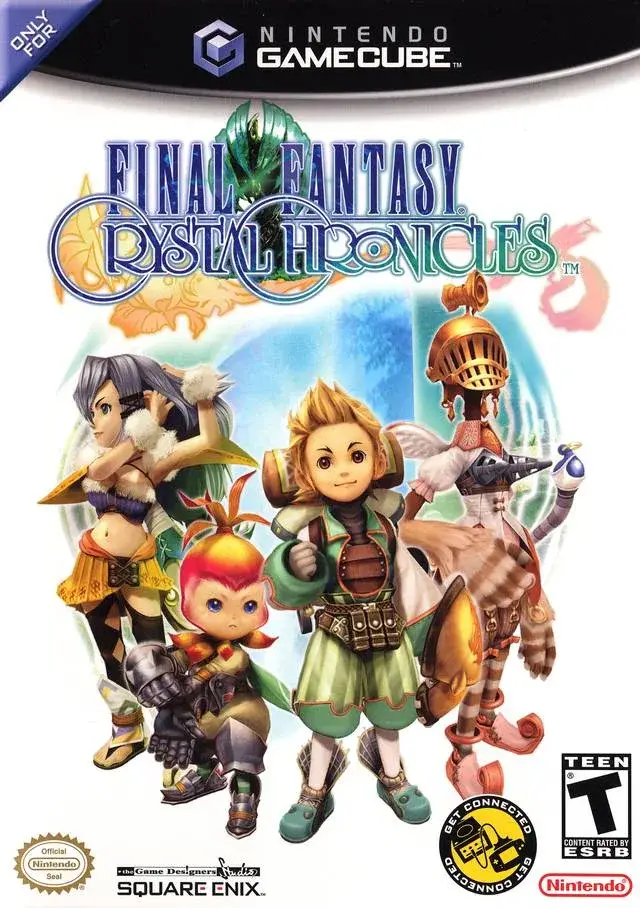
Learn the ins and outs of Final Fantasy Crystal Chronicles Remastered Edition's controls for both single-player and GBA multiplayer, and get a head start on your adventure in Tipa and Port Tipa.
Hey there! Ready to dive deeper into Final Fantasy Crystal Chronicles? This section is all about getting you comfortable with the game's controls and giving you a solid start in the early towns.
First off, let's cover the basic controls you'll be using most often. Think of these as your go-to actions:
- A Button: This is your main interaction button. Use it to attack with your selected commands, talk to folks, or examine things in the world.
- B Button: This button is your catch-all for opening chests, picking up or dropping items, throwing items, and cancelling actions. Super handy!
- X Button: This one's all about your little Moogle companion. Have Mog pick up or drop the chalice, or hold X and Mog will come right to you.
- Y Button: This opens up your Action Menu, where you can select different abilities or items.
- Start Button: Standard pause function – take a break whenever you need it.
- L and R Buttons: These let you switch between different commands during gameplay. Useful for quick changes in combat or exploration.
Now, if you're playing with friends using the GBA link-up, there are a few extra controls to keep in mind:
- Control Pad: This is how you move your character, target enemies or objects, direct the caravan, and cycle through menu options.
- A Button: Similar to single-player, use this to attack with your chosen commands, talk, or examine.
- B Button: Again, this is for opening chests, picking up/dropping items, throwing, and cancelling.
- Start Button: Pauses the game.
- Select Button: This is unique to the GBA connection – it lets you switch the display between the GBA screen and the GameCube screen.
- L and R Buttons: Just like in single-player, these switch your commands.
Alright, controls covered! Now let's get you started on your adventure. After the opening sequence, you'll name your town. Sticking with 'Tipa' is a good idea since that's what we'll use throughout this guide. After checking your diary, you can choose 'Set Out' to begin. Go through the character creation options, and once you're back at the character select screen, press B to confirm and start your journey!
Area: Tipa
First things first, head into Tipa and chat with your family. You'll then appear back on the world map. Select Tipa again to head back into town. Let's take a quick tour:
- Head forward a bit until you enter the main town area.
- Go left to find the MILLER (below you) and the MERCHANT (above you).
- Continue left, then head south to find the FISHERMAN'S HUT.
- Back on the main path, you'll see a split. To the left is the FARMER'S HOUSE.
- Take the other path from the split, and you'll be in front of the TAILOR'S HOUSE.
Before we continue the tour, let's grab a hidden item. Head left from the Tailor's house and follow the long path. You'll reach a boulder on your right. Walk around it until the 'examine' icon pops up. Press A to get a hidden item – nice find!
Now, head back towards the Tailor's house and go east. You'll see the town's main crystal. South of it is the BLACKSMITH'S AREA. Go around to the back of the crystal. Walk all the way up to the rear, and the 'examine' icon should appear. Step into the small door and talk to the Moogle there. You can paint him if you wish, but find the Moogle with the flowers – he's important! If you're unsure about 'Mog Stamps', ask him 'What's a Mog Stamp?' to get your STAMP CARD and your very first MOG STAMP.
We're done here for now, so head back outside.
Back on track with the tour! Head right from where you exited. You'll find the home of the ALCHEMIST. Then, head south down the path to find the last house, the RANCHER'S HOUSE. This brings you back to the start of Tipa.
Here's a crucial tip: If you noticed Moogles blocking certain houses earlier, it means you haven't created a character with the required job yet. It's highly recommended to create eight characters, each with a different job. This will unlock all areas in town and make your adventure much smoother. For now, head back out to the World Map.
Area: Port Tipa
From the World Map, head forward to enter Port Tipa. As you leave Tipa, you'll be stopped by another caravan, who will chat with you and give you a Moogle. Once you're back on the World Map, head up, then left to enter Port Tipa itself.
- When you arrive, turn around and head down the paths.
- You'll see a hole in plain view – enter it to find a Moogle's Nest. Grab your second Mog Stamp here and head back out.
- Continue south to the beach. Your Moogle friend will be here and teach you some important things.
Once you're done learning, head back to the World Map. You've got a good start now, covering controls and the first steps in Tipa and Port Tipa!
100% Human-Written. AI Fact-Checked. Community Verified. Learn how AntMag verifies content