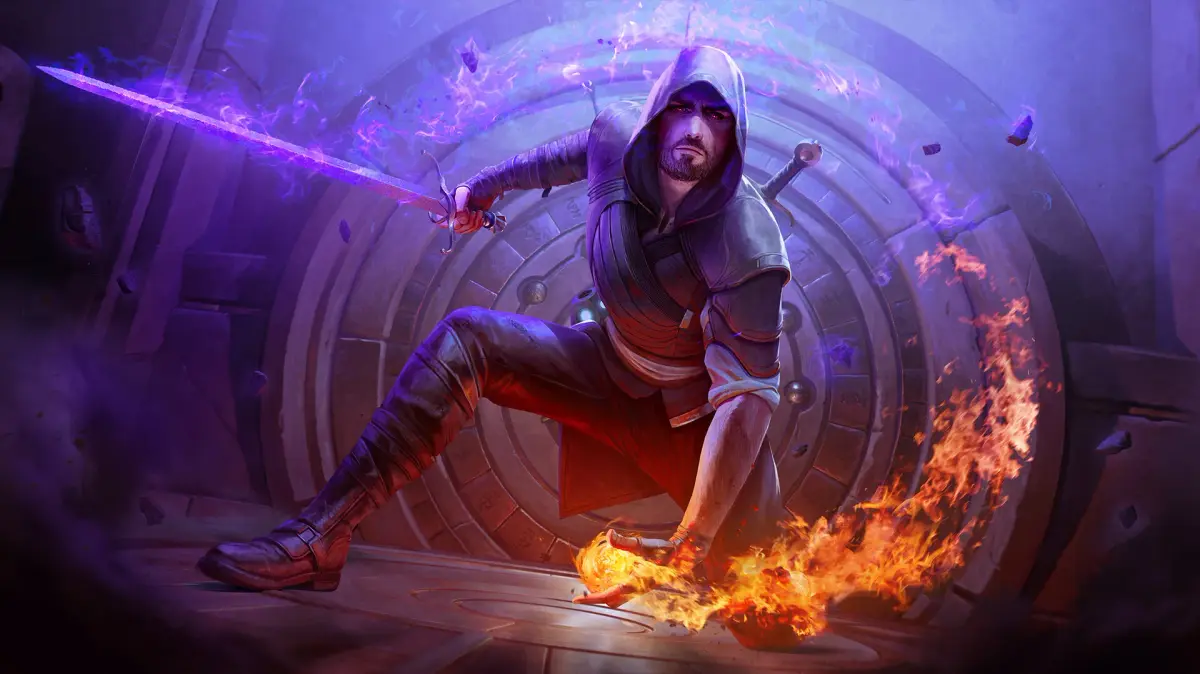
Learn how to start a new game in Blade & Sorcery, including accessing the load game menu and selecting difficulty. The default difficulty is Medium.
When you first install and start Blade & Sorcery, an introduction (a non-interactive sequence that sets up the story) will play automatically.
To start a new game after your initial playthrough, navigate to the options menu and select "Load Game." This will display a list of your saved files and allow you to choose a difficulty setting for your new game. The default game difficulty is Medium.
For a detailed comparison of difficulties, refer to Section 6.6. This comparison can help you select the difficulty that best suits your playstyle, especially during fast-paced combat encounters.
If you modify the folder where the game saves its data within the game's directory, Blade & Sorcery will initiate a new game, and the introduction cutscene (a non-interactive cinematic the game plays automatically) will play again automatically.
100% Human-Written. AI Fact-Checked. Community Verified. Learn how AntMag verifies content