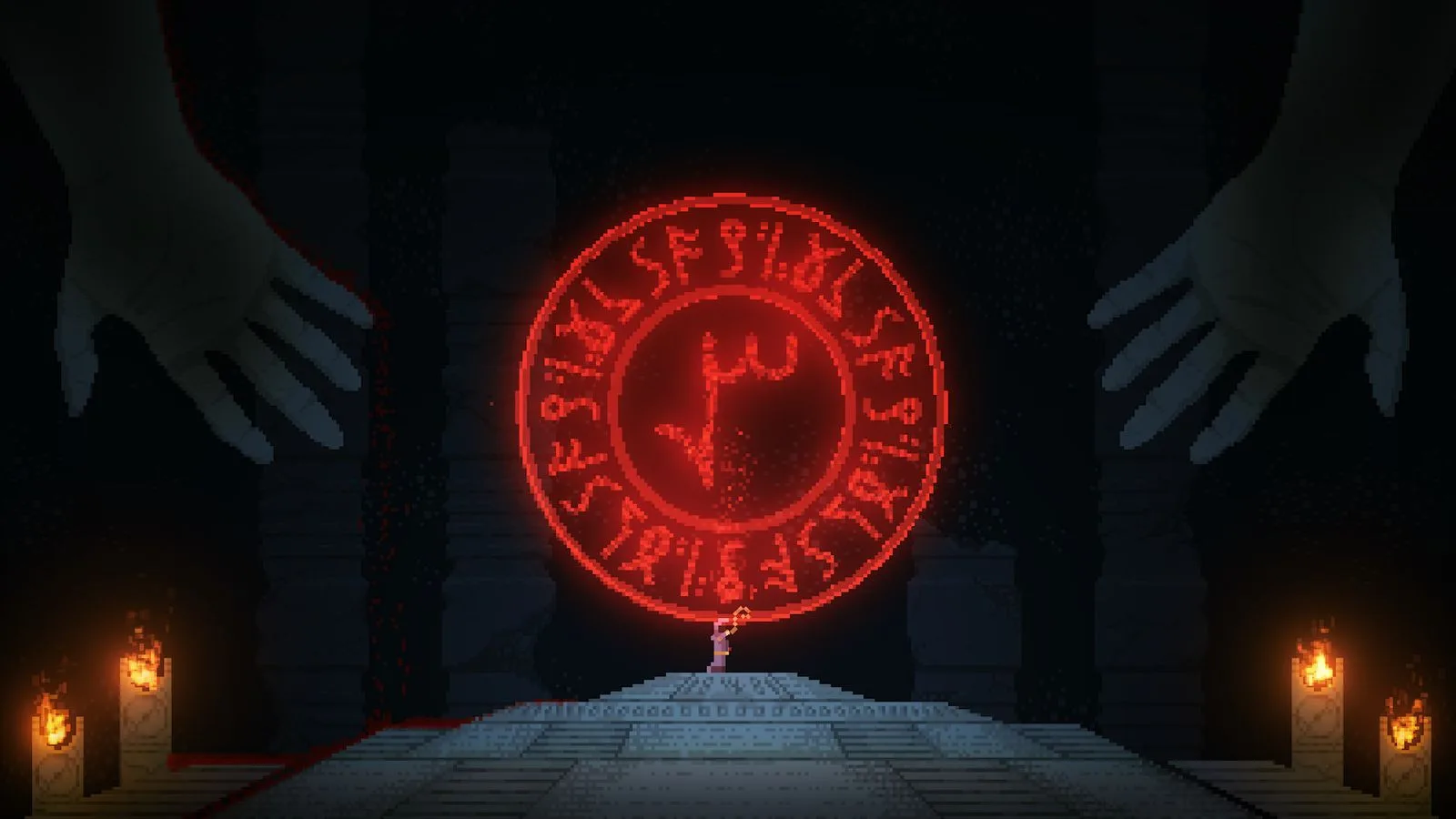
Welcome to Noita, a challenging 2D action-adventure RPG where every pixel is destructible and every enemy is deadly. As a witch exploring procedurally generated caves, you'll craft powerful wands, experiment with spells, and uncover the world's secrets. It's a game that demands patience, experimentation, and a willingness to learn from your many, many deaths.
This guide will help you navigate the perilous depths, focusing on the crucial Orbs of True Knowledge. These aren't just collectibles; they unlock new spells, reveal lore through Orb Rooms, and are essential for progressing to New Game Plus. We'll cover their locations, effects, and the specific requirements for entering NG+ and its subsequent levels, ensuring you can master the game's deepest secrets.
Getting Started
Navigate the treacherous world of Noita with our comprehensive guides. Learn gameplay basics, wand mechanics, spell synergies, and advanced strategies to survive and thrive.
Getting Started
Navigate the treacherous world of Noita with our comprehensive guides. Learn gameplay basics, wand mechanics, spell synergies, and advanced strategies to survive and thrive.
The Basics of Noita — Walkthrough
Start your journey in Noita. Grasp the basics of this 2D roguelite, including permadeath and the descent through its dangerous world.
Welcome, aspiring witch, to the perilous and unpredictable world of Noita! This 2D action roguelite casts you as a mysterious magic-wielder, tasked with descending through a procedurally generated world teeming with dangerous creatures and potent secrets. Your ultimate goal is to reach the bottom of the world, but the journey is fraught with challenges, and death is permanent. However, each failed run is a valuable lesson, offering new insights into the game's intricate mechanics and the vast potential of its spell-crafting system. Mastering the fundamentals is not just recommended, it's essential for even a glimmer of survival.
Core Gameplay Loop: Descend, Discover, Die, Repeat
Noita's gameplay revolves around a cyclical structure:
- Descent: Start at the surface and delve deeper into increasingly dangerous biomes.
- Discovery: Find new wands, spells, perks, and secrets. Experiment with spell combinations.
- Combat: Engage a diverse array of enemies, each with unique behaviors and weaknesses.
- Death: An inevitable part of the Noita experience. Learn from your mistakes and start anew.
- Progression: While death is permanent, knowledge gained carries over, making each subsequent run potentially more successful.
Movement and Interaction
Your witch is agile and capable of interacting with the environment in several ways:
- Basic Movement: Use directional keys (typically A/D or Left/Right Arrow) to move horizontally. W/Up Arrow allows you to fly for a limited duration, consuming a stamina bar that recharges when grounded.
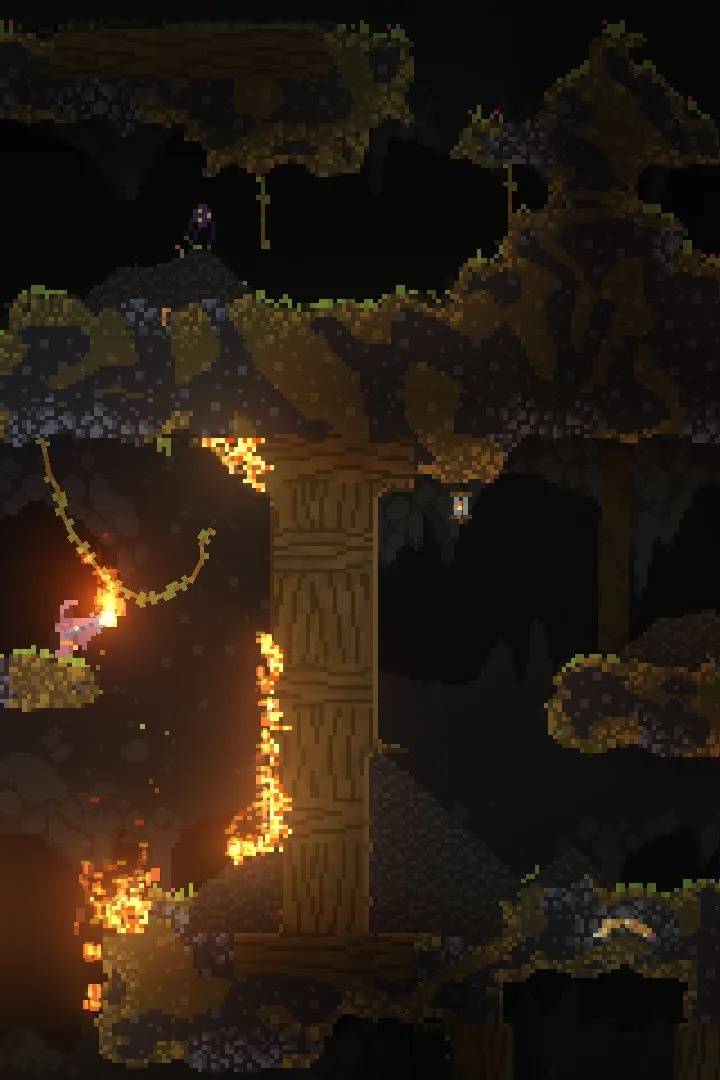
- Digging: Your starting wand often comes with a basic digging spell (e.g., "Digging Bolt"). This allows you to carve through soft terrain like dirt, snow, and even some rock, opening up new paths or escape routes. Be mindful of falling debris!
- Kicking: Pressing the kick button (default: F) allows you to push objects, break weak structures, or even stun some smaller enemies. It's also crucial for opening chests and interacting with certain mechanisms.
- Picking Up Items: Walk over items to automatically pick them up. Wands and spells will be added to your inventory. Potions can be picked up or thrown.
Wands: Your Primary Weapons
Wands are the heart of Noita's combat system. Each wand has unique properties that dictate how it casts spells. Understanding these properties is paramount:
- Mana: Spells consume mana. Wands have a mana capacity and a mana recharge rate. When mana runs out, you cannot cast spells until it recharges.
- Cast Delay: The time in seconds between individual spell casts from a wand. Lower is better.
- Recharge Time: The time in seconds it takes for a wand to "reload" its entire spell block after all spells in its current block have been cast. Lower is better.
- Spells/Cast: How many spells are cast simultaneously with a single click.
- Shuffle/Non-Shuffle:
- Shuffle Wands: Cast spells in a random order from their loaded spell list. Unpredictable but can be powerful with the right setup.
- Non-Shuffle Wands: Cast spells in the exact order they are placed in the wand's inventory. This allows for precise and complex spell combinations.
- Always Cast: Some rare wands have an "Always Cast" spell. This spell is cast for free with every shot, without consuming mana or taking up a spell slot. These are incredibly powerful!
Strategy Tip: Early on, prioritize wands with low Cast Delay and Recharge Time, even if their damage output seems low. Rapid-firing utility spells or basic projectiles can keep you alive longer than a slow, powerful wand you can barely use.
Spells: The Building Blocks of Destruction
Spells are found throughout the world and can be added to wands. They come in a vast array of types:
- Projectile Spells: Fire a physical projectile (e.g., Magic Missile, Spark Bolt, Energy Orb).
- Static Projectile Spells: Create a stationary projectile (e.g., Luminous Drill).
- Utility Spells: Digging, healing, teleportation, light, etc.
- Modifier Spells: Alter the properties of other spells (e.g., Damage Plus, Homing, Multicast, Chainsaw). These are crucial for creating powerful combinations.
- Trigger/Timer Spells: Cast another spell when they hit an enemy or after a delay (e.g., Spark Bolt with Trigger). These are essential for advanced spellcraft.
- Material Spells: Create or manipulate materials (e.g., Summon Random Liquid, Black Hole).
Spell Placement: The order of spells in a non-shuffle wand matters immensely. Modifier spells typically affect the next spell(s) in the sequence. Experimentation is key!
Perks: Game-Changing Abilities
Perks are powerful passive abilities that significantly alter your run. You acquire perks in Holy Mountains (see below). Each Holy Mountain offers a choice of three random perks. You can only pick one per mountain.
Examples of Basic Perks:
- Extra Life: Grants you one revival upon death. Incredibly valuable.
- Faster Movement: Increases your movement speed.
- More HP: Increases your maximum health.
- Explosion Immunity: Makes you immune to explosion damage. A game-changer against many enemies and environmental hazards.
- Melee Immunity: Makes you immune to damage from physical attacks.
- Fire Immunity: Makes you immune to fire damage.
Strategy Tip: Prioritize defensive perks like immunities or Extra Life, especially in early runs. They provide a much-needed safety net. Don't be afraid to skip perks if none of the options are particularly useful for your current build or situation.
Holy Mountains: Your Sanctuary and Shop
After clearing each major biome, you will enter a Holy Mountain. These areas are safe zones where enemies cannot enter (unless you anger the gods!). Holy Mountains serve several critical functions:
- Health Recharge: A pool of healing liquid (typically "Full Health Recharge") will fully restore your HP.
- Perk Selection: A pedestal will offer you a choice of three random perks. Choose wisely!
- Wand and Spell Shop: Two pedestals will display wands and spells for purchase using gold collected from enemies and chests.
- Spell Refresh: A third pedestal allows you to reroll the available spells in the shop for a small gold fee.
- Exit Portal: A portal at the bottom of the mountain leads to the next biome.
Crucial Warning: Destroying any part of the Holy Mountain will anger the gods, causing powerful enemies (Kukko, then Steve, then Sami) to spawn and attack you relentlessly in subsequent Holy Mountains. Avoid digging or accidentally exploding anything within these sacred halls!
Early Game Progression: The First Biome
Your first few runs will primarily take place in the Mines. Here's a basic walkthrough:
- Starting Gear: You begin with a basic "Starting Wand" (often with Spark Bolt and Digging Bolt) and a flask of water.
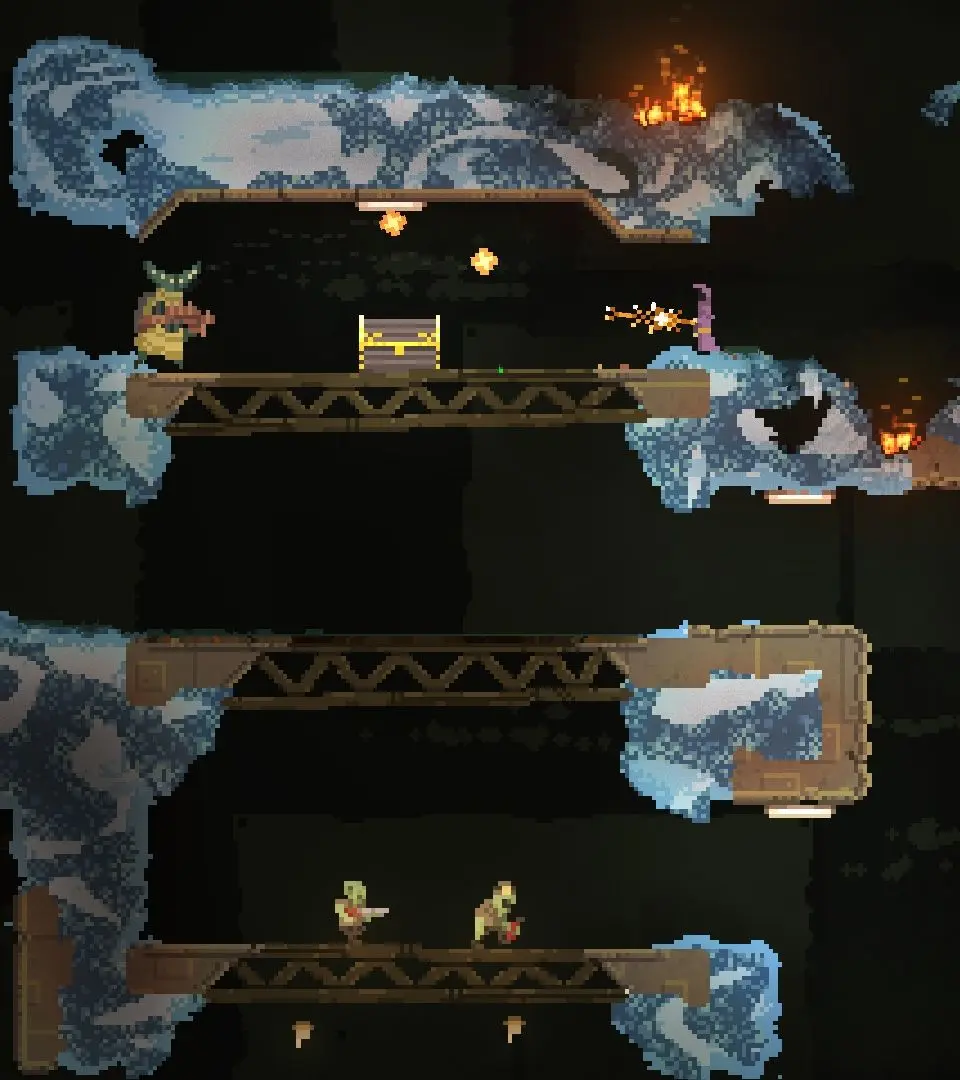
- Explore the Mines: Carefully descend through the Mines. Enemies include:
- Hisii: Basic humanoid enemies with various weapons (pistols, shotguns, grenades).
- Fire Mages: Cast fireballs. Dangerous in groups.
- Spiders: Small, fast, and often drop from ceilings.
- Slimes: Slow-moving, deal contact damage.
- Collect Gold: Defeat enemies and break gold nuggets to collect gold. This is vital for purchasing wands and spells in the Holy Mountain.
- Find Better Wands and Spells: Keep an eye out for chests and defeated enemies that drop wands and spells. Experiment with new combinations.
- Reach the Holy Mountain: Once you've explored enough of the Mines, you'll find the entrance to the first Holy Mountain.
- Heal and Prepare: In the Holy Mountain, heal up, select your first perk, and consider buying a better wand or spells if you have enough gold.
- Proceed to the Coal Mines: Take the portal to continue your descent.
Common Pitfalls:
- Greed: Don't overextend for a small amount of gold. Survival is paramount.
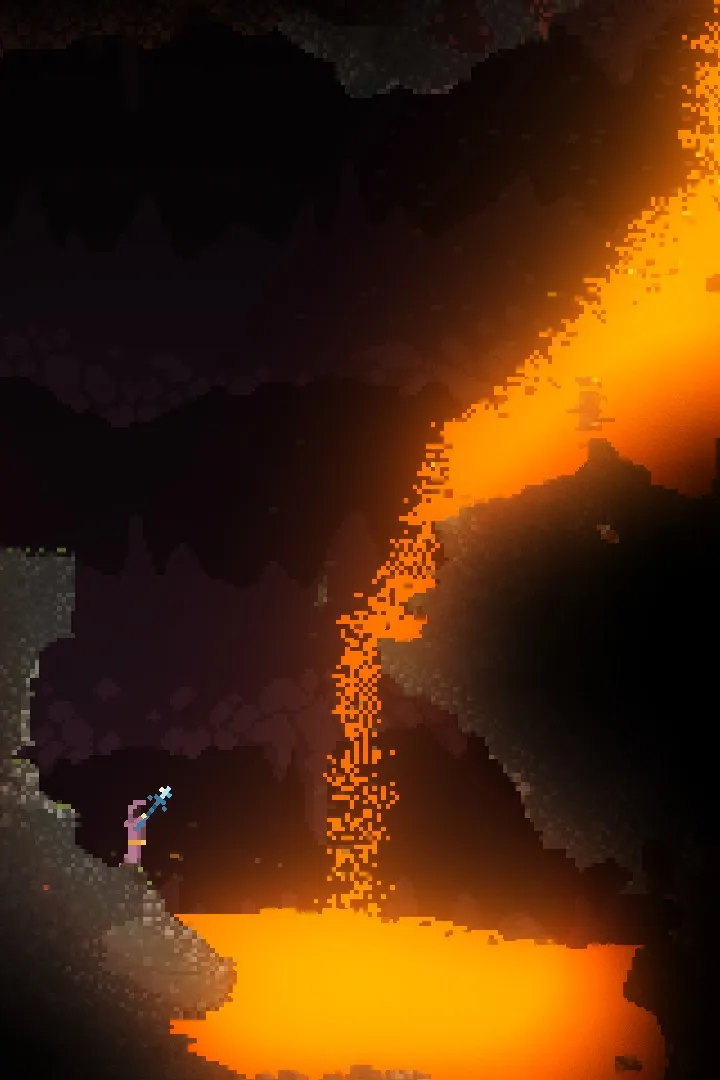
- Environmental Hazards: Watch out for falling rocks, explosive barrels, and pools of dangerous liquids like acid or lava.
- Angering the Gods: Seriously, don't break the Holy Mountain!
- Running out of Mana: Always have a backup plan or a wand with a low mana cost for emergencies.
This comprehensive foundation should equip you with the essential knowledge to begin your journey into Noita. Remember, patience, experimentation, and a willingness to learn from every death are your greatest assets.
Controls and User Interface — Noita Guide
Learn Noita's default controls and understand the user interface elements like health, mana, and inventory for effective gameplay.
Controls and User Interface — Noita Guide
Learn Noita's default controls and understand the user interface elements like health, mana, and inventory for effective gameplay.
Save Management — Noita Guide
Understand Noita's frequent autosave system to preserve your progress and potentially mitigate frustrating deaths. This guide details its mechanics.
Noita is a notoriously difficult roguelite, and while death is permanent within a run, understanding its save system is crucial for both preserving progress and, for some, mitigating particularly frustrating losses. Unlike many games, Noita autosaves frequently and aggressively, meaning there's no manual "save game" option in the traditional sense. This section will detail how Noita handles saves and provide strategies for managing them effectively.
Understanding Noita's Autosave
Noita employs a continuous autosave feature. This means:
- Every time you enter a new biome (e.g., from the Mines to the Coal Pits).
- When you pick up a significant item (like a new wand, perk, or spell).
- Upon taking damage or healing.
- When you exit the game normally.
This constant saving is designed to prevent "save scumming" – the act of reloading an earlier save to undo a mistake. However, there are still methods players use to interact with this system.
Locating Your Save Files
Knowing where Noita stores its save data is the first step to any save management strategy. The exact location can vary slightly depending on your operating system and how you installed the game (e.g., Steam vs. GOG).
Windows (Steam Version)
For most Windows users playing via Steam, your save files will typically be found in a path similar to this:
C:\Users\[Your Username]\AppData\LocalLow\Nolla Games\Noita\save00
[Your Username]: Replace this with your actual Windows user account name.AppData: This folder is often hidden by default. You may need to enable "Show hidden files, folders, and drives" in your File Explorer options to see it.save00: This folder contains all the critical save data for your current run.
Other Operating Systems / GOG
While the exact path may differ, the general structure will be similar. Look for a folder named "Nolla Games" or "Noita" within your user's application data directory.
Backup Strategies (The "Save Scumming" Method)
While not officially supported or intended by the developers, many players utilize manual backups to recover from disastrous mistakes or to experiment without fear of permanent loss. This is often referred to as "save scumming."
Step-by-Step Backup and Restore:
- Identify a Safe Point: Before attempting something risky (e.g., fighting a particularly tough boss like the High Alchemist, diving into the Vault, or experimenting with dangerous alchemical reactions), decide you want a backup.
- Exit the Game: Crucially, you must exit Noita completely. Do not just pause; close the application. This ensures the game has finished writing its current save state.
- Locate
save00: Navigate to thesave00folder as described above. - Create a Backup: Copy the entire
save00folder and paste it to a different location on your computer (e.g., your Desktop, a dedicated "Noita Backups" folder). You might want to rename this copied folder to something descriptive, likesave00_MinesExitorsave00_BeforeDragon. - Resume Play: Relaunch Noita and continue your run.
- If Things Go Wrong: If your risky endeavor results in an unwanted death or a critical mistake:
- Exit Noita Immediately: Do not let the game autosave your death. Close the application as quickly as possible.
- Delete Current Save: Go back to the original
save00folder and delete its entire contents. - Restore Backup: Copy the contents of your backed-up
save00_MinesExit(or whatever you named it) back into the now-empty originalsave00folder. - Relaunch Noita: You should now be able to load your game from the point where you made the backup.
Important Considerations:
- Frequency: Back up frequently if you're prone to mistakes or exploring new areas.
- Storage: Save files are relatively small, so you can keep multiple backups if desired.
- Integrity: Always ensure Noita is completely closed before copying or pasting save files to avoid corruption.
- Ethical Debate: Be aware that some players consider this practice against the spirit of Noita's roguelite design. Use it as you see fit for your personal enjoyment.
Managing Persistent Data (Unlocks and Progress)
Beyond individual run saves, Noita also stores persistent data that carries over between runs. This includes:
- Unlocked Perks: Perks you've encountered and unlocked for future runs.
- Unlocked Spells: Spells added to your spell library.
- Unlocked Enemies: Bestiary entries.
- Progress on Orbs/Endings: Tracking your progress towards various game endings.
This persistent data is stored in different files within the same general save directory, often in a folder like persistent_data or directly in the main save folder. Backing up these files can be useful if you're worried about data corruption or want to revert to an earlier state of unlocks (though this is less common).
The primary file for persistent data is often named stats.xml or similar. If you're looking to completely reset your game's progress (all unlocks, all stats), deleting this file (and potentially others in the persistent_data folder) will achieve that, but proceed with caution as this is irreversible without a backup.
Cloud Saves (Steam)
If you play Noita on Steam, Steam Cloud Save is enabled by default. This means your save00 folder and persistent data are automatically uploaded to Steam's servers. While convenient for syncing between devices, it also means that Steam might restore an unwanted save (like a "dead" run) if you're not careful with manual backups. If you intend to use the manual backup method described above, consider temporarily disabling Steam Cloud for Noita to prevent conflicts.
Disabling Steam Cloud for Noita:
- Right-click Noita in your Steam Library.
- Select "Properties."
- Go to the "General" tab.
- Uncheck the box next to "Keep games saves in the Steam Cloud for Noita."
Remember to re-enable it if you want Steam to manage your saves again, but be mindful of potential overwrites.
Similar guides you might like





100% Human-Written. AI Fact-Checked. Community Verified. Learn how AntMag verifies content