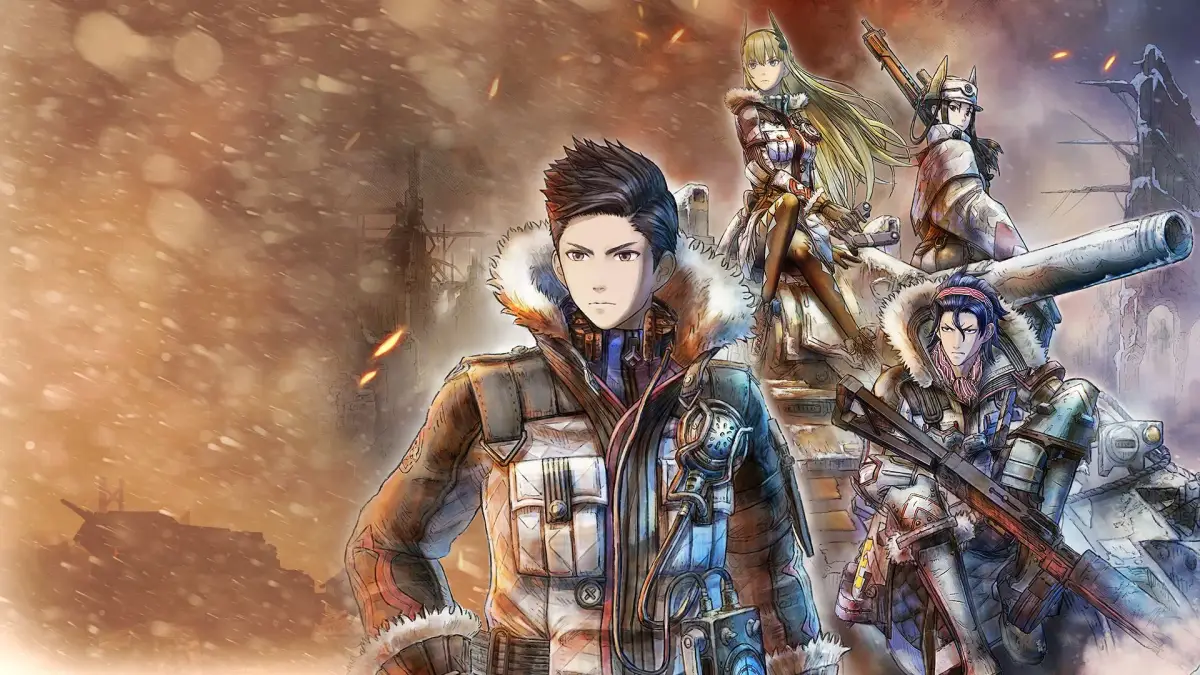
Master vehicle controls, AP conservation, and APC defense upgrades in Valkyria Chronicles 4. Learn how to use smoke and direct command effectively.
Vehicle Controls:
- Moving the camera stick up or down aligns it with the vehicle's forward/backward movement. If the camera is aligned along the vehicle's side, controls are reversed.
- To turn a tank 360 degrees, slowly adjust the camera angle as you turn the vehicle. Tanks require significant clearance to turn.
- Avoid hugging corners with vehicles as terrain can easily cause them to get stuck. Some areas may drain AP without moving the vehicle.
- Vehicles can use momentum to slide down hills and stairs, conserving AP.
Vehicle Defense and Damage:
- Tanks are nearly immune to damage from anti-personnel Grenadier mortars.
- Vehicles can knock enemies into environmental hazards like fire, particularly in Chapter 6.
- The APC deploys units on its right side by default, even with nearby enemies or hazards. If the right side is blocked, it will attempt the left. Orient the APC for desired deployment.
- APC defense upgrades increase its defense, potentially making it immune to damage from some Gatling turrets and heavy/ultimate tank turrets when hit from the front. The APC starts at 183 defense and can reach 192. Defense increases occur at Chapters 6, 8, 11, and 13, with postgame upgrades reaching 190/192.
- Vehicle plating (non-radiator) defense differs from infantry defense. Radiators always take at least one damage. However, vehicles can take 0 damage from vsArmor attacks if their plating defense exceeds the attack's vsArmor value. If a grenade does no damage to your tank, its defense is likely higher than the grenade's vsArmor.
Smoke Mechanics:
- When an Allied vehicle fires from within smoke, it becomes compromised and must exit and re-enter the smoke to become hidden again. This applies even if using a Gatling weapon, achieving a surprise attack, or if not spotted.
- If a tank inside smoke is hit with cannon fire, the smoke dissipates. However, if a tank fires cannon fire from within smoke at a target outside, the smoke does not dissipate. Tanks exploding inside smoke also do not dissipate it.
- Vehicles have difficulty spotting other vehicles inside smoke.
AP and Command Point Efficiency:
- Before Scout Leaders are available, Riley is a useful leader for directing units due to her non-scout leader status.
- Deploy leaders to gain more command points (CP) per turn. Some squad stories allow leader deployment after a mission begins.
- Move characters like a race track, hugging corners tightly to maximize AP usage.
- Areas like ladders can be used by approaching slowly and pressing the 'x' button when displayed to save AP.
- Climbing up and then down ladders can reposition units to the center of the ladder, saving AP for forward movement.
- Consider the 'cost of CP' for strategies. For example, a Shocktrooper might kill an enemy behind sandbags in one CP with a flamethrower, but if reaching the enemy takes 3 CP, a Scout using a grenade and gun might be more efficient (2 CP total) if its movement costs only 1 CP.
- Use team attacks against entrenched enemies like turrets and tanks.
- Moving over sandbags does not cost AP, allowing for increased travel distance if used strategically.
- Enemy units can inflict friendly fire on their own units. This is most effective with bulletproof vehicles. The time it takes depends on the firing enemy and the target's HP.
- The APC can board units through solid objects like fences and walls in map mode, which is not possible in action mode if line of sight is blocked.
- Aim at enemies' feet or use explosives if they have very low HP, as this can still result in a kill even if they dodge.
- Sometimes throwing a grenade is more effective than firing shots that might miss.
- To ensure a scout reaches a target without AP loss, clear the path with other units first and use the scout only for highly reliable actions.
- Pay attention to enemy movement to maximize interception fire kills and save CP.
- Disrupting an enemy Grenadier with an explosive will cause them to stand up and be unable to fire until they set up on the next enemy turn, potentially allowing safe passage.
- Using direct command on a leader unit resets their AP to full. This allows for covering large distances or performing multiple actions before resetting AP to assist allies.
- Direct command can reorient a unit's facing for optimal interception fire. This can be combined with unit movement by recruiting and disbanding multiple units.
- When using direct command, if your leader crouches in grass or at a sandbag, the units following them will also crouch.
100% Human-Written. AI Fact-Checked. Community Verified. Learn how AntMag verifies content