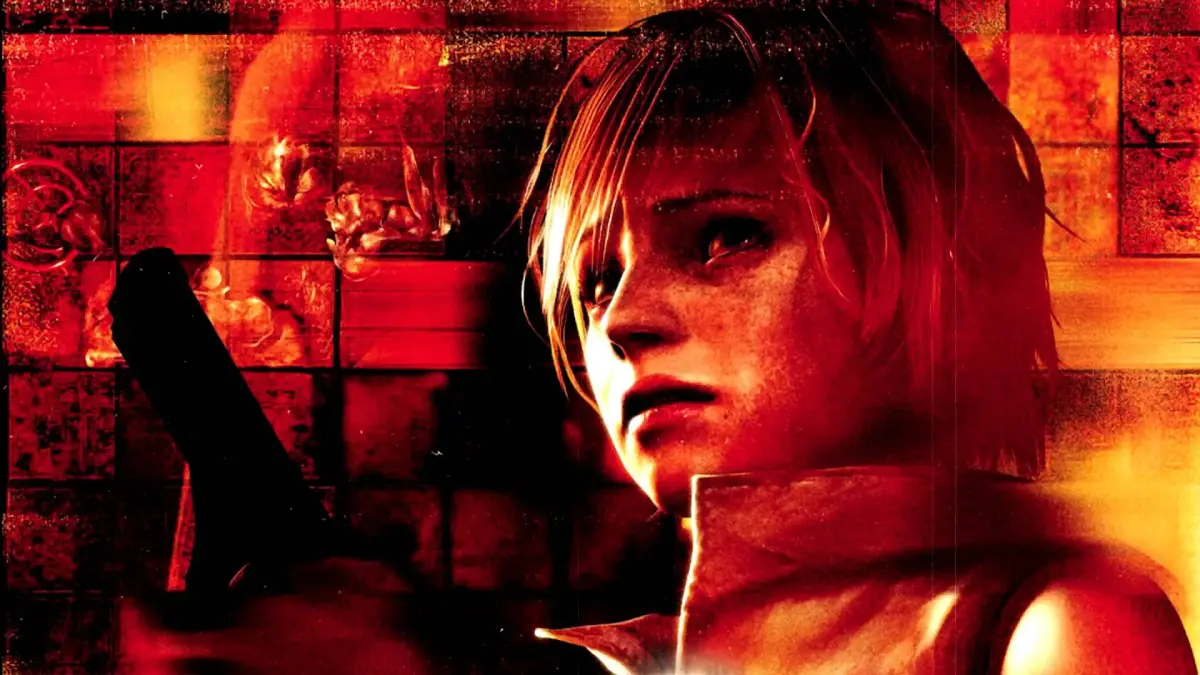
Learn about the Noise Effect in Silent Hill 3, a visual filter that imitates old horror films. You can choose to enable or disable it from the start.
The Noise Effect is a filter that fills the screen with static, creating a visual style reminiscent of old, gritty horror films. While it aims for a specific aesthetic, Silent Hill 3 is considered one of the best-looking games on the PlayStation 2. It is recommended to turn the Noise Effect off to fully appreciate the game's detailed graphics without any visual muddiness. If you plan on replaying the game, you might consider keeping it on for your initial playthrough and then disabling it to compare the difference. The effect can be turned off from the beginning of the game, unlike in previous installments of the series.
- Consider turning the Noise Effect off to experience Silent Hill 3 in its highest detail.
- If you are playing Silent Hill 3 multiple times, try turning the Noise Effect on for your first playthrough and then off for subsequent ones to see the difference.
- Unlike previous games in the series, the choice to enable or disable the Noise Effect is available from the start in Silent Hill 3.
100% Human-Written. AI Fact-Checked. Community Verified. Learn how AntMag verifies content