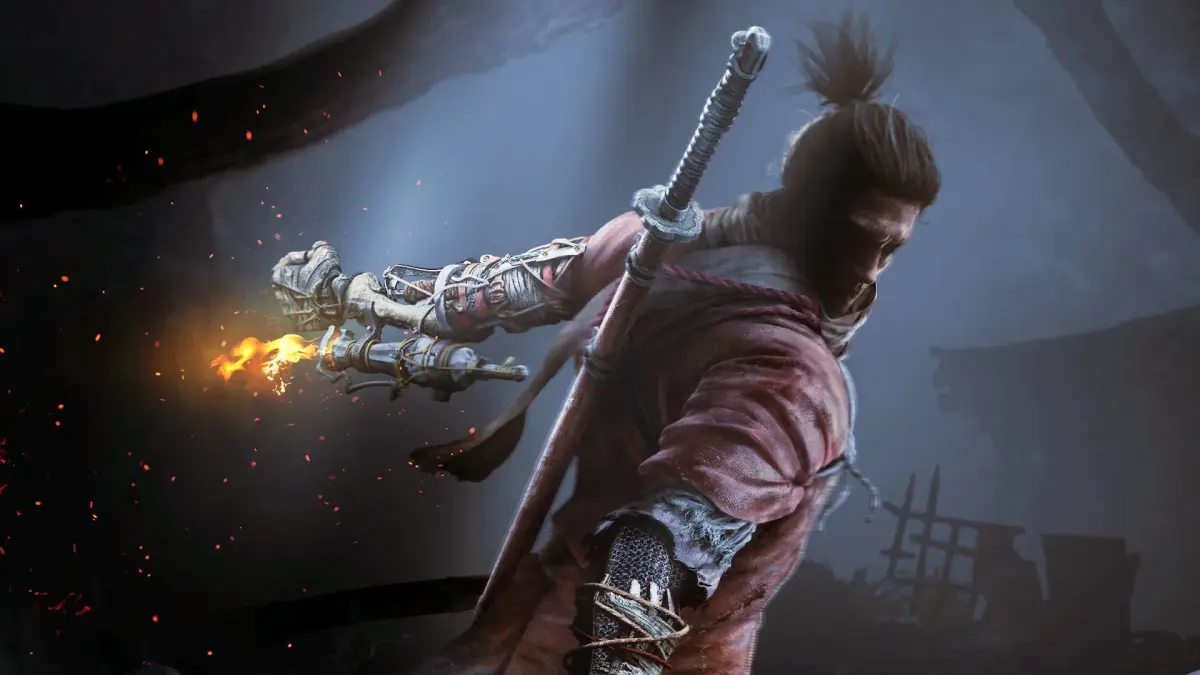
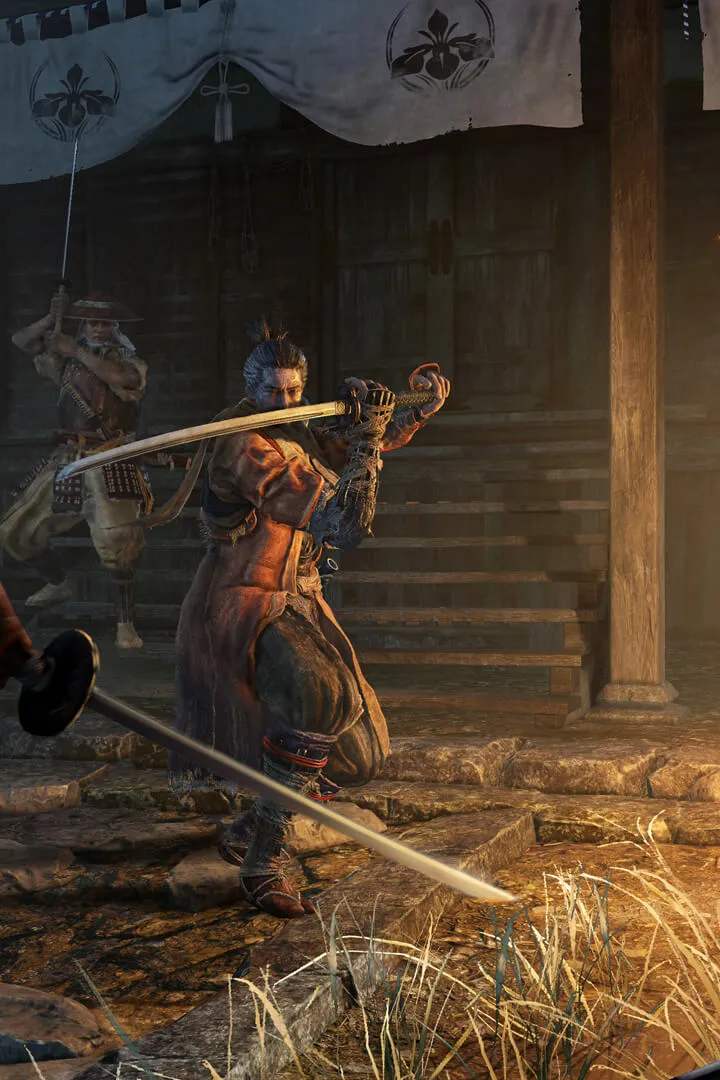
Getting Sekiro: Shadows Die Twice up and running? Here's a quick rundown on the system requirements and how to get it installed so you can start your journey as the One-Armed Wolf.
Sekiro: Shadows Die Twice - System Requirements & Installation
Hey there, aspiring shinobi! So you're ready to dive into the brutal world of Sekiro: Shadows Die Twice and take on the role of the One-Armed Wolf? Awesome choice! Before you can start deflecting blows and seeking revenge, you'll need to make sure your rig is up to snuff and get the game installed. Let's walk through it.
System Requirements
Sekiro isn't the most demanding game out there, but it's always good to know what you're working with. Here are the official system requirements:
Minimum Requirements:
- OS: Windows 7 64-bit | Windows 10 64-bit
- Processor: Intel Core i3-3220 or equivalent
- Memory: 4 GB RAM
- Graphics: NVIDIA GeForce GTX 660 or equivalent
- DirectX: Version 11
- Storage: 25 GB available space
Recommended Requirements:
- OS: Windows 7 64-bit | Windows 10 64-bit
- Processor: Intel Core i5-2500K or equivalent
- Memory: 8 GB RAM
- Graphics: NVIDIA GeForce GTX 970 or equivalent
- DirectX: Version 11
- Storage: 25 GB available space
Quick Tip: While these are the official specs, if you're on the lower end of the minimum, you might need to tweak some settings in-game to get a smooth experience. Don't worry, we'll cover that in the graphics settings guide!
Installation
Getting Sekiro installed is pretty straightforward, especially if you've installed games before. The most common way is through a digital storefront like Steam.
- Purchase the Game: If you haven't already, grab a copy of Sekiro: Shadows Die Twice from your preferred digital storefront (like Steam).
- Download and Install: Once purchased, find Sekiro in your game library and hit the 'Install' button. The client will handle the download and installation process. Make sure you have at least 25 GB of free space on your drive!
- Launch the Game: After installation is complete, you can launch the game directly from your library. You might be prompted to install DirectX or other necessary components the first time you run it – just follow the on-screen instructions.
A Note on Physical Copies: If you happen to get a physical copy, it will likely come with a product key. You'll need to redeem this key on the relevant digital storefront (usually Steam) to download and install the game.
And that's it! You're now ready to embark on your perilous journey through Sengoku-era Japan. If you run into any issues during installation or have questions about the system requirements, don't hesitate to check out the community forums or the official support pages. Now go, Wolf, and don't let Kuro down!
100% Human-Written. AI Fact-Checked. Community Verified. Learn how AntMag verifies content