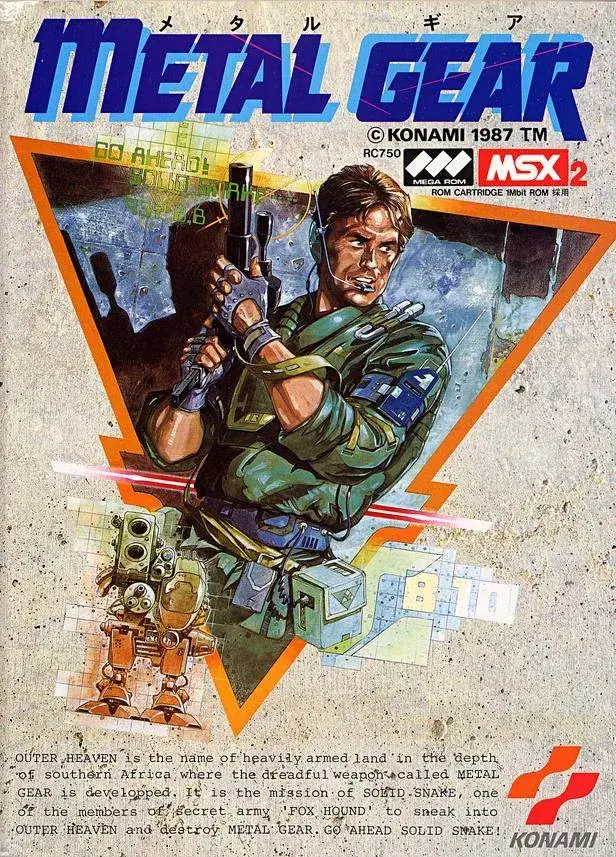
Learn how to quickly equip and unequip weapons and items in Metal Gear using L1 and R1, including the Stinger Launcher.
You can quickly remove and re-equip weapons or items that you have already assigned to your inventory buttons. This is particularly useful if you have a Stinger Launcher equipped and need to quickly switch to another weapon or run away without the cumbersome launcher slowing you down.
How to Use:
- Equip a weapon or item from your inventory buttons.
- Tap the R1 button to unequip the currently held item.
- Tap the R1 button again to re-equip the same item.
Tips
- This method is ideal for quickly switching to a lighter weapon or item when you need to escape quickly, such as when you have the Stinger Launcher equipped and want to run away.
- Mastering this technique allows for faster inventory management during intense moments in Metal Gear.
100% Human-Written. AI Fact-Checked. Community Verified. Learn how AntMag verifies content