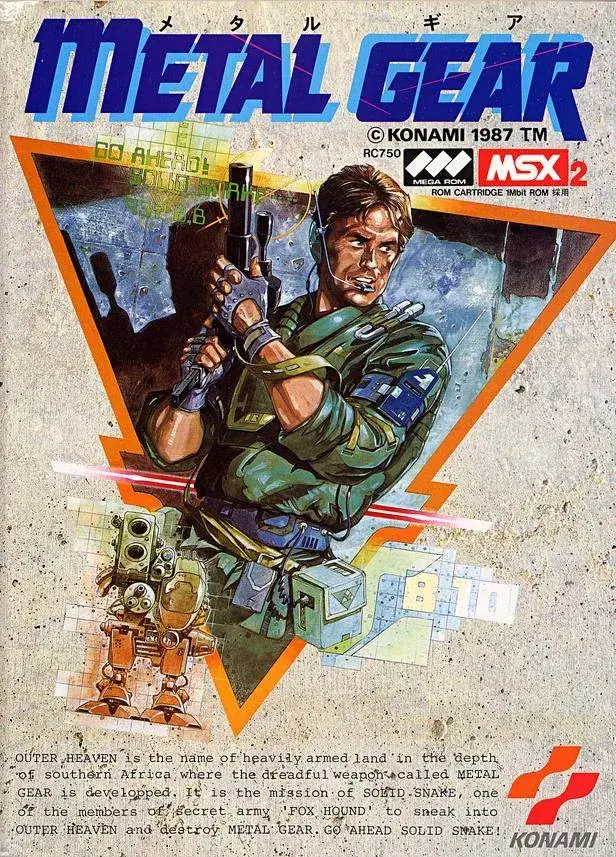
Unlock the secrets of Metal Gear's Demo Theater Mode with our comprehensive guide. Learn how to access and utilize this feature to relive iconic moments and understand the game's narrative.
The Demo Theater Mode in Metal Gear allows players to revisit cutscenes and key narrative moments. This section of the guide will detail how to access and navigate this feature.
How to Access Demo Theater Mode:
To access the Demo Theater, navigate to the main menu of the game. Look for an option labeled 'Demo Theater' or 'Cutscenes'. Select this option to enter the mode.
Navigating Demo Theater Mode:
Once inside, you will see a list of available cutscenes. You can select any of these to play them. Some versions of the game may offer additional options such as playback speed or the ability to skip scenes.
Purpose of Demo Theater Mode:
This mode is ideal for players who wish to re-experience the game's story, catch up on missed cutscenes, or simply enjoy the cinematic presentation of Metal Gear.
100% Human-Written. AI Fact-Checked. Community Verified. Learn how AntMag verifies content