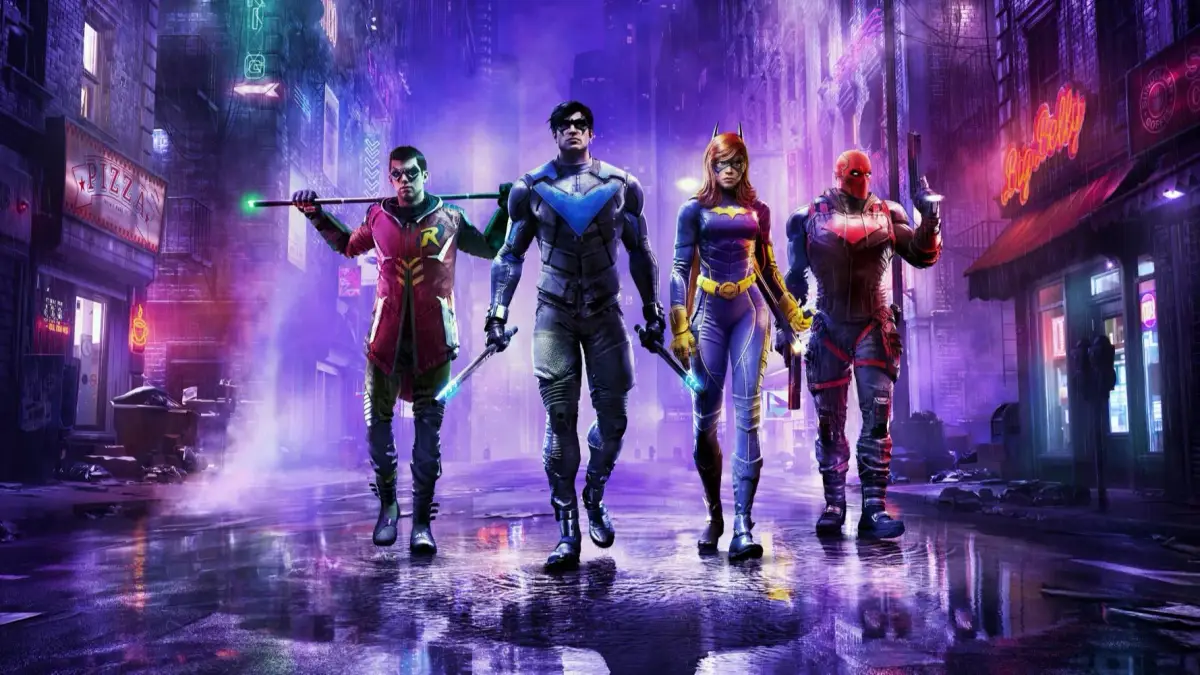
Looking to get the best performance in Gotham Knights? Check out the recommended PC settings for high graphical settings and 60 FPS gameplay.
Alright, so you're diving into Gotham Knights on PC and want to make sure it runs as smoothly as possible? Let's talk settings. The game's official recommendations are geared towards hitting a solid 60 FPS at 1080p, which is what we're aiming for. If your rig is close to what they suggest, you should be in good shape. But if you're on the lower end, you might need to make some compromises.
The big question for many is PC versus console. While the PS5 and Xbox Series X/S versions are locked at 30 FPS, the PC version *can* push for 60 FPS if your hardware is up to snuff. If you're not rocking at least the recommended specs, you might actually get a better experience on console, especially if future patches might lift that frame rate cap. But if you've got the recommended specs or better, PC is definitely the way to go for that buttery smooth 60 FPS.
On PC, you've got the advantage of tweaking settings like shadows, reflections, and atmospheric rendering to find that sweet spot between visuals and performance. Honestly, the difference between High and Ultra settings in most games, including likely Gotham Knights, is pretty subtle when you're in the heat of the action. So, don't be afraid to dial things back a bit if it means getting a much smoother frame rate.
Here are the official specs you'll want to aim for:
| Hardware / Software | Minimum |
| Operation System | Windows 10 64-bit |
| CPU | Intel Core i5-9600k or Ryzen 5 3600 |
| RAM | 8 GB |
| GPU | Geforce GTX 1660 Ti or Radeon RX 590 |
These minimum specs are for getting 60 FPS at 1080p with the lowest graphical settings. If you want to push for high graphical settings while still hitting 60 FPS at 1080p, you'll want to aim for these recommended specs:
| Hardware / Software | Minimum |
| Operation System | Windows 10 64-bit |
| CPU | Intel Core i7-10700k or Ryzen 5 5600x |
| RAM | 16 GB |
| GPU | Geforce RTX 2070 or Radeon RX 5700 XT |
So, check your rig against these numbers. If you're close to the recommended specs, you're in for a great-looking and smooth experience. If you're closer to the minimum, you might need to make some sacrifices in the graphics department, but you should still be able to get a playable 60 FPS.
100% Human-Written. AI Fact-Checked. Community Verified. Learn how AntMag verifies content