
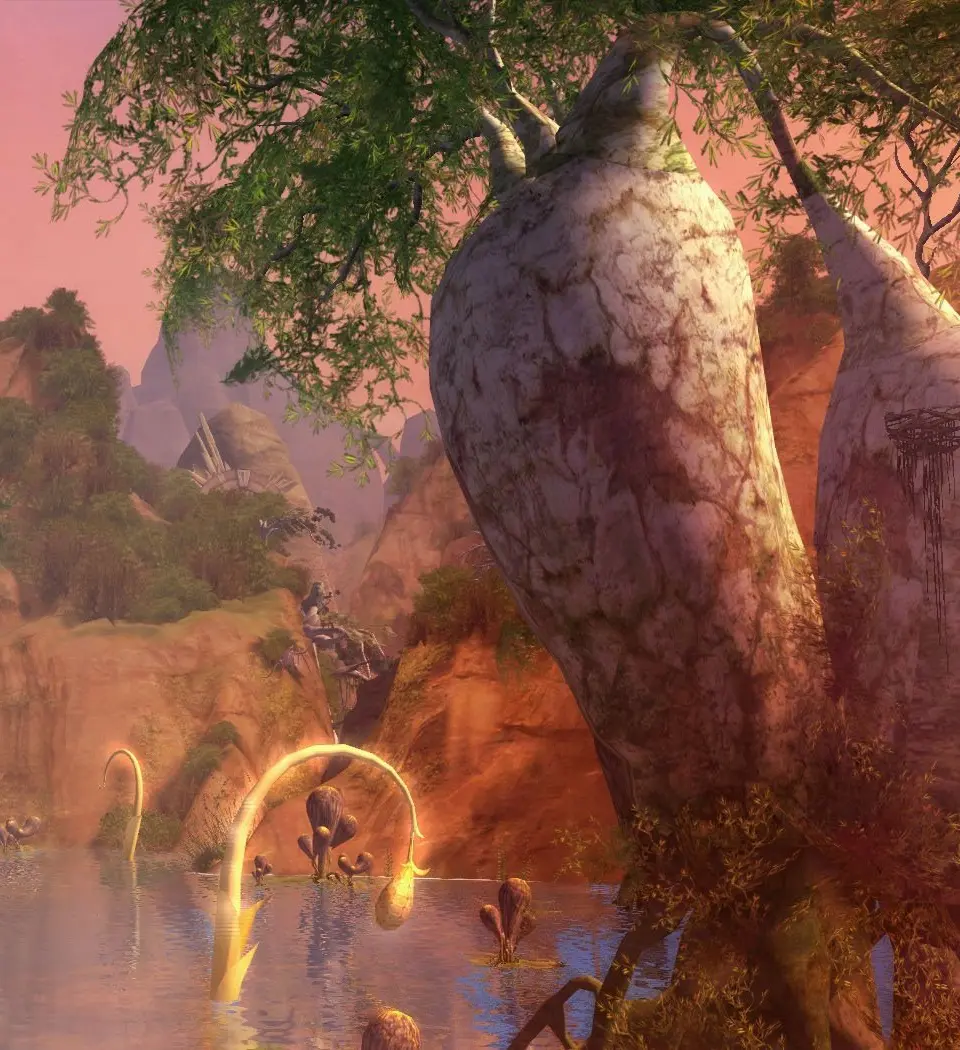
Navigate Aion's expansive world effectively using the in-game map. Learn to locate objectives and plan journeys for a better Daeva experience.
Navigating the expansive world of Aion is crucial for every Daeva, whether you're a fresh recruit or a seasoned veteran. The in-game map is your primary tool for understanding your surroundings, locating objectives, and planning your journeys. This section will guide you through effectively utilizing the map system to enhance your Aion experience.
Accessing and Understanding Your Map
To open your map, simply press the 'M' key (default binding). This will bring up the regional map, displaying your current location and surrounding areas. Key elements to observe include:
- Player Icon: A distinct arrow or character model indicating your current position and facing direction.
- Quest Markers: Exclamation points (!) for available quests, question marks (?) for completed quests ready to turn in, and various other icons for quest objectives.
- NPC Locations: Icons representing vendors, quest givers, flight masters, and other important non-player characters. Hovering over these icons will often display their name and function.
- Points of Interest (POIs): Landmarks, dungeons, rifts, and other significant locations are marked for easy identification.
- Region Boundaries: Clearly defined lines separating different zones and territories.
Interactive Map Features
Aion's map isn't just a static image; it's an interactive tool designed to assist your travels. Familiarize yourself with these features:
- Zoom In/Out: Use your mouse wheel or the dedicated zoom buttons on the map interface to adjust your view. Zooming out reveals a broader overview of the continent, while zooming in provides granular detail of your immediate vicinity.
- Panning: Click and drag your mouse across the map to pan and explore different areas.
- Waypoint System:
- Setting a Waypoint: Right-click on any location on the map to set a temporary waypoint. A glowing marker will appear both on your map and in the game world, guiding you to your chosen destination.
- Removing a Waypoint: Right-click on the active waypoint marker on your map, or simply set a new one to replace it.
- Benefits: This is invaluable for navigating complex terrain, finding specific quest objectives, or meeting up with party members.
- Filtering Options: Look for a small icon (often resembling a magnifying glass or gear) on the map interface. This allows you to toggle the visibility of various map elements, such as:
- Quest markers
- NPCs (by type, e.g., vendors, trainers)
- Resource nodes (e.g., Aether, Ore)
- Flight paths
Strategy: Use filters to declutter your map when focusing on specific tasks, like gathering resources or hunting down a particular quest giver.
Regional Navigation and World Information
The world of Aion is vast, comprising numerous Regions, each with its unique challenges and opportunities. Understanding the map's hierarchy is key:
- Continent View: When fully zoomed out, you'll see a high-level overview of your faction's continent (either Atreia for Elyos or Balaurea for Asmodians). This view is essential for planning long-distance travel or understanding the broader geopolitical landscape.
- Zone Maps: As you zoom in, you'll transition to detailed maps of individual zones, such as Poeta, Verteron, or Altgard. These maps provide intricate details of the terrain, enemy placements, and points of interest within that specific zone.
- Instance Maps: When entering a dungeon or instance, a separate, localized map will often appear. These maps are crucial for navigating complex layouts, identifying boss locations, and finding hidden treasures. Always check your instance map!
Advanced Map Strategies for End-Game Content
For high-level players engaging in the End Game Loop, efficient map usage becomes even more critical:
- Rift Tracking: Keep an eye on your map for active rifts, which are portals to enemy territory. These are often marked with distinct, pulsating icons. Knowing their locations is vital for both PvP engagements and defensive strategies.
- Gathering Routes: Experienced crafters and gatherers often use the map to plan optimal routes for collecting rare resources like Aether Gems or specific types of Ore. Mark known spawn points with temporary waypoints for efficiency.
- PvP Hotspots: In contested zones, the map can highlight areas of high player activity, indicating potential PvP encounters. Use this information to either engage in combat or avoid it, depending on your objectives.
- Fortress Sieges: During large-scale Fortress Sieges, the map becomes a tactical display, showing the positions of allied and enemy forces, siege weapons, and critical objectives. Pay close attention to commander call-outs and map markers during these events.
Mastering the map is an ongoing process. The more you explore and interact with it, the more intuitive your navigation will become, allowing you to traverse Aion's beautiful yet dangerous world with confidence.
100% Human-Written. AI Fact-Checked. Community Verified. Learn how AntMag verifies content