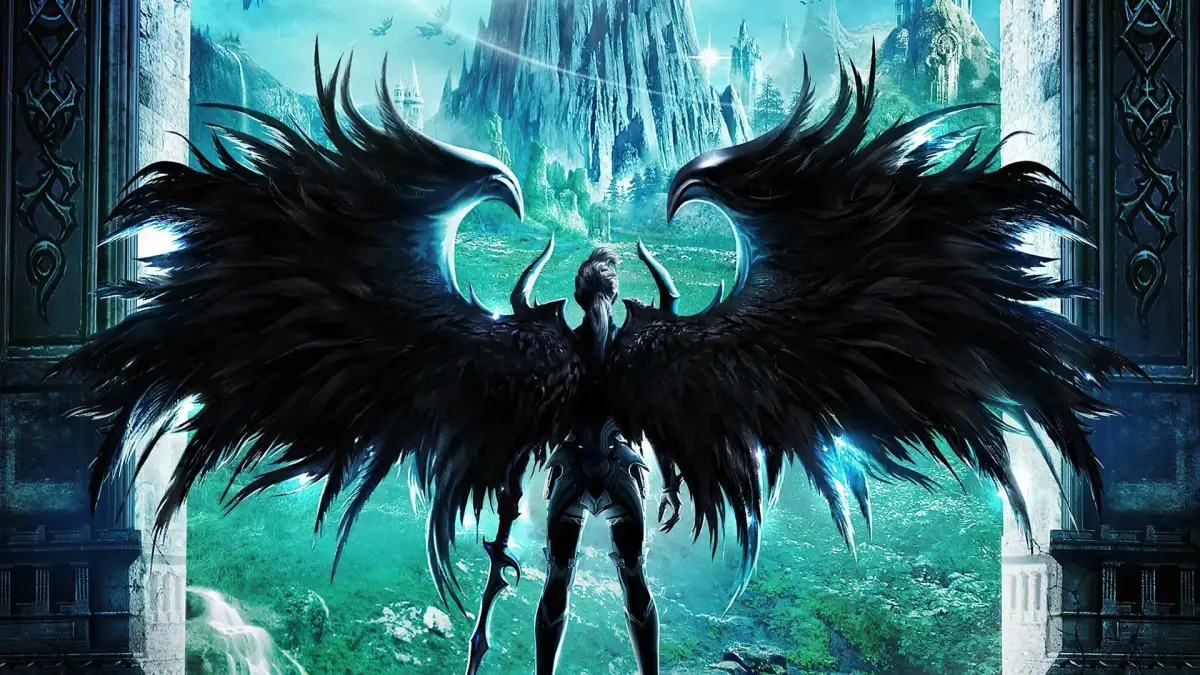
Master your Aion camera controls for tactical PvP and immersive PvE across Atreia and Balaurea. Optimize settings for better awareness and stunning visuals.
Mastering your camera controls in Aion is paramount for both efficient gameplay and capturing those breathtaking moments across Atreia and Balaurea. A well-managed camera can give you a tactical advantage in PvP, improve your situational awareness in PvE, and enhance your overall immersion. This detailed guide will walk you through optimizing your camera settings and using advanced camera techniques.
Basic Camera Controls
The foundation of camera control in Aion relies on a few key inputs:
- Mouse Movement: Holding down the right mouse button and moving your mouse will rotate your camera around your character. This is your primary method for looking around.
- Mouse Wheel: Scrolling the mouse wheel up and down will zoom your camera in and out. This is crucial for adjusting your field of view, from close-up action to a wider tactical perspective.
- Left Mouse Button (Click & Drag): While less common for general camera movement, holding the left mouse button and dragging will rotate your character, not just the camera. This is useful for precise character positioning without changing your camera angle.
- Keyboard Shortcuts:
- Home: Resets your camera to a default, slightly zoomed-out, behind-the-character view. In combat, this can be a quick way to reorient yourself.
- End: Toggles between first-person and third-person view. First-person offers unparalleled immersion but significantly reduces situational awareness.
- Insert/Delete: Adjusts the camera angle up and down, independent of your character's facing.
- Page Up/Page Down: Zooms the camera in and out, mirroring the mouse wheel functionality.
Advanced Camera Settings & Customization
Aion offers a robust set of camera options within the game's preferences. Access these by pressing 'O' (Options) and navigating to the "Game Options" tab, then selecting "Camera".
- Camera Speed:
- Rotation Speed: Adjusts how quickly your camera rotates when holding the right mouse button. A higher speed allows for faster reactions, especially in dynamic PvP encounters within the Abyss or during fortress sieges. Experiment to find a comfortable balance.
- Zoom Speed: Controls the rate at which your camera zooms in and out. A faster zoom can be beneficial for quickly transitioning between a wide overview and a detailed close-up of an enemy's movements.
- Camera Distance:
- Max Zoom Out: This slider is critical. Maxing this out allows you to zoom significantly further away from your character, providing a much broader view of your surroundings. This is invaluable in large-scale battles like those in Reshanta or during instances such as the Dark Poeta, where seeing incoming adds or enemy player positions is vital.
- Min Zoom In: Determines how close you can zoom to your character. While less tactically important, it's great for appreciating character models and gear.
- Camera Collision:
- Enable Camera Collision: This setting dictates whether your camera will "clip" into environmental objects (walls, trees, etc.) or smoothly move around them. Disabling collision can sometimes lead to your camera getting stuck in objects, but enabling it can occasionally obscure your view in tight spaces. Most players prefer to keep this enabled for a smoother experience.
- Auto-Follow Camera:
- Enable Auto-Follow: When enabled, your camera will automatically follow your character's movement direction. While convenient for casual exploration in zones like Poeta or Verteron, many experienced players disable this for greater manual control, especially in combat scenarios where independent camera movement is crucial.
Tactical Camera Usage in Combat
Effective camera control can be the difference between victory and defeat, especially in PvP and challenging PvE encounters:
- Situational Awareness: Constantly adjust your zoom level. Zoomed out for a broad overview of the battlefield, zoomed in for precise targeting and dodging. In instances like the Dredgion, quickly zooming out can help you identify enemy healers or key damage dealers.
- Targeting: Use your mouse to quickly snap your camera to new targets. This is faster than cycling through targets with the Tab key in many situations, particularly when dealing with multiple enemies.
- Environmental Awareness: In areas with verticality, such as the Abyss forts, adjusting your camera angle (Insert/Delete) can help you spot enemies above or below you, or identify safe landing zones.
- Kiting & Dodging: When kiting enemies or dodging AoE attacks, maintaining a clear view of both your character and the threat is essential. Practice moving with your camera constantly rotating to keep enemies in sight.
Capturing the Moment: Screenshots & Videos
Aion is a visually stunning game, and your camera is your tool for capturing its beauty:
- Toggle UI (F12): Pressing F12 will hide your entire user interface, allowing for clean screenshots. Combine this with varying camera angles and zoom levels to get the perfect shot of your character, a scenic vista in Heiron, or an epic boss battle in Tiamat's Hideout.
- First-Person View (End): For truly immersive screenshots, switch to first-person. This is excellent for capturing the scale of large structures or the intricate details of a new zone.
- Free Camera (Third-Party Tools): While not an in-game feature, some third-party tools (use with caution and at your own risk, ensuring they comply with Aion's terms of service) can offer a "free camera" mode, allowing you to detach the camera from your character for cinematic shots.
By dedicating time to understanding and customizing your camera settings, you'll gain a significant advantage and a more enjoyable experience throughout your adventures in Aion.
100% Human-Written. AI Fact-Checked. Community Verified. Learn how AntMag verifies content