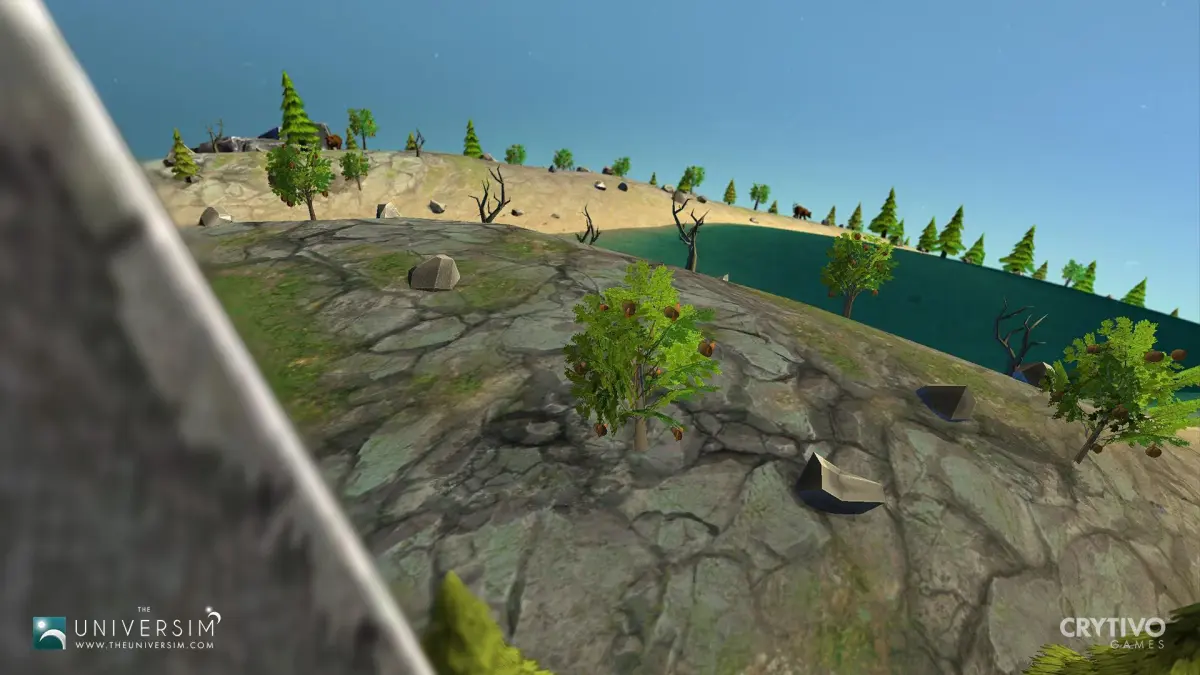
Master the initial setup and UI overview for The Universim. Manage Nugget population, Creator Points, and vital resources effectively from the start.
Upon starting a new game, you'll be presented with your first planet and a small group of Nuggets. The user interface (UI) is designed to give you quick access to all your divine powers, building menus, and vital information about your civilization. In the top left, you'll find your current population, resource counts (Food, Water, Stone, Wood, etc.), and your Creator Points. Creator Points are essential for using your divine powers, so manage them wisely. The bottom left houses your building menu, categorized by era and function. The bottom right displays your current objectives and notifications, keeping you informed of your Nuggets' needs and any impending disasters. Familiarize yourself with these elements to efficiently manage your growing civilization.
100% Human-Written. AI Fact-Checked. Community Verified. Learn how AntMag verifies content