New to The Universim? Learn the best way to start your civilization, from placing your Epicenter to managing water, food, and maintenance for a thriving population.
Alright, so you're diving into The Universim and want to make sure your little nuggets get off to a good start? That's smart! This guide will walk you through the essential first steps to build a civilization that doesn't just survive, but thrives. We'll cover everything from where to plop down your very first building to making sure everyone has water, food, and a place to live without falling apart. Let's get your civilization rolling!
Introduction
The Tutorial
When you first boot up the game, it'll offer you a quick tutorial. Seriously, do it! It's a super fast way to get the hang of moving the camera around and using some basic controls. It'll also give you a clearer picture of what you're aiming for in the early game.
The Mother Planet
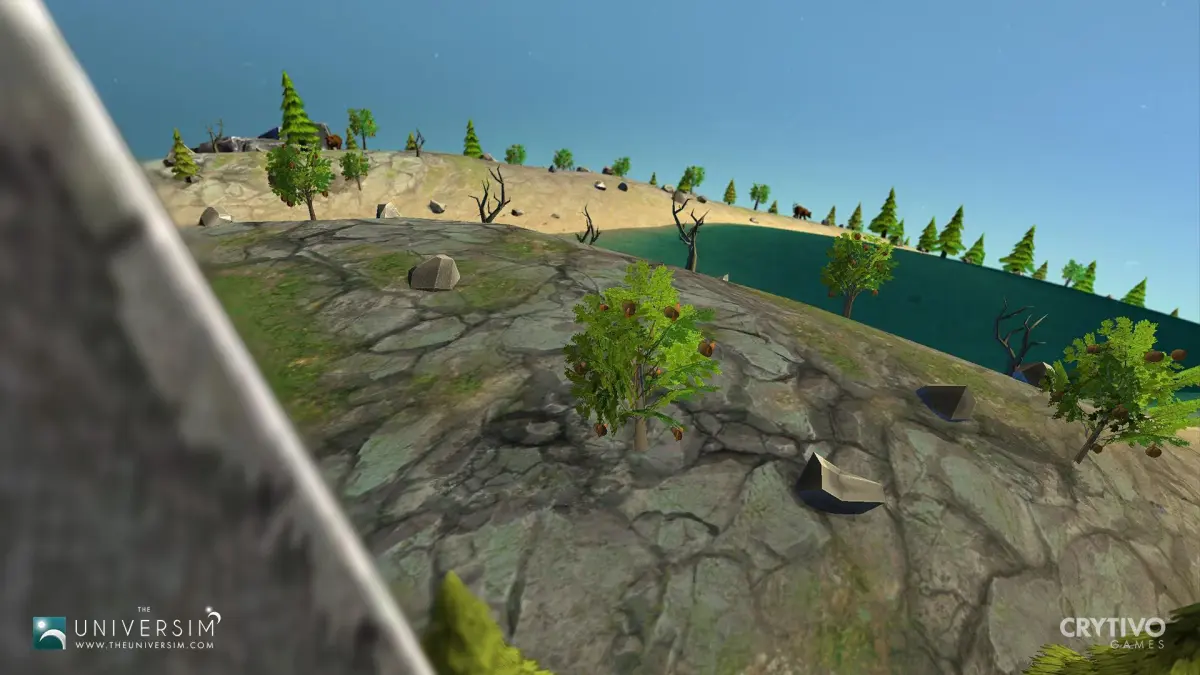
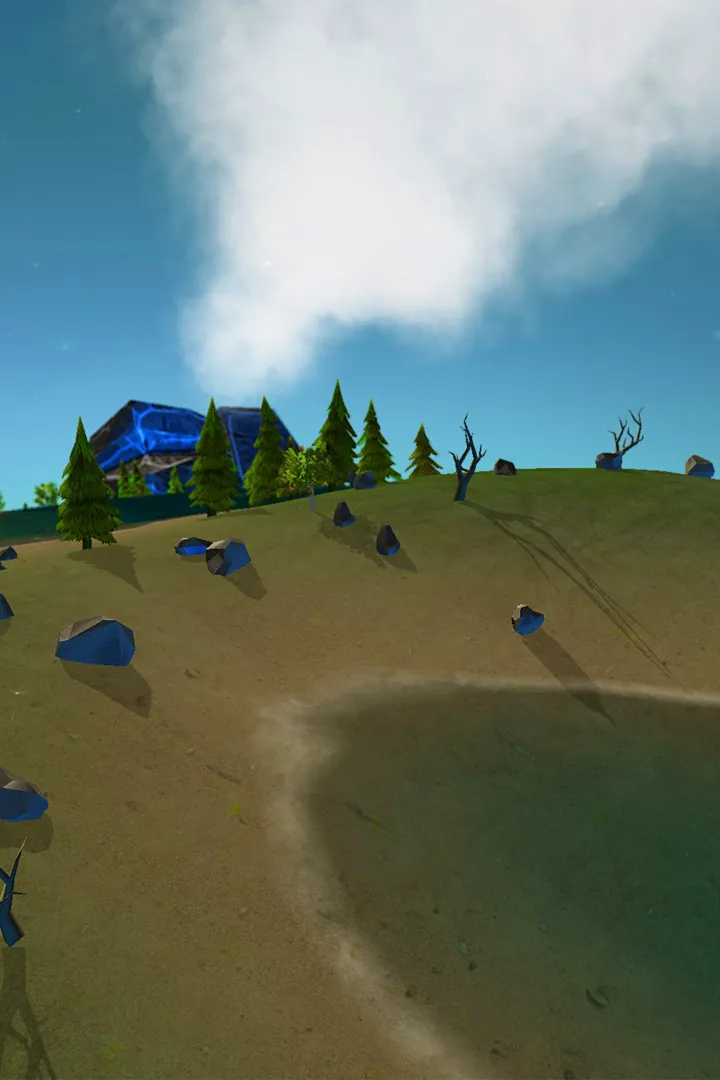
Once you're in, you'll see your starting planet, affectionately called the Mother Planet. Each game generates a new one, so it'll always look fresh with its own mix of water, land, and greenery, kind of like our own Earth. This is your blank canvas to build your civilization from the ground up.
The Epicenter
Your very first building is the Epicenter. This is the heart of your settlement, and once it's up, it'll spawn your initial four nuggets – two adults and two kids. Here's a pro tip: try to place the Epicenter somewhere with easy access to water, a forest, and some loose rocks. Having these resources close by means your nuggets won't waste precious time trekking across the map. When you're ready to place it, just left-click where you want it, and then confirm the placement.
Construction
Water
With your first four nuggets (the adults will get right to work gathering stuff, while the kids… well, they're kids), your immediate priority is water. You'll want to build a Well. Click that hammer icon in the bottom left to open the Buildings menu, find the Well under the Epicenter category, and place it near a good water source. You'll see numbers floating above your mouse – higher numbers mean a better water spot. While the Well is being built, think about your water sources. You can use them for more Water Pumps or for Fisher Piers to get food. Either way, more water access means faster resource gathering. Once the Well is done, get a Water Pump going, as most buildings need one to function.
Food
After securing your water supply, it's time to think about food. You've got two main options: fishing with Fisher Piers or growing crops with Farms. If you go the farming route, you might need another Water Pump to keep those crops happy and hydrated. Different crops have different needs – some prefer certain biomes or temperatures, and others take longer to grow but give you more food. For a quick start, try picking a crop that doesn't guzzle water.
Maintenance
As your population grows, you'll need to keep things from falling apart. Build an Engineer's Hut so you can repair buildings. If buildings collapse, you'll have to rebuild them from scratch, which is a huge waste of resources. It's also a good idea to build a Hospital or a Cemetery around this time. Injured nuggets lose health if they aren't treated, and dead nuggets can spread illness if not buried promptly. A widespread sickness or injury crisis can quickly spiral out of control and devastate your civilization.
Accessories
Once the basics are covered, you can add some nice-to-haves. Building an Eatery lets you turn raw food into prepared meals, which is always a good move. You can also build a Forecast Tower to get a heads-up on upcoming weather and seasonal changes, helping you plan ahead.
Repeat
As your civilization expands, you'll constantly need to build more of everything – more water pumps, more farms, more hospitals. Keep an eye on your growing population's needs and build accordingly. The game currently has a cap on nugget population, but that's expected to change as development continues. Just keep building and managing, and you'll be well on your way!
100% Human-Written. AI Fact-Checked. Community Verified. Learn how AntMag verifies content